Made with Genfire
Real outputs from the ai game generator.
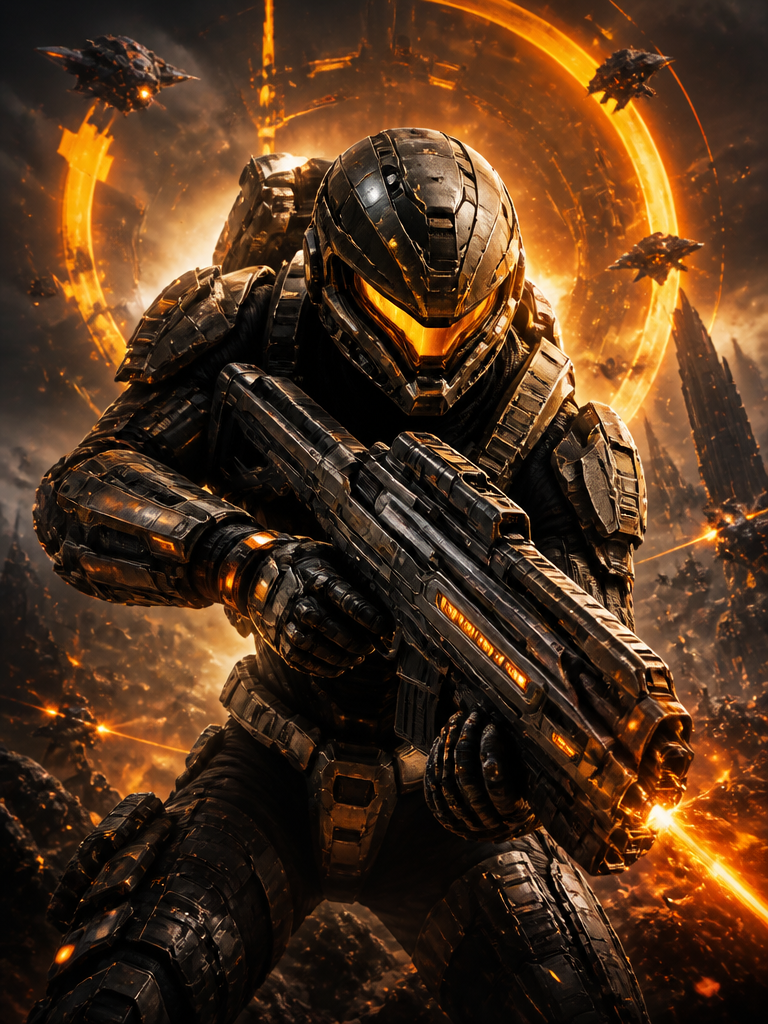 Shooter
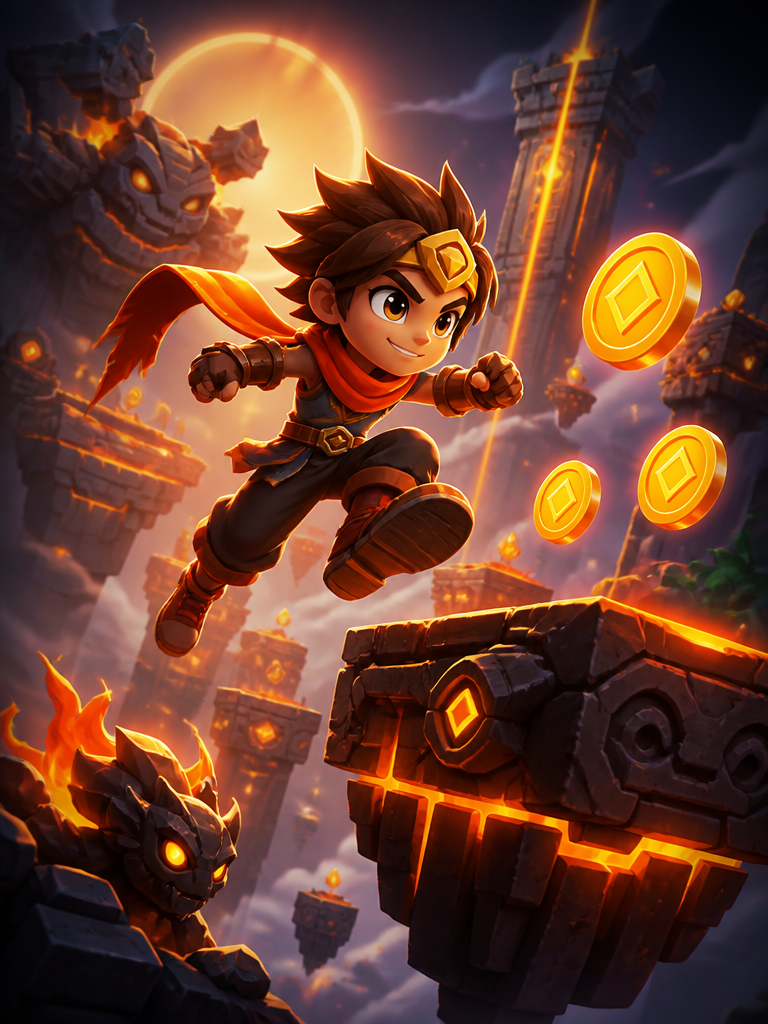 Platformer
 Racing
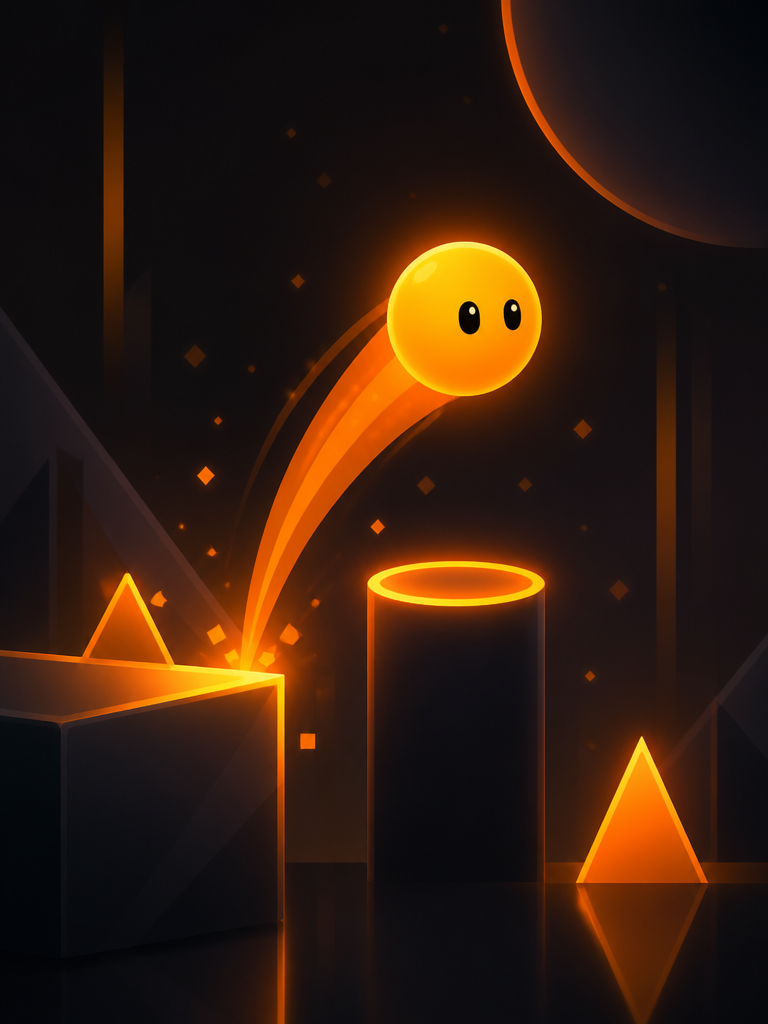 Hypercasual
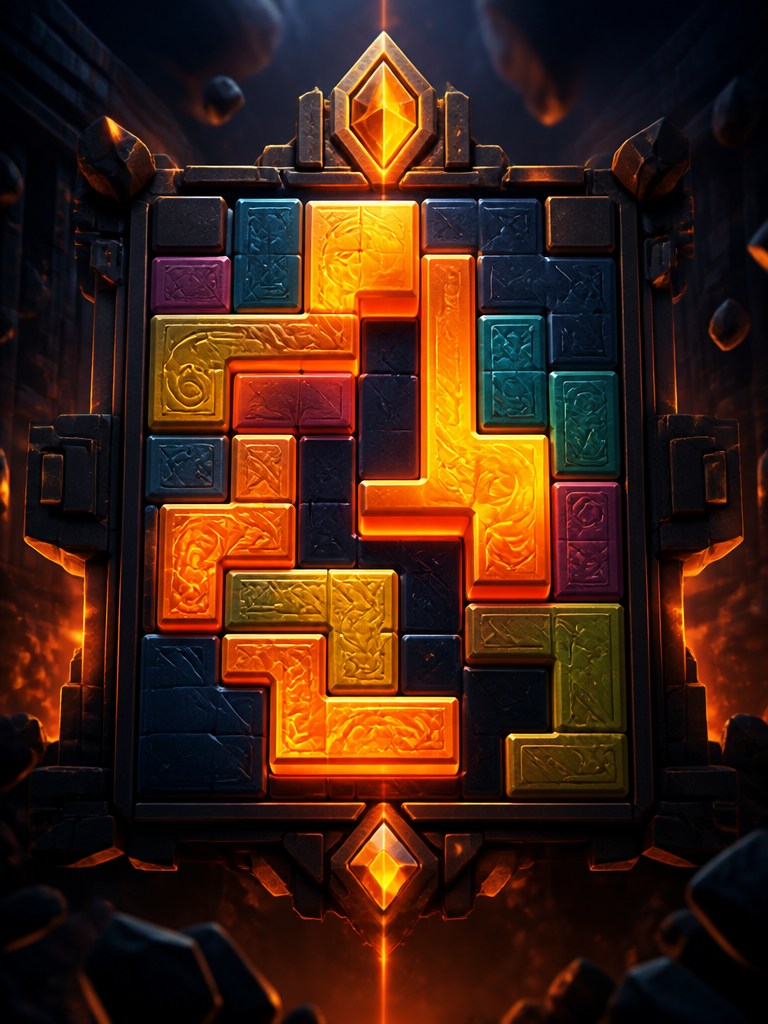 Puzzle
 Horror
What you can create
One tool, many formats — these are the things creators actually ship with the ai game generator.
Arcade shooters
Twin-stick swarms, bullet-hell waves, and high-score loops that just work.
Platformers
Run, jump, wall-slide, and dodge hazards through hand-tuned levels.
Hypercasual one-tappers
Single-input games with an instant loop and rising difficulty — built for sharing.
Puzzle games
Match-3, chain reactions, and clean rule sets with a satisfying solve.
Horror survival
Tense, dark-atmosphere escape games with threats to avoid and an objective.
Game-jam prototypes
Test a mechanic in minutes instead of a weekend of boilerplate.
Why Genfire
Prompt to playable game
Type a description — a platformer, a shooter, a puzzle, a vibe — and get a finished, self-contained game back. The agent writes the code and wires up the controls.
Plays in the browser, instantly
Games run as a single shareable web page — nothing to download or install. Anyone with the link can play on desktop or mobile.
Refine by chatting
Don’t like the jump height or want a boss fight? Tell Genfire in plain English and it iterates on the same game until it plays the way you want.
Genres, styles, and settings
Start from a genre preset — Shooter, Platformer, Racing, Hypercasual, Puzzle, Horror — and steer the art style and setting, or describe something entirely your own.
Game ideas
Steal these to get started — every one is a single click from a result.
How it works
- 1
Describe your game
Pick a genre or just write what you want. Choose a visual style and setting, or let Genfire decide.
- 2
Generate and play
Genfire builds the code, art, and controls and hands you a complete game you can play immediately in the browser.
- 3
Refine and share
Chat to tweak mechanics, difficulty, or look. Publish to get a live link anyone can play — or to the public Games gallery.
A game engine you talk to
Making a game has always meant a stack of prerequisites: an engine to learn, code to write, art to source, controls to wire up. Most ideas die in that gap between "wouldn't this be fun" and a working build. Genfire collapses the gap — you describe the game in plain English and the agent writes the code, generates the art, and handles the controls, returning a complete game you can play on the spot.
The output is deliberately simple to use: a single, self-contained web page. There is nothing to install for you or for anyone you share it with, and it runs on desktop and mobile from one link. That makes generated games perfect for embeds, side projects, marketing experiments, and just showing a friend the thing you thought up an hour ago.
Iteration is where it earns its place in your toolkit. Games are never right on the first pass — the jump feels floaty, the enemies spawn too fast, it needs a boss. Instead of digging through code, you tell Genfire what to change and it rebuilds the same game with the tweak applied. The loop is describe, play, refine — the way prototyping should feel.
Loved by creators
“The AI lip-sync for translations allowed us to enter 3 new markets flawlessly.”
“The clean plates and inpainting features are surprisingly robust for a web app.”
“I create engaging history lessons with the avatar feature. Students actually pay attention now!”
Frequently asked questions
How does the AI game generator work?
You describe the game you want in plain English. Genfire’s agent writes the game code, generates the art, and wires up the controls, returning a complete, self-contained game that runs in the browser — no game engine or coding required.
Do I need to know how to code or use a game engine?
No. You never touch code or an engine like Unity or Godot. You describe the game and refine it by chatting, and Genfire handles everything underneath.
What kinds of games can I make?
Genfire ships genre presets for shooters, platformers, racing, hypercasual, puzzle, and horror games, and you can steer the art style and setting freely — or describe a completely custom game from scratch.
Where do my generated games run?
Every game is a single web page that runs directly in the browser on desktop and mobile. You get a shareable link, and there is nothing to install for you or the people you share it with.
Can I share or publish the games I make?
Yes. Each game has a live play link you can share anywhere, and you can publish to the public Genfire Games gallery so anyone can browse and play it.
Are the games multiplayer?
Generated games are single-player browser games today. They run as a self-contained page and play on desktop and mobile — multiplayer is on the roadmap, not yet available.
Can I edit the underlying code?
The intended workflow is conversational — you refine the game by describing changes and Genfire rebuilds it. You do not need to read or edit code, which is the point.
How long does it take to generate a game?
A playable first version is generated in the same session — you describe it, it builds, and you play. Refinements rebuild the game in place each time you ask for a change.
Related tools

From the blog
All posts →Explore Genfire
AI Tools
AI Models
Start creating with AI Game Generator
65+ AI models, a visual workflow editor, persistent influencers, and an API — all in one app. Free plan included, no credit card required.
Get Started Free