Made with Genfire
Real outputs from the ai image generator.
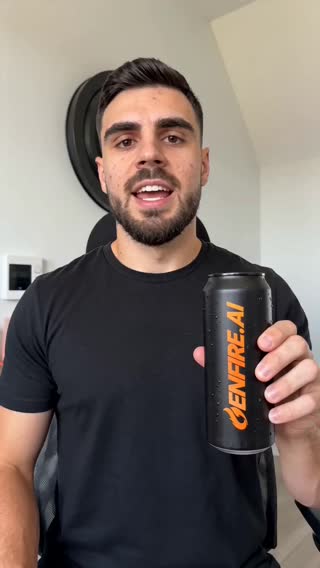 Nano Banana
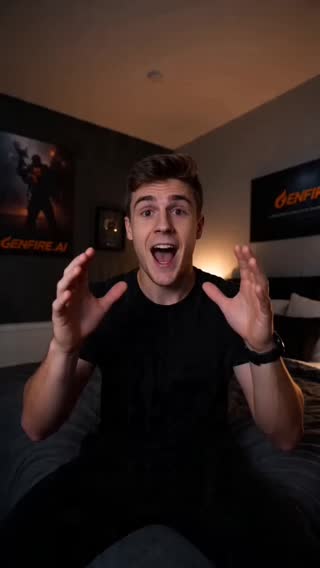 Seedream
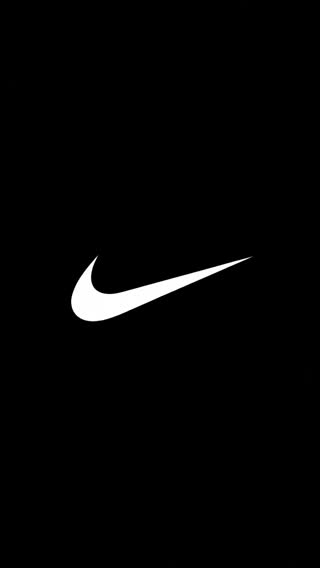 GENFIRE v1
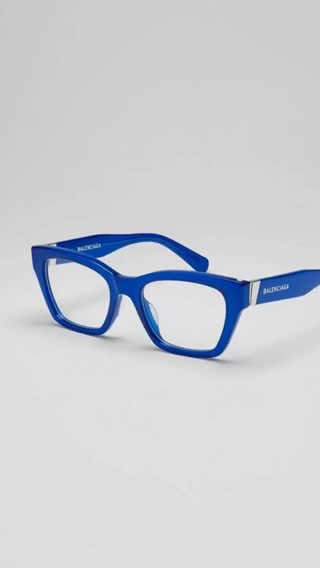 Nano Banana
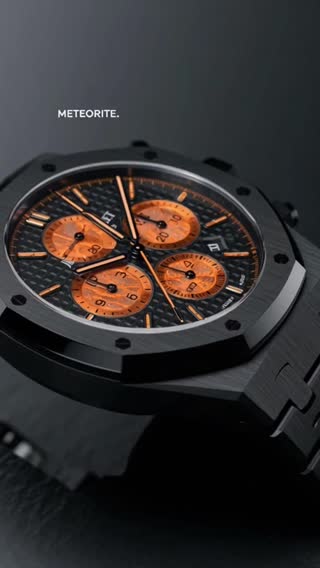 Seedream
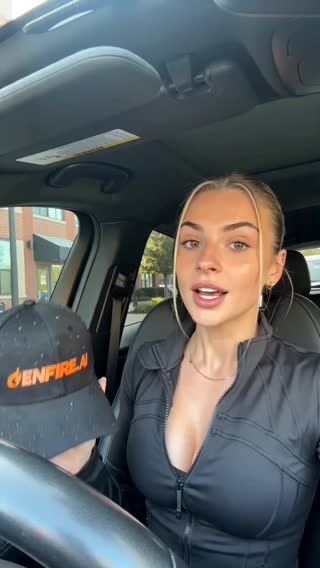 GENFIRE v1
What you can create
One tool, many formats — these are the things creators actually ship with the ai image generator.
Marketing visuals
Campaign imagery, banners, and social graphics in your brand's look.
Character design
Original characters with consistent identity across poses and scenes.
Product mockups
Studio-quality product shots and lifestyle placements without a shoot.
Concept art
Environments, moods, and worlds for film, games, and pitches.
Photoreal portraits
Editorial-grade people and faces that hold up at full resolution.
Thumbnails & covers
Scroll-stopping YouTube thumbnails and playlist covers in minutes.
Why Genfire
The best image models, one credit balance
Nano Banana, Seedream, GENFIRE v1 and more. Switch per generation and keep a consistent library of results.
Edit with plain language
Select an image and describe the change — swap backgrounds, restyle, add or remove objects. No masking or layers required.
Finishing tools included
Upscaling, background removal, and prompt extraction are built in, so generated images are delivery-ready.
Feeds the rest of the pipeline
Any generated image can become a video (image-to-video), a talking avatar, or a reference for a consistent AI influencer.
Prompt ideas
Steal these to get started — every one is a single click from a result.
How it works
- 1
Write a prompt
Describe the image, pick a model and aspect ratio. Add reference images for style or subject consistency.
- 2
Iterate fast
Generate variations, edit with text instructions, and refine until it matches the brief.
- 3
Finish and use
Upscale, remove the background, or send the image straight into video generation or an avatar.
From single images to a production pipeline
Image models have specialized: Nano Banana is exceptional at instruction-following and editing existing images, Seedream pushes photorealism, and GENFIRE v1 is tuned for the bold, social-first look Genfire creators publish daily. Having them in one generator means you pick per task instead of settling for one model's defaults.
The difference between an image tool and an image pipeline is what happens after generation. In Genfire, any image can be edited with plain-language instructions, upscaled for print, stripped of its background, animated into video, or locked in as the reference identity for a recurring character or AI influencer.
That last step matters more than it sounds: consistency is the hardest problem in AI imagery. Genfire's reference-image conditioning keeps faces, products, and styles stable across hundreds of generations — which is what separates a usable content system from a slot machine.
Loved by creators
“Finally, an AI tool that actually understands cinematic lighting. My portfolio looks amazing.”
“Switching models mid-project is seamless. This is the future of video production, available today.”
“The interface is so intuitive. I went from signup to my first viral video in under 15 minutes.”
Frequently asked questions
Which AI image models does Genfire use?
Genfire includes Nano Banana, Seedream, GENFIRE v1, and other leading image models. You choose the model per generation, and all of them share one credit balance.
Is there a free AI image generator plan?
Yes. A new account gets 20 free credits with no credit card, which covers multiple image generations so you can evaluate quality first.
Can I edit an existing photo with AI?
Yes. Upload any photo and edit it with text instructions — change backgrounds, restyle, or remove objects — using the built-in AI image editor.
Can I use generated images commercially?
Paid plans include a commercial license covering marketing, products, and client work.
Can I turn a generated image into a video?
Yes. Every image in your library can be animated with image-to-video models like Kling or Seedance 2.0 in one click.
What resolution are generated images?
Images generate at high resolution by default, and the built-in upscaler can push results further for print or large-format use.
Can I use reference images?
Yes. Reference images steer style and subject, and they are how Genfire keeps characters and products consistent across many generations.
How many images can I generate at once?
You can generate multiple variations per prompt and queue batches — useful for picking the strongest frame from a set rather than betting on one roll.
Related tools
From the blog
All posts →Explore Genfire
AI Tools
AI Models
Start creating with AI Image Generator
65+ AI models, a visual workflow editor, persistent influencers, and an API — all in one app. Free plan included, no credit card required.
Get Started Free