Made with Genfire
Real outputs from the ai character swap.
The original, then Genjudo
Real runs only — pick one to see the source clip beside what Genjudo made of it.
What you can create
One tool, many formats — these are the things creators actually ship with the ai character swap.
Re-cast a performance
Your original character in the lead role of a take you already like.
Outfit swaps
A new garment on the same body, with folds that follow the movement.
Product swaps
Your product in the hand of a UGC creator, with matched reflections and shadows.
Location swaps
The same subject and move, set somewhere new with the horizon and light matched.
Localised ads
One filmed spot re-cast for different markets without another shoot.
Influencer series
Your AI influencer stepping into trend formats with their identity kept consistent.
Why Genfire
The take stays as filmed
Expressions, hand movement, camera and timing come straight from the source clip. Only what you asked to change is rebuilt.
Swap more than people
Put your product in the hand, your garment on the body, or a new location behind the subject — with matched perspective, shadows and light.
Built for original characters
Cast characters you made in the AI Influencer Studio, or from your own images, and keep their identity consistent across every clip.
Up to four takes per run
Run the same swap one to four times and keep the take with the cleanest match.
Directions Genjudo uses
Steal these to get started — every one is a single click from a result.
How it works
- 1
Drop the clip
Upload the video you want to keep the performance from, or paste an Instagram reel link.
- 2
Add what goes in
Your character — or the product, outfit or location you want swapped into the shot.
- 3
Run the swap
Genjudo writes the direction, shows the exact cost, and returns up to four takes to choose from.
Swap keeps the take — that is the point
A good take is hard to get: the timing of a laugh, the way a hand turns a product toward camera, a camera move that lands on the beat. Character swap exists so you never have to give that up. Genjudo keeps the filmed performance, light, framing and timing, and rebuilds only the thing you asked to change.
That makes swap the right tool when the shot itself is already right and one element is wrong for your purpose — the wrong person for your brand, the wrong product, last season’s outfit, a location that does not match the campaign. When you want the moves but an entirely new shot, use motion transfer instead.
Swaps are directions like any other in Genjudo: the clip is @Video1, what goes in is @Image1, and the direction states what must match (scale, perspective, contact shadows, reflections) and what must not change. Run one to four takes, keep the cleanest, and use clips and people you have the rights to — original characters from Genfire’s AI Influencer Studio are the safe default.
Frequently asked questions
What is AI character swap?
AI character swap replaces the person or character in an existing video with a different one, while keeping the original performance, camera move, lighting and timing. Unlike motion transfer, which builds a new shot, a swap keeps the filmed shot and changes one thing in it.
Can I swap only the outfit or the product?
Yes. Genjudo’s swap presets cover the product in hand, the outfit, and the location as well as the character, so you can change one element and leave the rest of the take untouched.
Can I swap a real person into a video?
Only with their consent. Use clips you have the rights to and only put real people in a video if they have agreed to it. Original characters — for example ones you cast in Genfire’s AI Influencer Studio — are the safe default for anything you publish.
How long can the swapped video be?
Each run produces four to thirty seconds, following the length of the clip you trim to.
How much does an AI character swap cost?
It is billed per second of output from your Genfire credit balance, and the studio shows the exact cost before you run. Credit packs start at $19.
Does the swapped character keep the original expressions?
Yes. Swap keeps the source performance — expressions, head and hand movement, timing — and changes the identity or the element you asked to replace.
What is the difference between a swap and motion transfer?
A swap edits the filmed shot and leaves the rest untouched; motion transfer generates a new shot in which your character performs the source clip’s moves, optionally somewhere new. Both are modes of Genjudo.
Can I swap a character into an Instagram reel?
Yes — paste a public reel link as the source clip. Make sure you have the rights to the clip and consent from anyone who appears in what you publish.
Related tools
From the blog
All posts →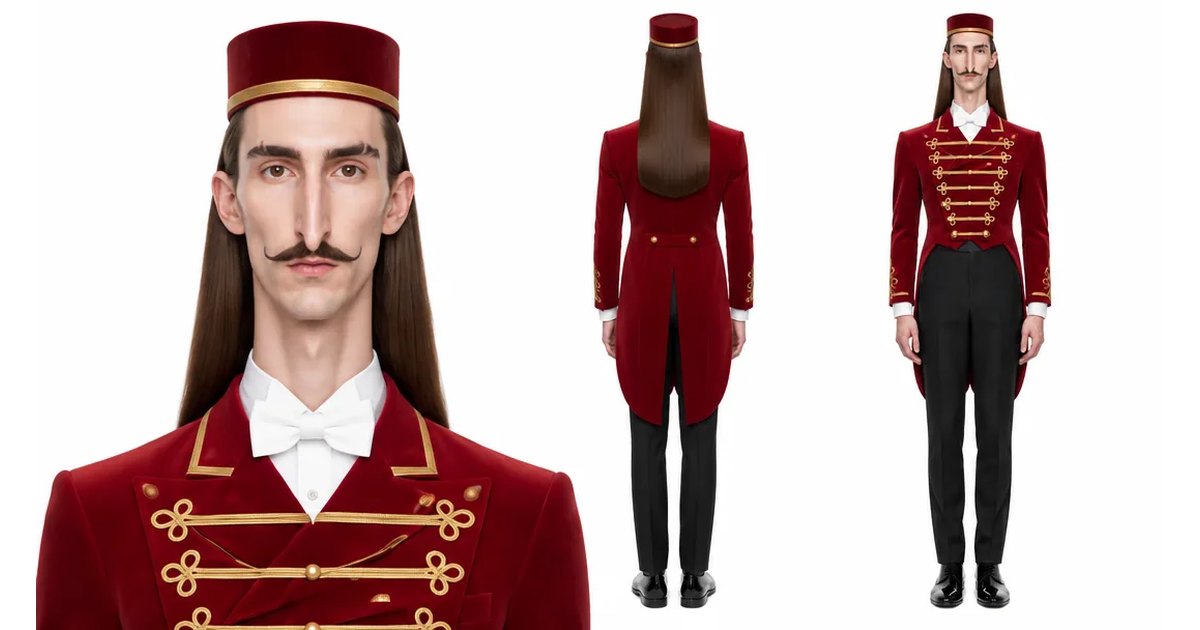
Explore Genfire
AI Tools
AI Models
Start creating with AI Character Swap
65+ AI models, a visual workflow editor, persistent influencers, and an API — all in one app. Free plan included, no credit card required.
Get Started Free