What Genfire v1 is best at
The house look, applied for you
A style layer goes in front of every prompt, so "a cold brew can on a concrete ledge" comes back lit and composed instead of flat. Short prompts land closer to finished, and a set of them stays consistent with each other.
Edit with up to 16 references
Attach reference images and Genfire v1 switches to its edit endpoint — up to 16 inputs in a single request, so a product, a person, a setting and a brand mark can all steer one generation.
Masked inpainting
Paint over a region and only that region is regenerated. Genfire v1 is one of the few models on the platform that accepts a mask, which is what the image studio uses when you fix a detail on an otherwise finished frame.
Quality, not resolution
Genfire v1 has no resolution dial. It exposes low, medium and high quality instead — draft a direction on low, then re-run the keeper on high with the same prompt and references.
Genfire v1 at a glance
Prompt ideas
Built to Genfire v1’s strengths — steal these to get started.
How to use Genfire v1 on Genfire
- 1
Describe it
Write a prompt, and pick Genfire v1 in the model selector.
- 2
Generate & compare
Render the image, iterate on the prompt, or run the same brief on a sibling model to compare — all from one credit balance.
- 3
Finish & publish
Send the result into Genfire's editor, upscaler, and audio tools, then export platform-ready output.
A model with an opinion
Most image models are neutral by design: type "a cold brew can on a concrete ledge" and you get exactly that, lit by nobody, framed by nobody. Getting a usable ad frame out of them means writing the direction yourself every time — the lens, the light, the contrast, the grade — and remembering to write the same direction tomorrow so the second image matches the first. Genfire v1 carries that direction as a style layer applied ahead of your prompt, asking for cinematic composition, professional lighting with warm amber highlights and cool blue shadows, rich dynamic range, vivid but natural color and a subtle grain. The practical effect is that short prompts come back looking directed, and a batch of them looks like it came from one shoot.
That is a trade, and it is worth being honest about which way it cuts. If you want a flat pack-shot on pure white, a neutral documentary frame, or a look you are dictating yourself in detail, a vendor model with no house opinion is the better tool — Nano Banana for instruction-led editing, GPT Image 2.5 for briefs with hard requirements and in-image text, Seedream 5.0 for commerce photorealism. All of them sit one chip away from Genfire v1 in the same panel and draw on the same credit balance, so switching costs nothing but a click. What Genfire v1 is for is the everyday case: ad and product creative where the look should be good by default and the prompt should be about the subject.
The working surface around it is the same on every route. Text-to-image takes 1:1, 16:9, 9:16, 4:3 and 3:4 and returns up to four images per request; attaching references moves the request onto the edit endpoint, which accepts up to 16 of them; painting a mask constrains the change to that region. Quality is three tiers rather than a resolution ladder, so the cheap pass and the final pass differ by a dropdown. Genfire v1 is the model the video editor reaches for when you generate a still inside a project, it heads the picker in the image studio and on the workflow canvas, and it is what those surfaces fall back to in edit mode when the model you had selected has no edit path at all. On the REST API it is image.genfire_v1; it is available through the MCP server at mcp.genfire.ai and from the @genfire/cli as well. Genfire is pay-as-you-go: credit packs start at $19, purchased credits last 12 months, optional monthly plans start at $29, and every purchase includes a commercial license.
Genfire v1 — frequently asked questions
What is Genfire v1?
Genfire v1 is Genfire's own house image model, tuned for ad and product creative. It generates images from text, edits existing images with up to 16 reference images, and supports masked inpainting, with low, medium and high quality tiers and five aspect ratios.
What makes Genfire v1 different from the other image models on Genfire?
Genfire v1 applies a Genfire style layer to every prompt before generation — cinematic composition, professional lighting with warm highlights and cool shadows, rich dynamic range, vivid but natural color and a subtle film grain. The other models on the platform are exposed as their vendors ship them, with no house look added.
Can Genfire v1 edit an existing image?
Yes. Attaching one or more reference images routes the request to Genfire v1's edit endpoint, which takes up to 16 inputs per request. It is also the model the image studio falls back to in edit mode, because several text-to-image models on the platform have no edit path at all.
Does Genfire v1 support inpainting?
Yes. Genfire v1 accepts a mask, so you can paint a region of an image and have only that region regenerated while everything outside the mask is left untouched. Only a handful of image models on Genfire take a mask, and Genfire v1 is one of them.
What aspect ratios and quality settings does Genfire v1 have?
Aspect ratios are 1:1, 16:9, 9:16, 4:3 and 3:4, defaulting to 16:9, with up to four images per request. Quality is low, medium or high. Genfire v1 has no resolution control — quality is the dial that trades cost against fidelity, so draft on low and render the approved direction on high.
When should I use a different model instead?
Use a vendor model when you want to dictate the look yourself or need something Genfire v1 does not do: Nano Banana for instruction-led photo editing, GPT Image 2.5 when the brief has hard requirements or a lot of in-image text, Seedream 5.0 for commerce photorealism and multi-reference edits, Qwen Image 3 for typography. Every model shares one credit balance, so trying the same brief on two of them is cheap.
How do I use Genfire v1, and can I use the images commercially?
Genfire v1 is the first model in the image studio picker in the browser app, and it is available on the REST API as image.genfire_v1, through the MCP server at mcp.genfire.ai and from the @genfire/cli. New accounts get 20 free credits for personal use; pay-as-you-go credit packs start at $19, last 12 months, and every purchase includes a commercial license for what you generate.
Compare with other models
From the blog
All posts →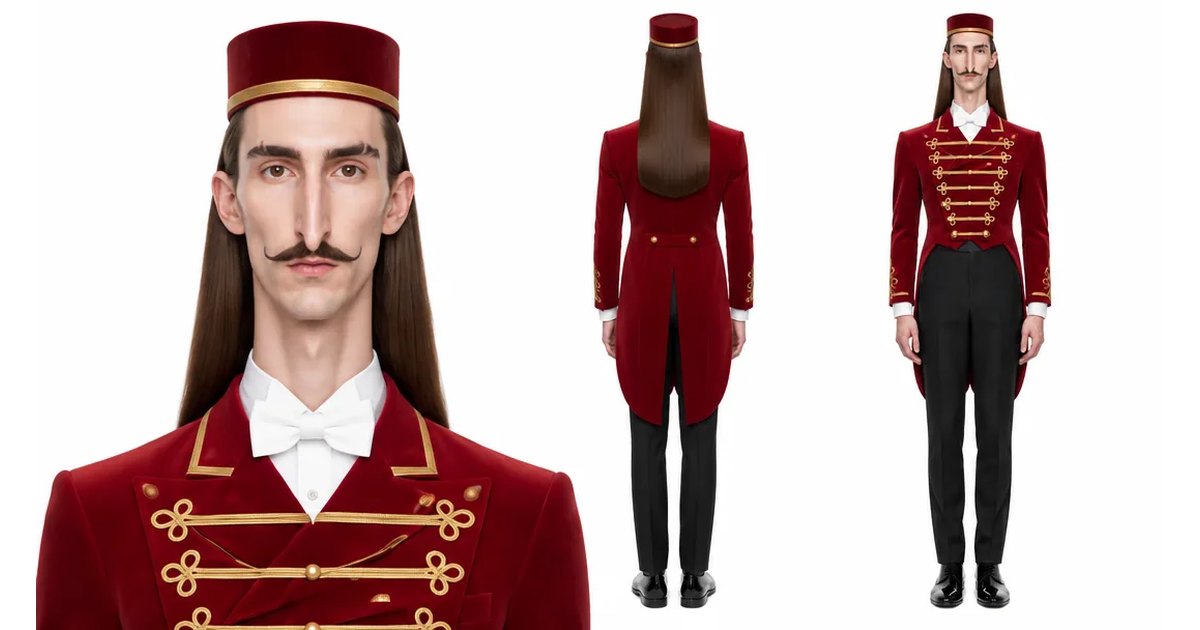
Explore Genfire
AI Tools
AI Models
Generate with Genfire v1 today
Genfire v1 plus 65+ other AI models, one credit balance, and a full editing pipeline — free plan included, no credit card required.
Start Free