Made with Genfire
Real outputs from the ai character sheet generator.
 Extreme tier
 Extreme tier
 Average tier
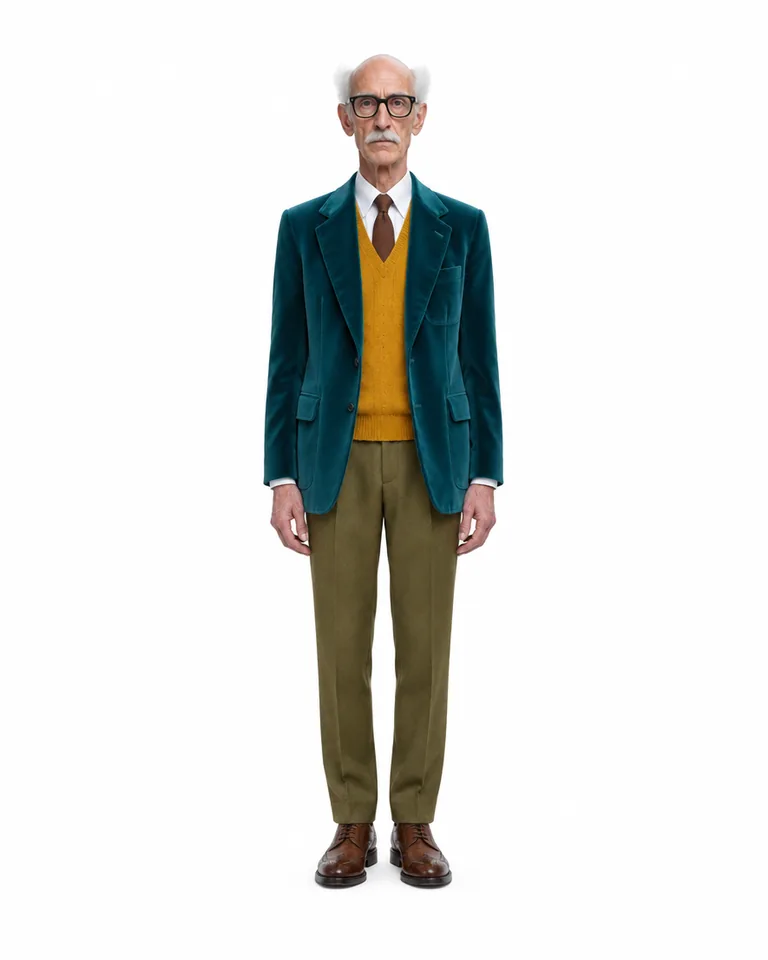 Bold tier
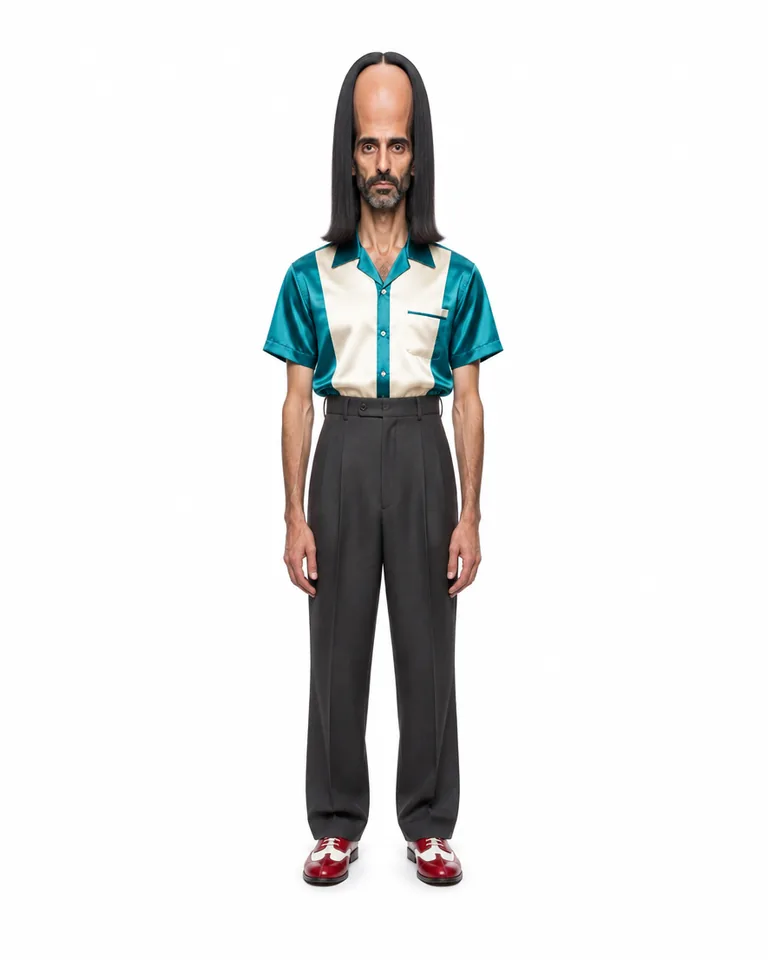 Extreme tier
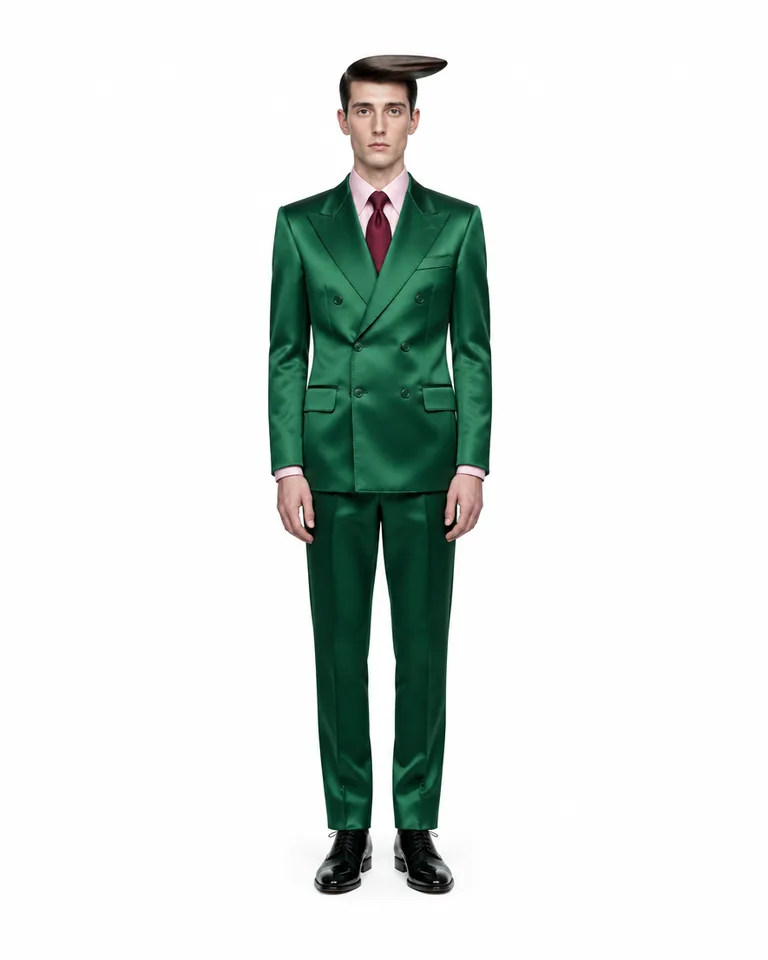 Bold tier
Real character sheets
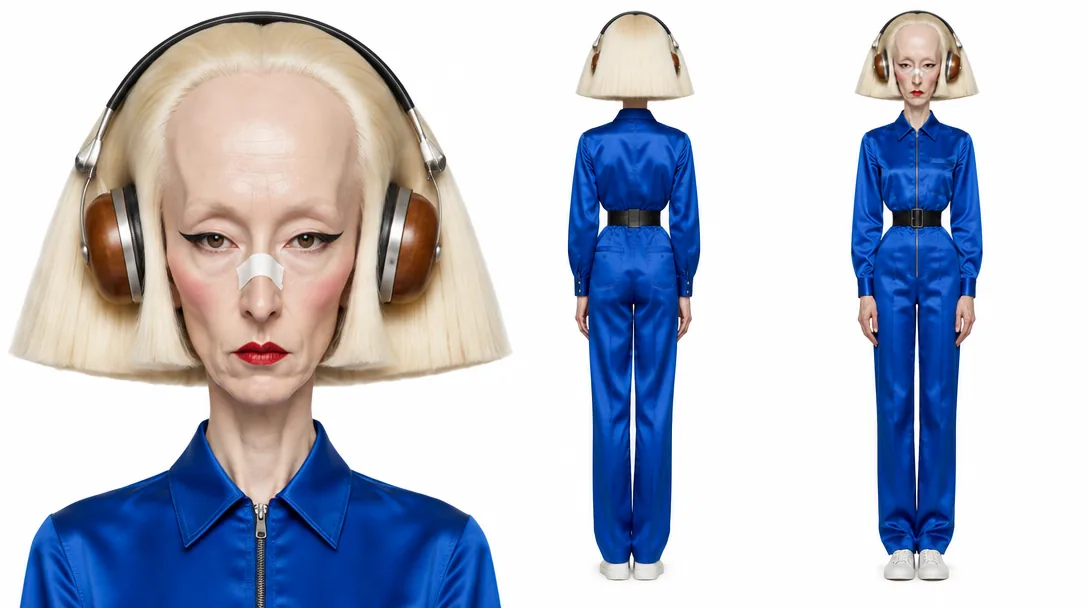
Rendered in Genfire — close-up portrait and full-body views of the same character on white.
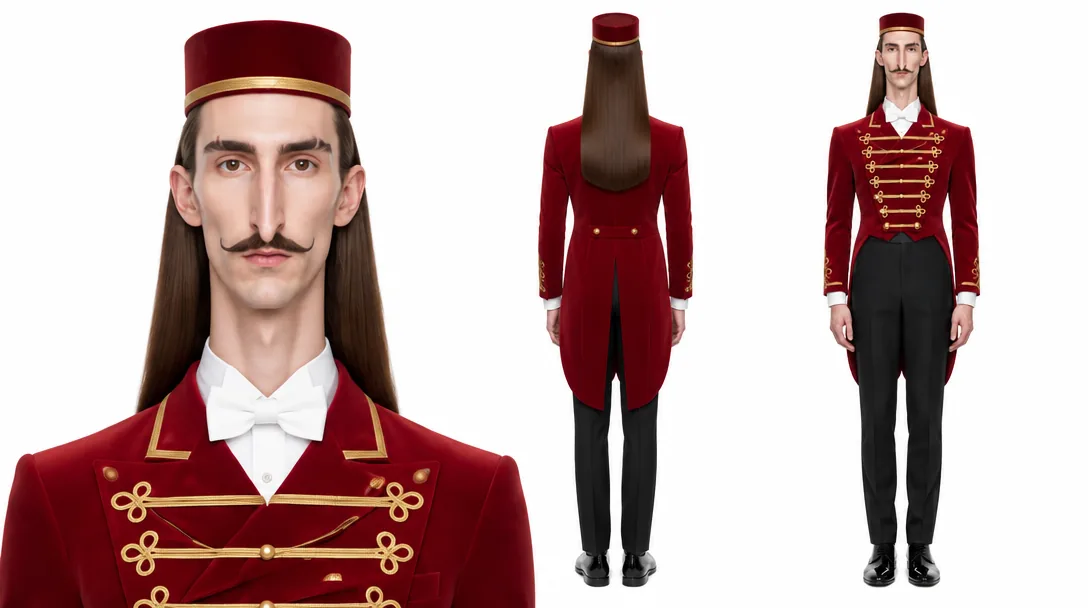 Opera House Usher · three-view
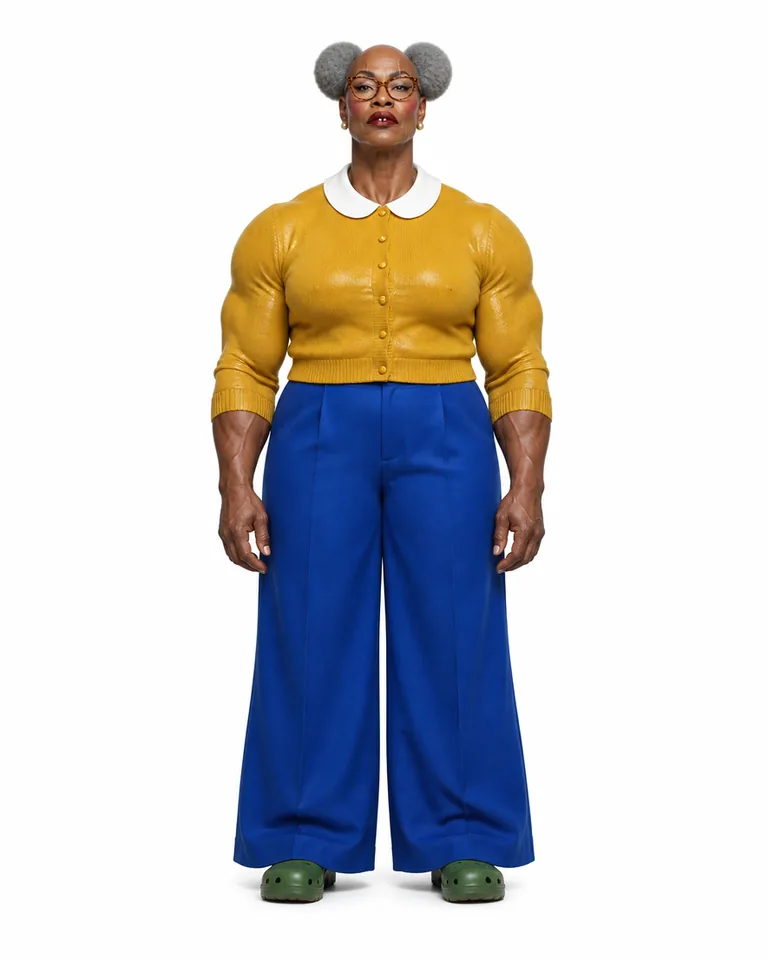
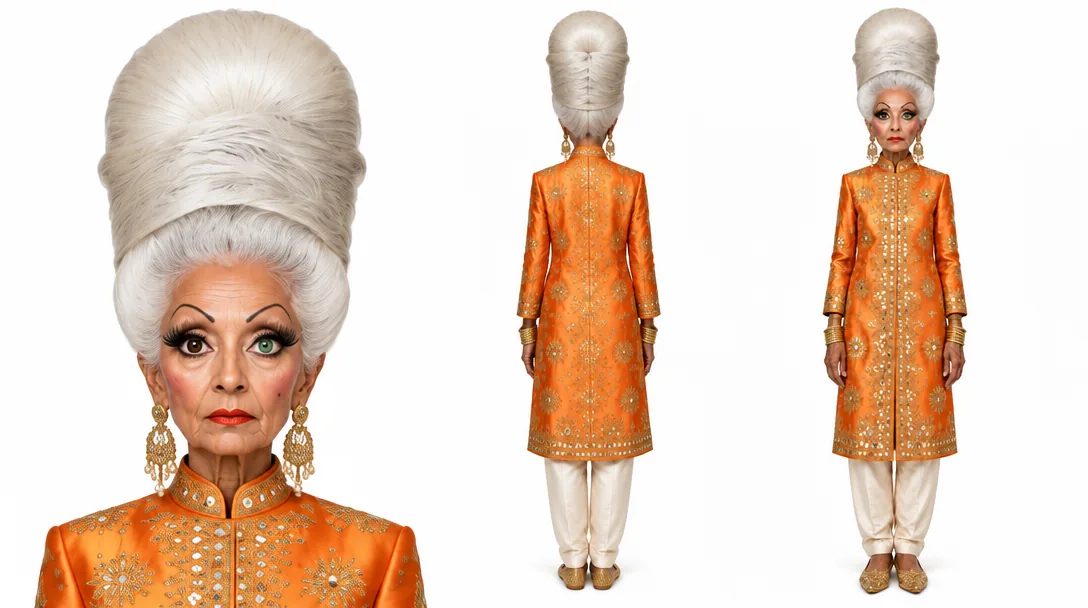 Matinee Grande Dame · three-view
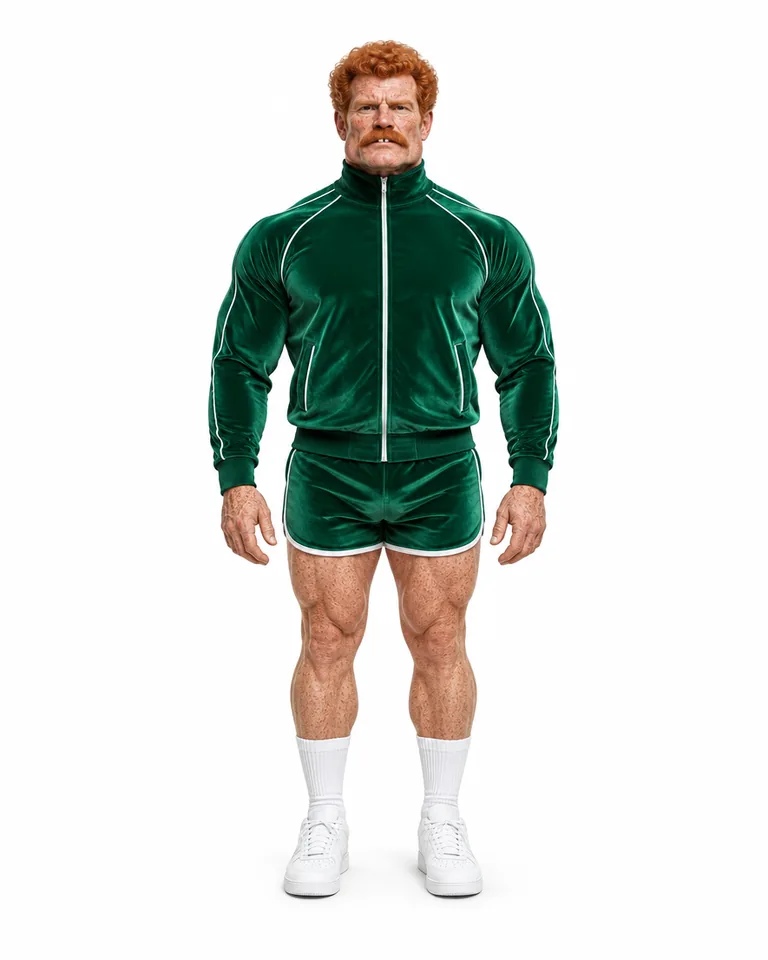
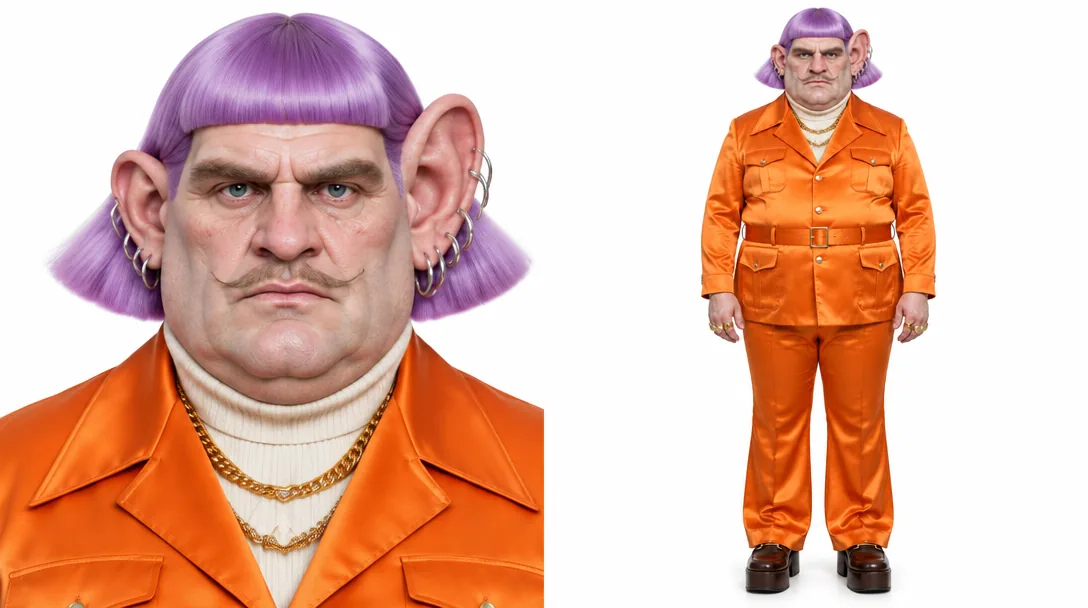 Seventies Bingo Caller · portrait + full body
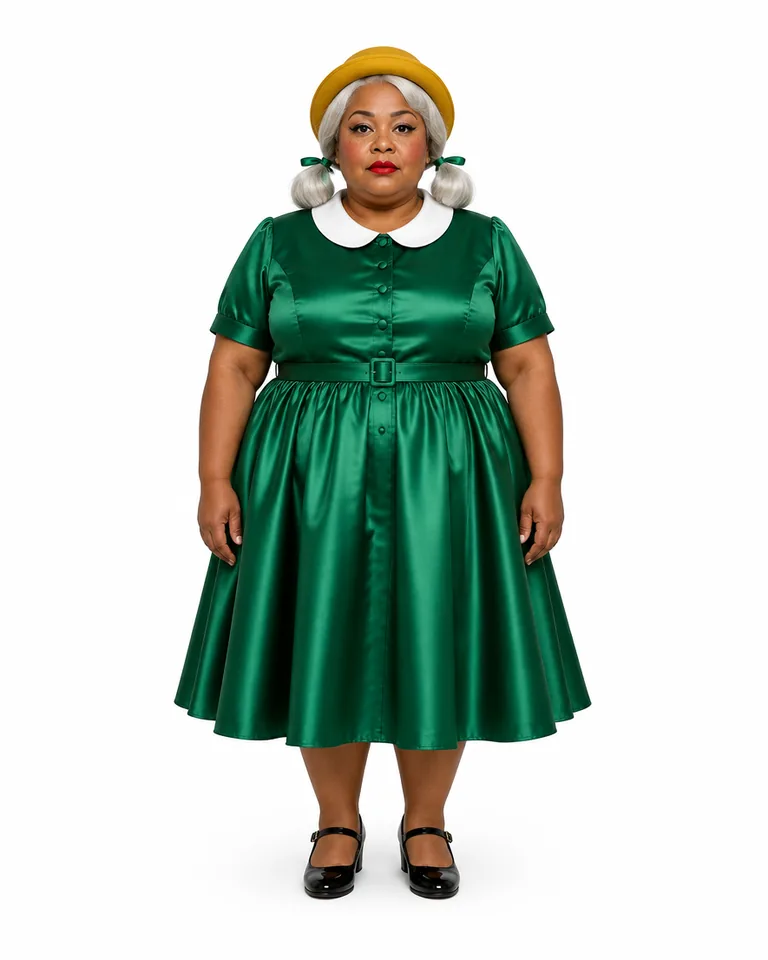
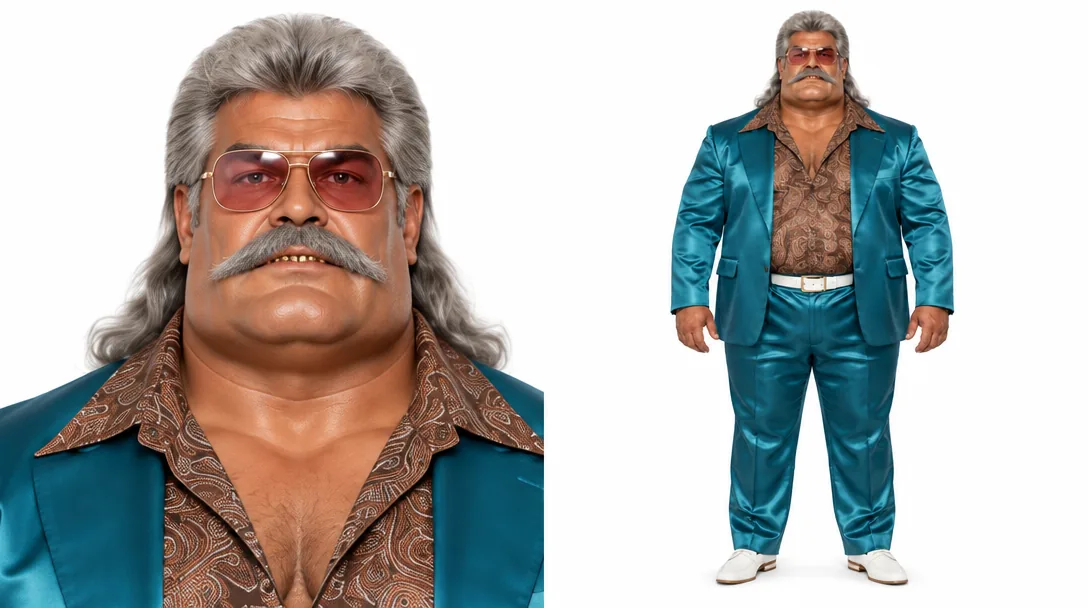 Used-Car Lot King · portrait + full body
What you can create
One tool, many formats — these are the things creators actually ship with the ai character sheet generator.
Original characters
Lock a character you invented before you make anything with it.
Illustrated characters
Drawings and paintings turned into a clean three-view reference in the same style.
3D characters
A render turned into front, back and close-up views on one sheet.
Yourself, with consent
Your own photos — or someone who agreed — as a reference for future shots.
Influencer identities
The sheet behind an @handle in the AI Influencer Studio.
Workflow nodes
A Character Sheet node in the workflow editor, wired from any image.
Why Genfire
Three views, one clean image
Head-and-shoulders portrait, full-body rear and full-body front on one wide 3:2 frame — the same face, hair, build, outfit and accessories in each, with no text, borders or swatches.
From references or from words
The Character Sheet app takes up to eight images of one character — photos, drawings or 3D renders — or a written description when you have no images yet.
Your style, kept
A photograph stays photographic, and an illustration, painting or 3D render keeps that exact look. From a description alone, name the style you want or get a photograph.
Becomes an @handle
Save a sheet made from your references as an influencer and it becomes the identity behind an @handle as it is — nothing is rendered again.
Sheet descriptions
Steal these to get started — every one is a single click from a result.
How it works
- 1Pick traits

Muscular 
Moustache 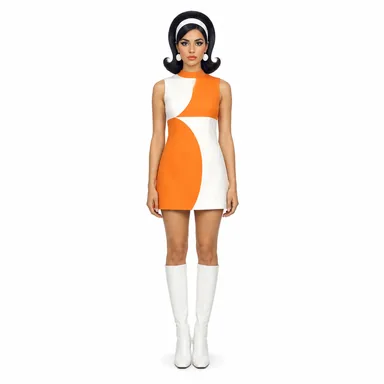
Retro Describe it or add references
Upload one to eight images of the same character, or describe them in words. Add notes for what the images don’t show, like the back of the outfit or the shoes.
- 2
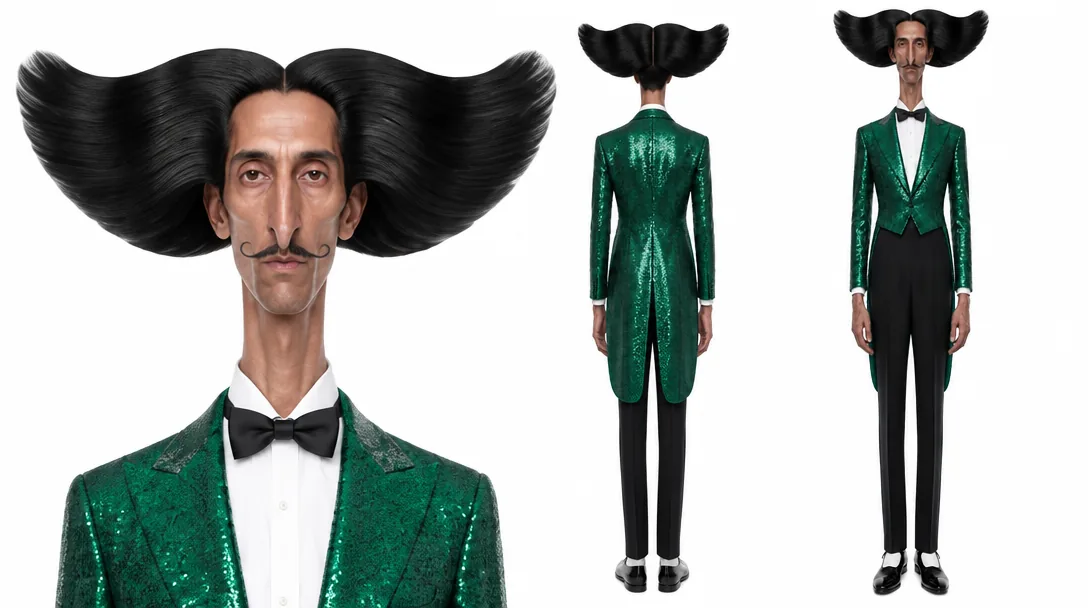 Character sheet
Get the sheet
Pick Low, Standard or High detail and get a close-up portrait, rear view and front view on a neutral grey backdrop.
- Used in a scene3
Mention it or use it
Save the sheet as an influencer to @mention it in image and video prompts, or use it as the reference image in any tool.
What goes on a good character sheet
Each view has a job. The close-up portrait — head and shoulders, facing camera, neutral expression — carries the face. The full-body rear view records the back of the hair and the outfit, which is exactly what a generator makes up when a character turns away. The full-body front view holds build, proportions and wardrobe from head to shoes. Everything else is left off on purpose: no labels, arrows, measurement marks, colour swatches or panel borders, just the character three times on one seamless backdrop, because the sheet is a reference for generation rather than a page for a studio wall.
There are two ways to make one. The AI Influencer Studio casts a new character from traits, a description or one photo of yourself and renders its sheet on white seamless. The Character Sheet app starts from what you already have: up to eight images of one character — photographs, drawings or 3D renders — or a description on its own. It keeps the rendering style of your references, continues what they don’t show (such as the back of an outfit) consistently with what they do, and lets you add notes for details you know. Low, Standard and High detail trade speed and cost against likeness.
A sheet earns its keep when you use it. Save one made from your references as an influencer and it becomes the identity behind an @handle as it is, ready to mention in image and video prompts. Use it as the reference image in any tool, or wire the Character Sheet node into a workflow to generate sheets as one step of a larger pipeline.
Frequently asked questions
What is an AI character sheet?
A character sheet — also called a model sheet or character reference sheet — shows one character from several angles so that every later drawing, render or generation matches it. Genfire’s AI character sheet generator renders three views in one image: a close-up portrait, a full-body rear view and a full-body front view.
Is a character sheet the same as a character turnaround?
Close. A full turnaround usually adds side and three-quarter views. Genfire’s sheet keeps the three views that matter most for holding an identity — the face up close, and the whole figure from the front and from behind — so the back of the hair and the outfit are on record before you ever need them.
What can I upload to the Character Sheet app?
Up to eight JPG, PNG or WEBP images of the same character. Photos, drawings and 3D renders all work, and different angles help most. You can also skip images entirely and describe the character in words.
How is the AI Influencer Studio sheet different from the Character Sheet app?
They share the same three-view layout. The studio builds a brand-new character from traits, a description or one photo of yourself, renders it on white seamless and saves it as an influencer straight away. The Character Sheet app starts from your own references or description, renders on neutral grey, and becomes an influencer when you save it as one.
Can I use a character sheet in AI videos?
Yes. Once the sheet belongs to an influencer, mentioning its @handle carries it into video prompts as the identity, and influencer videos — motion transfer with Genjudo, talking to camera, lip-sync and scenes — run on Seedance 2.5.
Which quality setting should I use for a character sheet?
Low is the fastest and cheapest, fine for a first look. Standard balances detail and cost while you try a look. High detail is the default and gives the best likeness to your references. The price updates with the setting before you run.
Why does the sheet have no labels or measurements?
Because it is a reference for generation, not a printed model sheet. Text, arrows, swatches and borders on a reference image can be read as part of the character, so the sheet shows only the three views on one plain backdrop.
Can the sheet show the back of an outfit my images never showed?
Yes. Where your references don’t show something, such as the back of the outfit, the sheet continues it consistently with what they do show. If you know the detail — say, an embroidered back panel — add it as a note and it is added to the direction.
From the blog
All posts →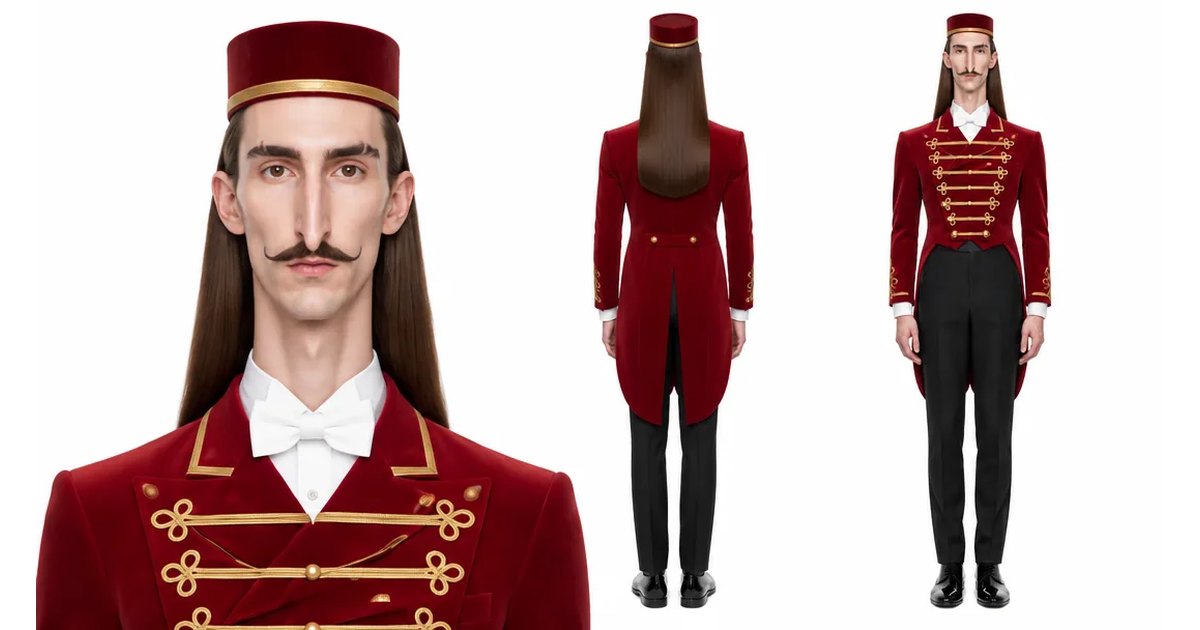
Explore Genfire
AI Tools
AI Models
Start creating with AI Character Sheet Generator
65+ AI models, a visual workflow editor, persistent influencers, and an API — all in one app. Free plan included, no credit card required.
Get Started Free