AI Influencer Studio
NewCast an AI influencertrait by trait
Pick a face, a build, a haircut, a wardrobe and a few strange details — at Average, Bold or Extreme — and get one locked character sheet. Then @mention them anywhere and make them dance, talk and act on Seedance 2.5.
- traits
- 170
- traits
- sections
- 18
- sections
- intensities
- 3
- intensities
- creatures
- 3
- creatures
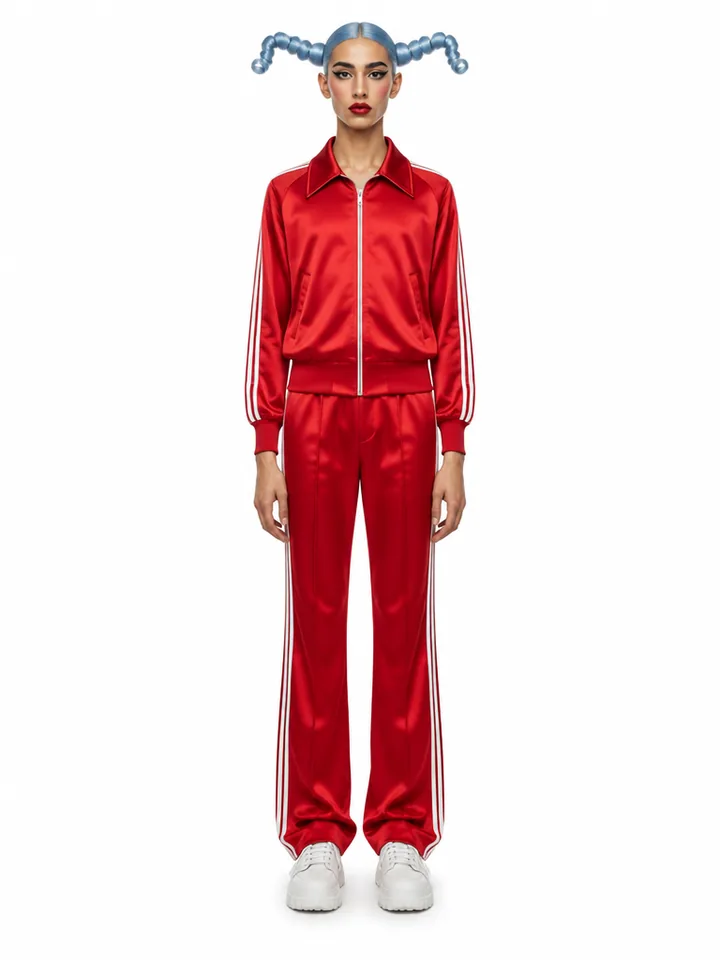
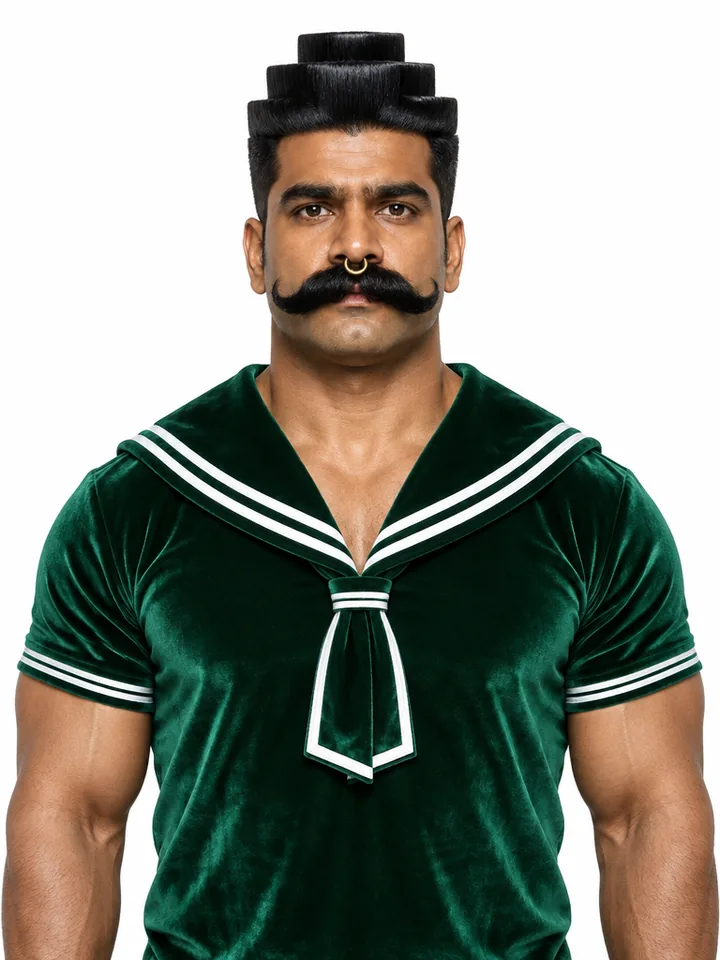
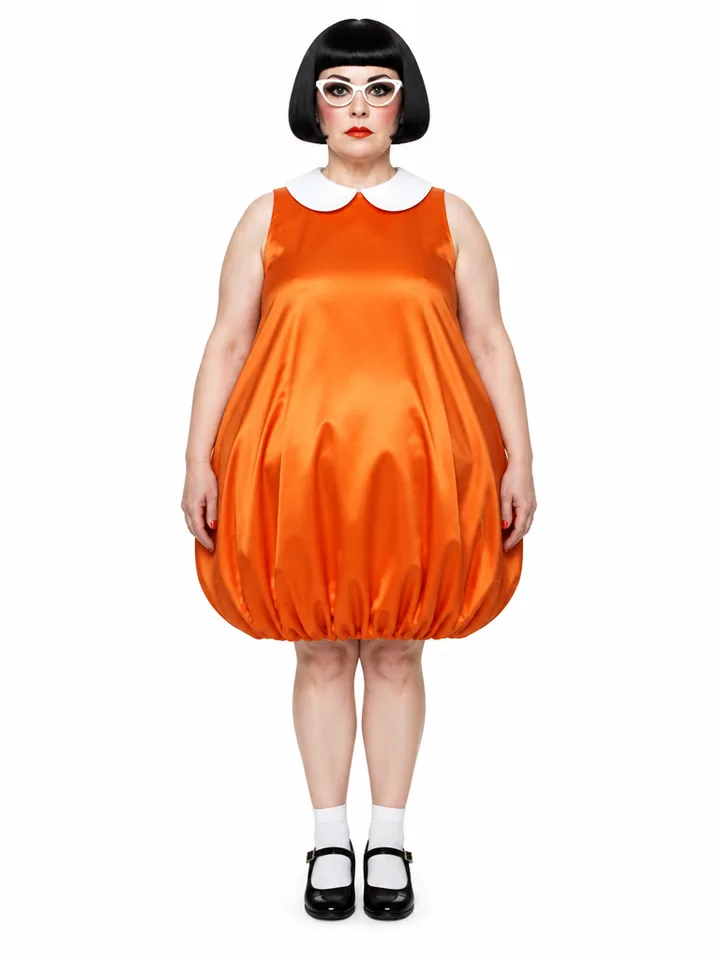
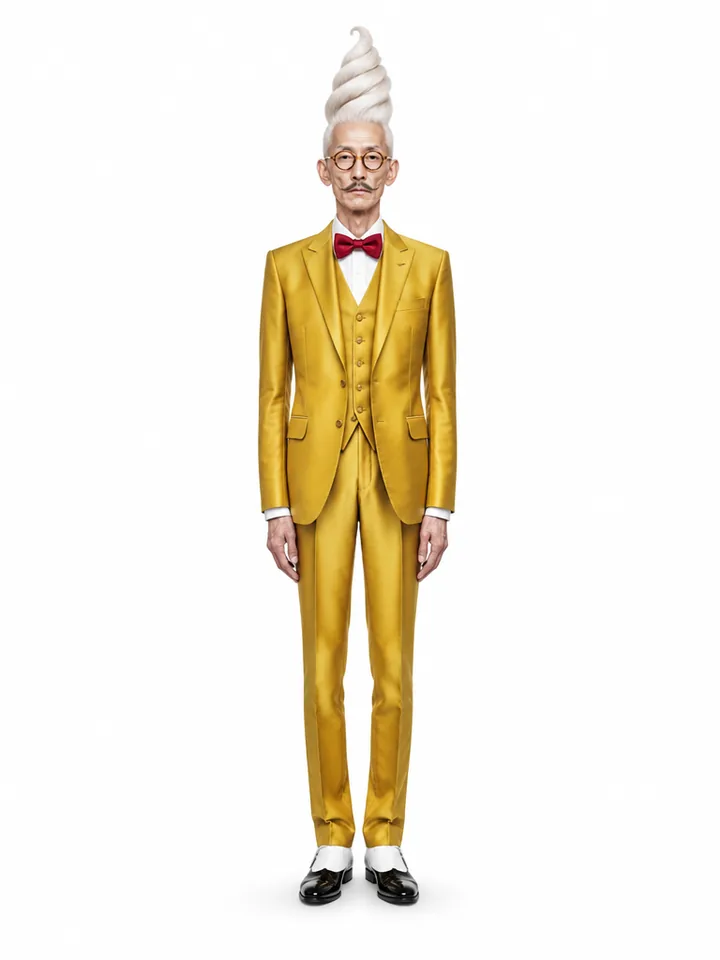
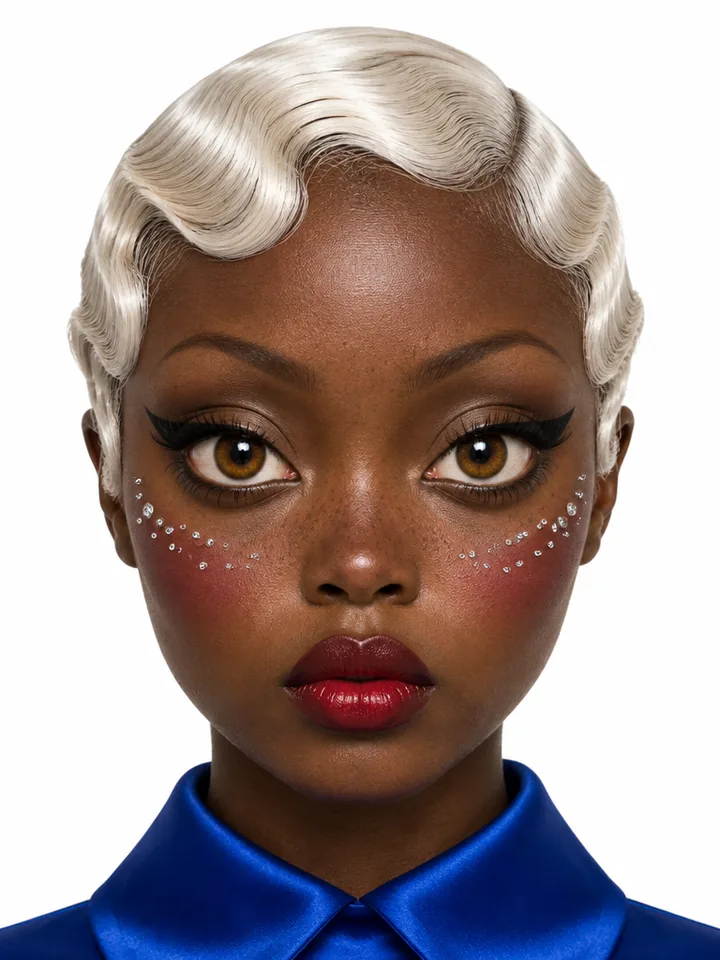
The cast
28 characters. All recreatable.
Every one was built in the studio. Open a character to see the traits behind them, then Recreate to load those settings and make them your own.
Character type
Turn it up. Or way up.
One choice sets how hard every trait is pushed — and which options exist at all. Or skip the human part entirely.
Try the builder
Build someone right now.
This is the real builder. Click traits, switch the intensity, hit Shuffle — when you like who you see, render them and your picks carry over.
Your character
Extreme · 0 traits
Free account. Your picks open in the studio, which shows the price before anything renders.
The character sheet
One sheet. Every shot.
- 01
Portrait
The face every later shot is conditioned on — skin, eyes, every quirk.
- 02
Rear
The back of the hair and the outfit, so a turn never invents one.
- 03
Front
Full body: build, proportions and wardrobe, head to shoes.
Build from traits, or add a photo and the studio keeps your face while it applies them. Give them an @handle and the sheet rides along whenever you mention them.
Put them to work
Make them dance, talk and act.
Open any character and every action is one click away. Video runs on Seedance 2.5; stills keep the face locked to the sheet.
Motion transfer · Genjudo
Any clip's moves, performed by your character.
Drop a dance, a walk-and-talk or a product demo. Genjudo reads it shot by shot and rebuilds it with your influencer — the timing, the camera and the clip's sound carry through.
See GenjudoVideoon Seedance 2.5
- Talk to cameraSay a script in their own voice
- Lip-syncSync to any voice track or song
- AnimateBring a still to life
- Cinematic scenePut them in any scene
Imagesface-locked to the sheet
- PhotoshootEditorial shots in any setting
- CarouselA four-slide post
- HeadshotsClean professional portraits
Use them anywhere
Type the handle. They show up.
Your characters live in your account, not in one tool. Mention one by @handle and the sheet goes along as the identity reference.
@opera_ushertakes a slow bow on an empty opera stage, red velvet seats, one hard spotlight, 9:16
Works in the image studio, the video studio, the Genfire agent and the API, CLI and MCP server.
How it works
Three steps to your influencer.
- 01
Pick or shuffle
Choose traits section by section, start from a cast member, add your own photo — or let Shuffle cast someone.
- 02
Render the sheet
The studio renders the three-view sheet and saves the character under its @handle.
@opera_usherdancing on a rooftop at dusk, handheld
03Create with them
Photoshoots, carousels, motion, talking, lip-sync and scenes — from their page or any prompt.
Questions
Good to know
What is the AI Influencer Studio?+
A character builder. You pick traits — gender, build, hair, wardrobe, face shape, eyes, quirks and accessories, 170 options in 18 sections — and Genfire renders one character sheet: a close-up portrait, a rear view and a front view of the same person. That sheet is the character from then on.
Do I need a photo of someone?+
No. Most characters are built from traits alone. If you want to restyle yourself, add a photo and the builder keeps your face while it applies the traits you picked.
What do Average, Bold and Extreme change?+
How far every trait is pushed. Average is a believable everyday person; Bold is quirky and slightly caricatured; Extreme pushes each trait to surreal, prosthetic-grade exaggeration while staying photoreal. Some options only exist at the stronger tiers.
Can my influencer be something other than a person?+
Yes — pick Mantis, Ant or Dog as the character type. The builder hides the human-only sections (skin, face shape and so on) and keeps wardrobe, style and accessories.
Will they look the same in every image and video?+
That is what the sheet is for. When you @mention your character in a prompt, the sheet goes with it as the identity reference, so the face, build and outfit carry from shot to shot.
What can I make with my character?+
Images — photoshoots, four-slide carousels and headshots — and video: motion transfer from any clip with Genjudo, talking to camera, lip-sync to a voice track or song, animating a still, and cinematic scenes. Every influencer video runs on Seedance 2.5.
Can I start from someone in the gallery?+
Yes. Every character on the cast wall is recreatable: open one, press Recreate, and its settings load into the builder for you to change before you render.
How much does it cost?+
Characters and everything you make with them are paid in Genfire credits — pay as you go, no subscription needed. The studio shows the price inside the Generate button before anything runs.
Your first influencer is a few clicks away
Free to sign up. Pay as you go — no subscription needed.