Made with Genfire
Real outputs from the ai influencer.
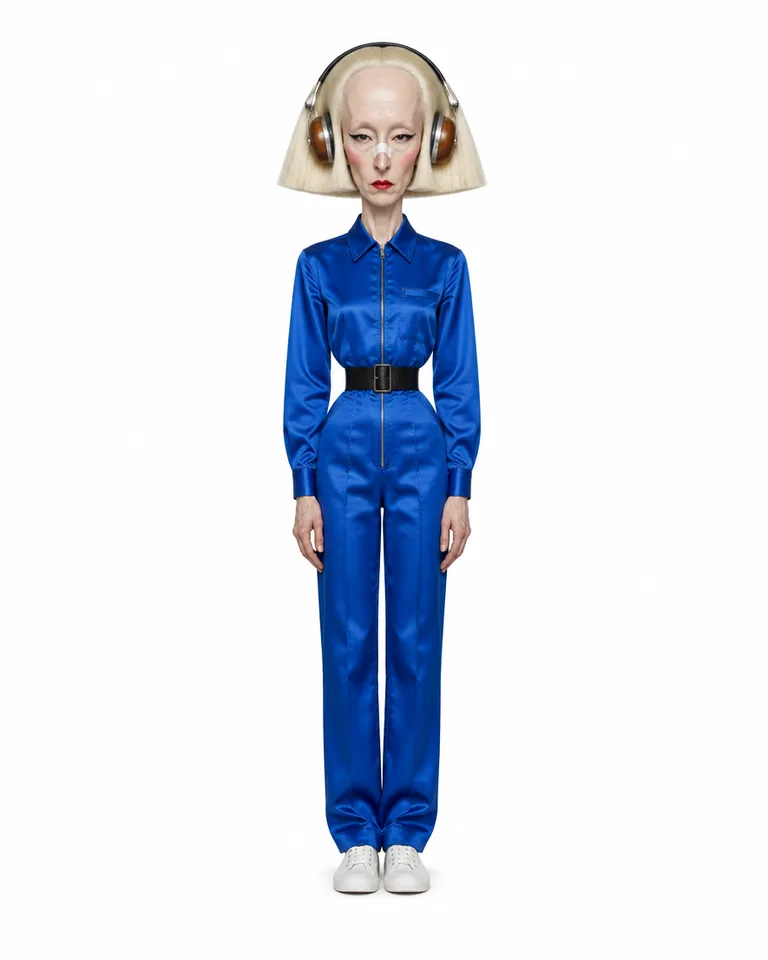 Extreme tier
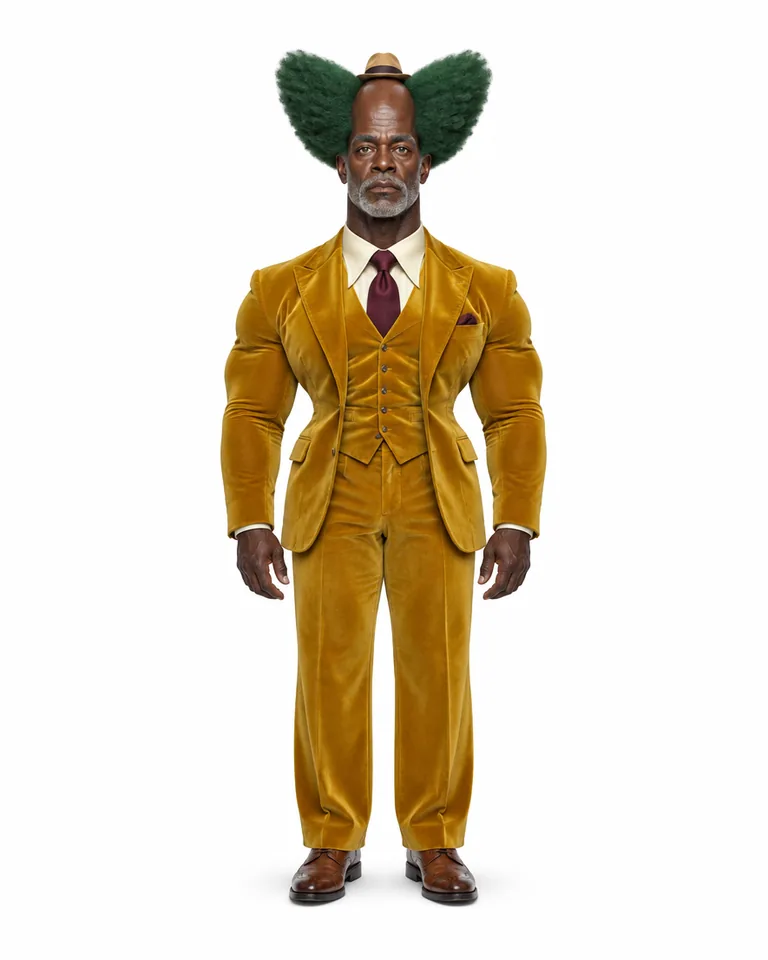 Extreme tier
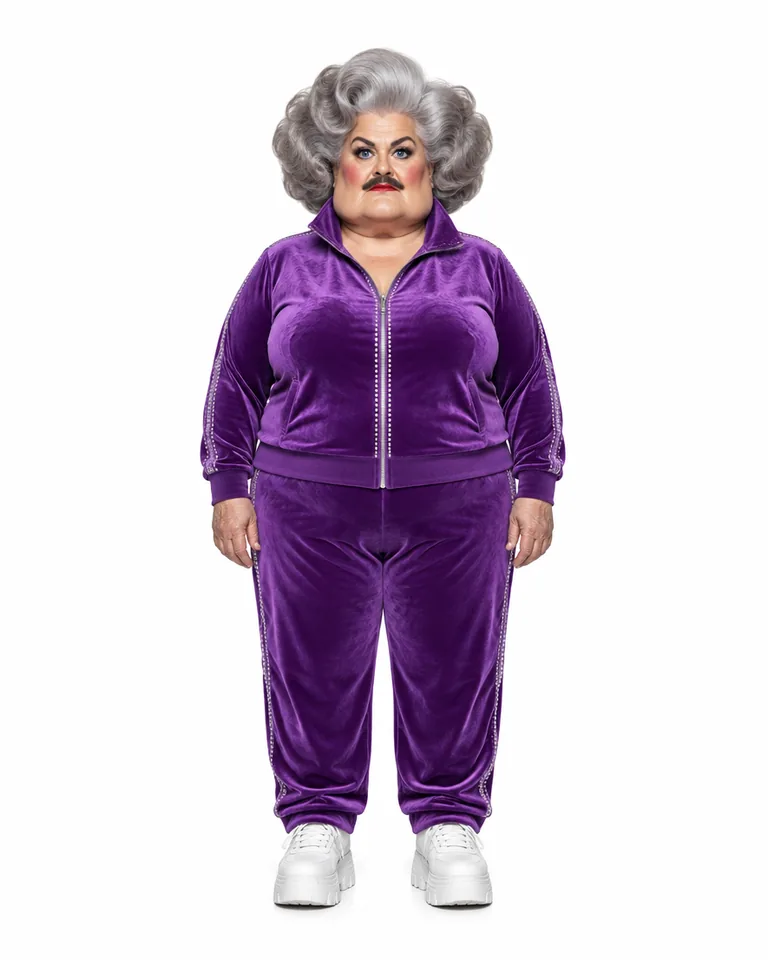 Extreme tier
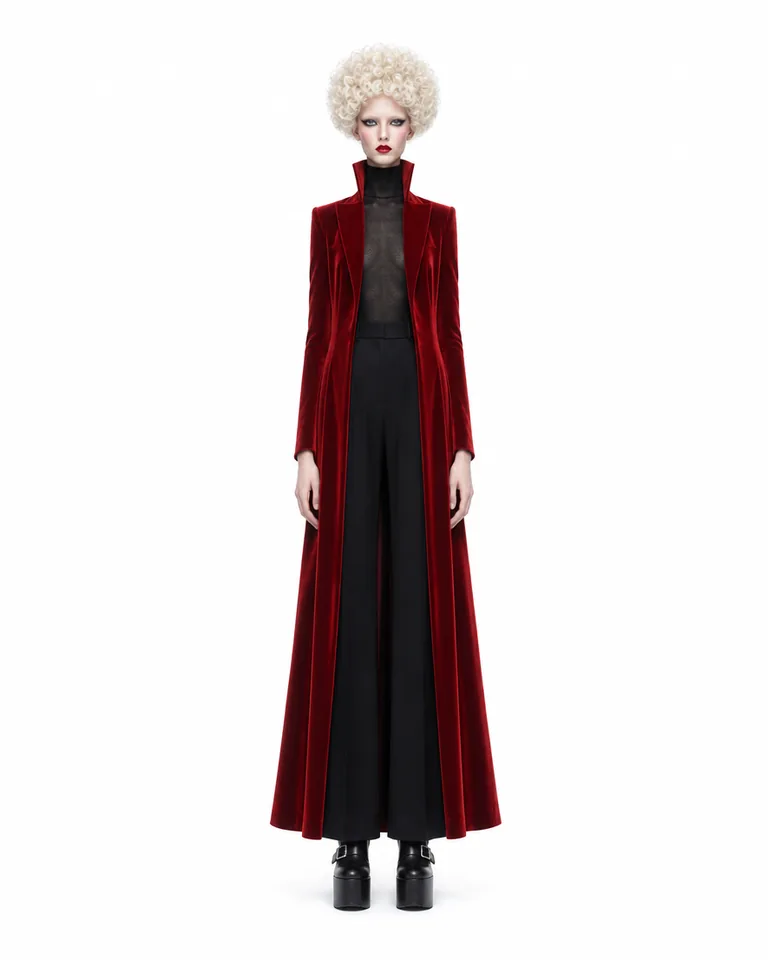 Bold tier
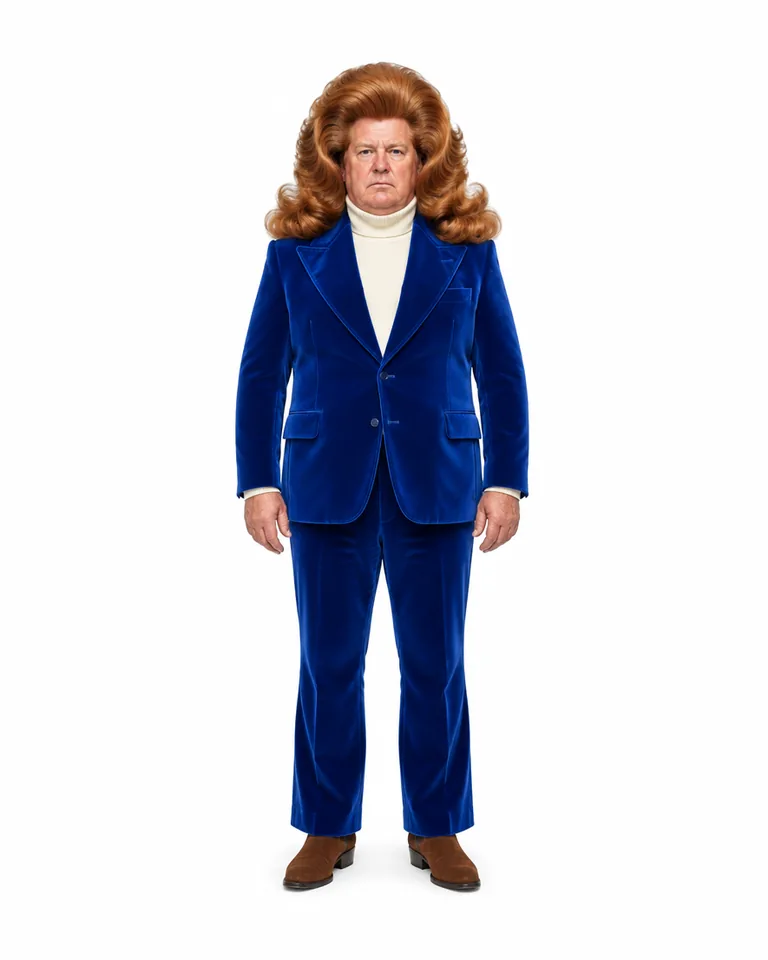 Bold tier
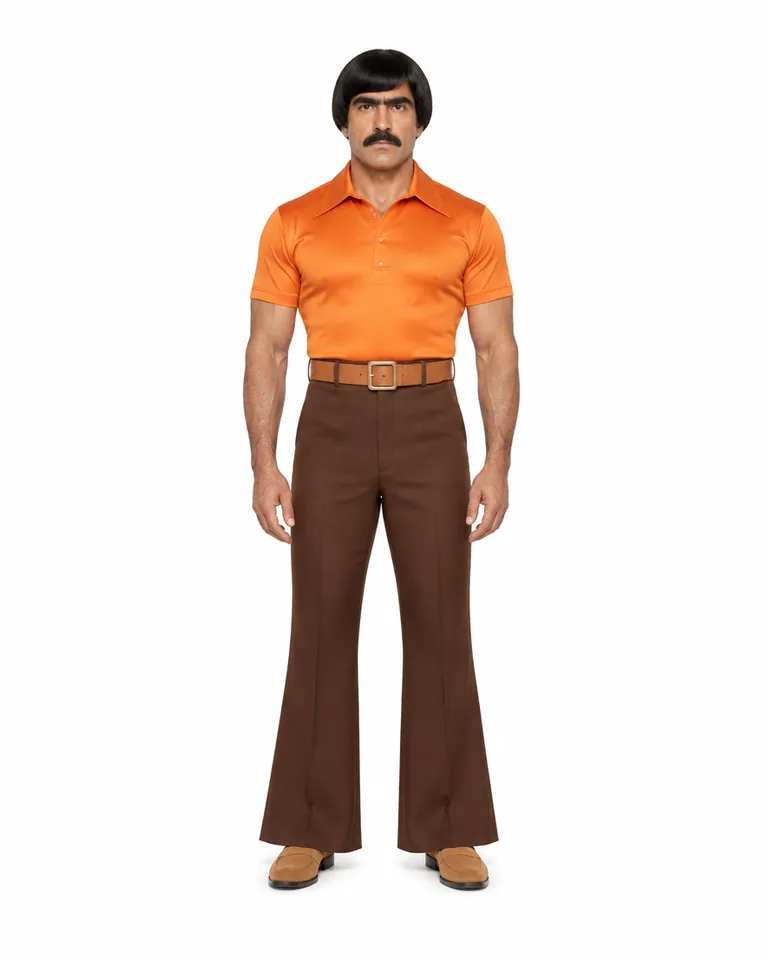 Bold tier
One character. Every clip.
One sheet, 6 real runs — the same face in every scene, outfit and move.
- Two dancers re-cast as two original characters, beat for beat
- A new bartender in the same take — every pour still on the beat
- The same routine, a different duo
- A hallway strut, re-cast and set in a new corridor
- A living-room dance moved to a high-rise with a new dancer
- A new lead, with the performance kept as filmed
The cast
Characters built in Genfire’s AI Influencer Studio — open one to see its traits and recreate it.
What you can create
One tool, many formats — these are the things creators actually ship with the ai influencer.
Lifestyle creator
Café mornings, golden hour, beach days — a feed with one face in every frame.
Fitness persona
Gym sessions and morning runs, in stills and in motion.
Brand host
A recurring face who fronts a brand’s posts instead of a logo.
Character comedy
A Bold or Extreme persona built for deadpan sketches and trend formats.
Talking-head channel
A presenter who speaks to camera in the same saved voice every episode.
Creature account
A mantis, ant or dog in human clothes, for an account nobody forgets.
Why Genfire
A consistent identity
Followers forgive a lot, but not a face that changes. The identity has to live in a reference — one character sheet — not in a prompt that casts someone new every run.
A look people remember
Average faces scroll past. A specific silhouette — a sculpted hairstyle, a gap-tooth grin, one unmistakable outfit — is what someone recognises on the second post.
Content that moves
Feeds are built around short video. A persona who only exists in stills leaves most of the reach behind; dance trends, talking clips and scenes are where it is.
A voice and a niche
A saved voice keeps them sounding the same from clip to clip, and a clear niche — the radio host, the gym regular, the archivist — tells people why to follow.
Character briefs
Steal these to get started — every one is a single click from a result.
How it works
- 1Pick traits

Muscular 
Moustache 
Retro Define the character
Pick traits and a tier in the AI Influencer Studio, describe them in your own words, or start from a photo of yourself.
- 2
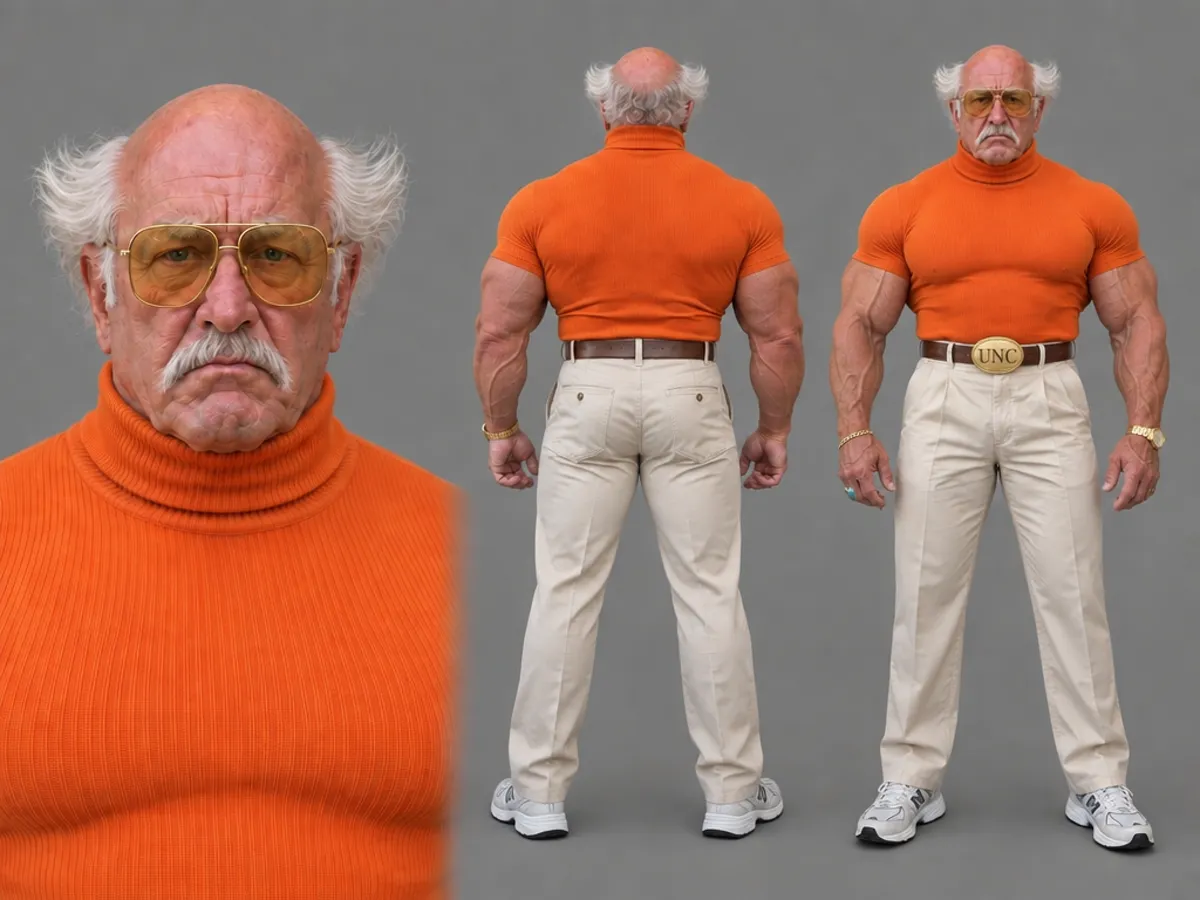
 Character sheet
Lock the character sheet
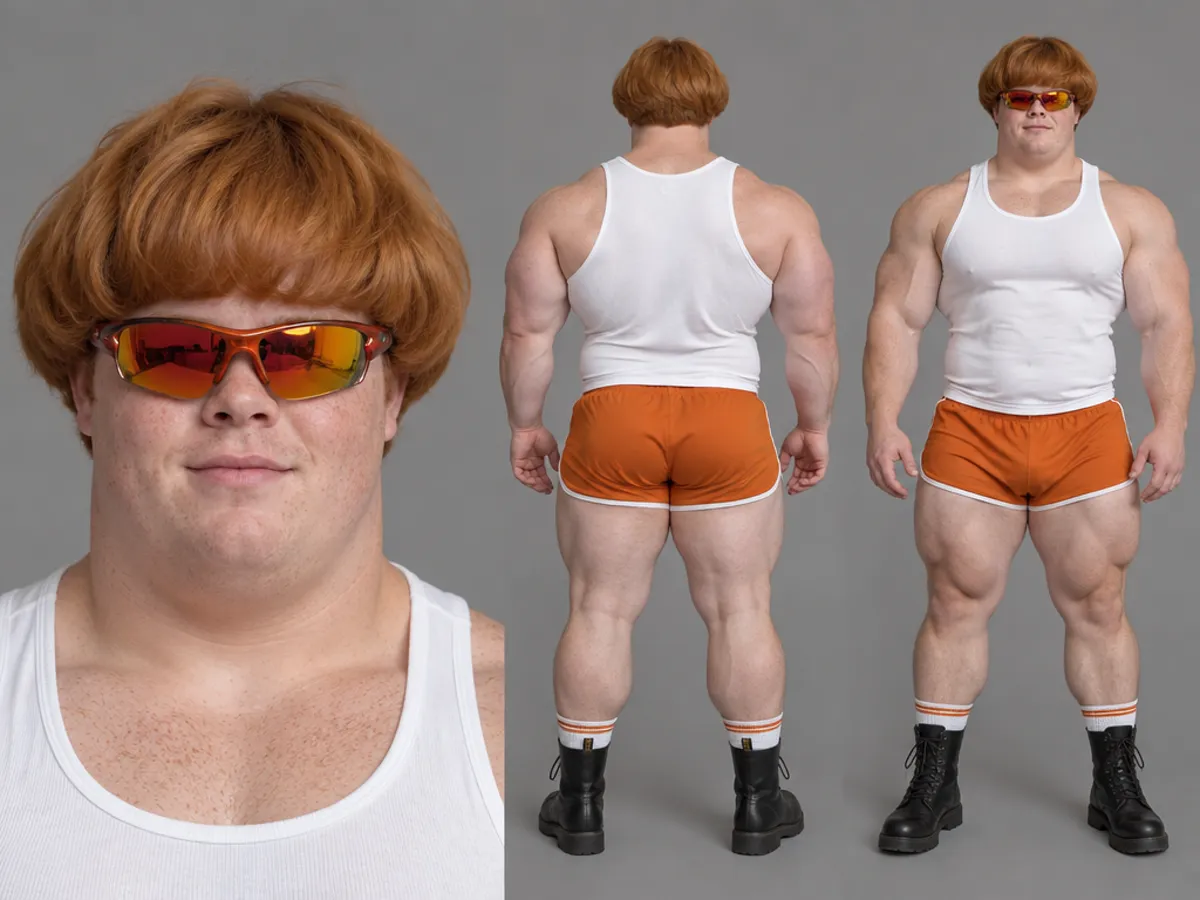
Genfire renders a portrait, rear view and front view on one sheet and saves the character under an @handle.
- In motion3
Post them in motion
Photoshoots and carousels for the feed, and Seedance 2.5 video for Reels and TikTok — motion transfer, talking and lip-sync.
What separates AI influencers that last
The accounts that grow treat the persona as a character, not a prompt. Text describes a person loosely, so every render casts someone slightly different, and followers notice by the third post. The fix is to decide the face once and keep it in an image — a reference that every later shot is built from. On Genfire that is the character sheet: a close-up portrait, a rear view and a front view of the same character, saved under an @handle you can mention in any image or video prompt.
The second thing is a look someone can recognise from a thumbnail. Plausible, average faces blend into every other feed; a specific hairstyle, a strong silhouette or a signature outfit does not. That is what the studio’s tiers are for: Average keeps someone believable, Bold lets the quirks show, and Extreme pushes them into prosthetic-grade surreal while staying photoreal — a decision about how loud the character should be, made once and kept.
The third is motion. Feeds are built around short video, and a persona who only appears in stills leaves most of the reach behind. Every influencer video on Genfire runs on Seedance 2.5: motion transfer with Genjudo puts your character into a dance or a trend clip move for move, Talk to camera speaks a script in their saved voice, and lip-sync fits them to a track. Post it like any creator would, with the AI label the platform asks for.
Frequently asked questions
What is an AI influencer?
An AI influencer, or virtual influencer, is a fictional persona whose photos and videos are generated with AI instead of filmed. It keeps a consistent face, style and personality, posts on social platforms the way a human creator does, and can be run by one person, a brand or an agency.
How do you make an AI influencer?
Define the character, lock its identity in a reference image, then make every post from that reference. On Genfire you pick traits — or add a photo of yourself — in the AI Influencer Studio, it renders a three-view character sheet saved under an @handle, and you make photoshoots, carousels and Seedance 2.5 videos by mentioning that handle.
Do I need a photo of a real person to make an AI influencer?
No. Most characters on Genfire are built from traits or a written description alone, so the persona is original from the start. A photo is optional, for when you want to restyle yourself.
Are AI influencers real people?
No. The persona is fictional, even when a real person runs the account. If you base one on a real face, use your own or that of someone who has agreed — Genfire’s terms do not allow using a real person’s likeness without their express authorization.
Do AI influencers have to be labelled as AI?
Often, yes. Many platforms and advertising rules expect AI-generated media to be disclosed, especially in sponsored posts, and Genfire’s terms prohibit deceptive manipulated media without proper disclosure. Check the current policy of each platform you post to, and label the account clearly.
What is the difference between an AI influencer and an AI avatar?
An AI avatar usually stands in for a real person, often as a presenter reading a script. An AI influencer is a persona in its own right, with its own look, voice and audience, and it shows up across photos, carousels and video rather than in one talking-head format.
Can a brand run its own AI influencer?
Yes. A brand can cast a persona that fits its audience, keep it consistent with one character sheet, and have it front posts and videos — for example handling your product in a Genjudo “Product in hand” motion transfer. Label sponsored and AI-generated content the way each platform requires.
Which formats can an AI influencer post in?
Photoshoots render at 4:5, 1:1, 9:16 or 16:9, carousels as four slides, and headshots square. Video actions on a character run on Seedance 2.5 and default to vertical 9:16 for Reels, TikTok and Shorts, with 16:9 and 1:1 available.
From the blog
All posts →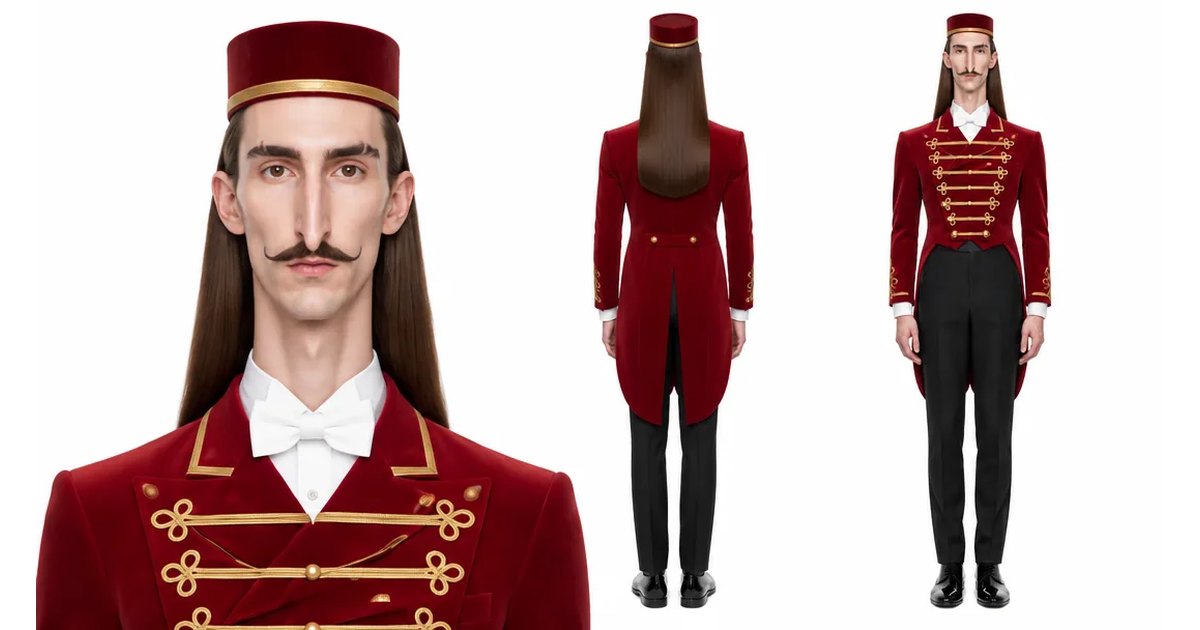
Explore Genfire
AI Tools
AI Models
Start creating with AI Influencer
65+ AI models, a visual workflow editor, persistent influencers, and an API — all in one app. Free plan included, no credit card required.
Get Started Free