Made with Genfire
Real outputs from the ai coloring book generator.
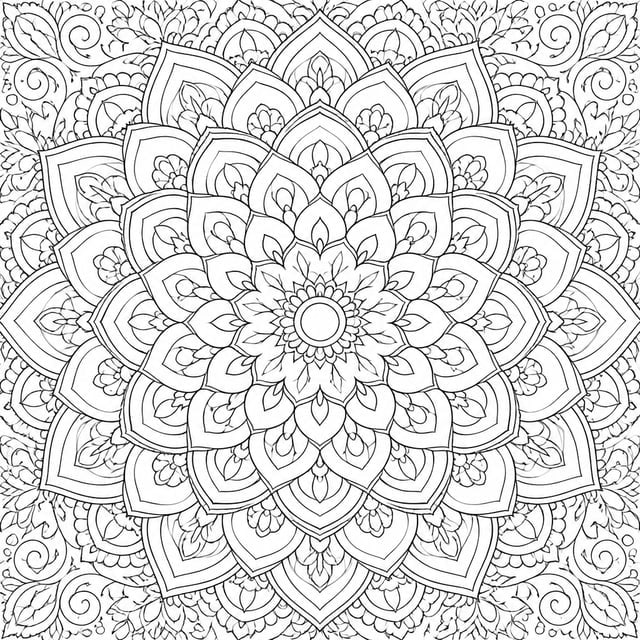 Mandalas
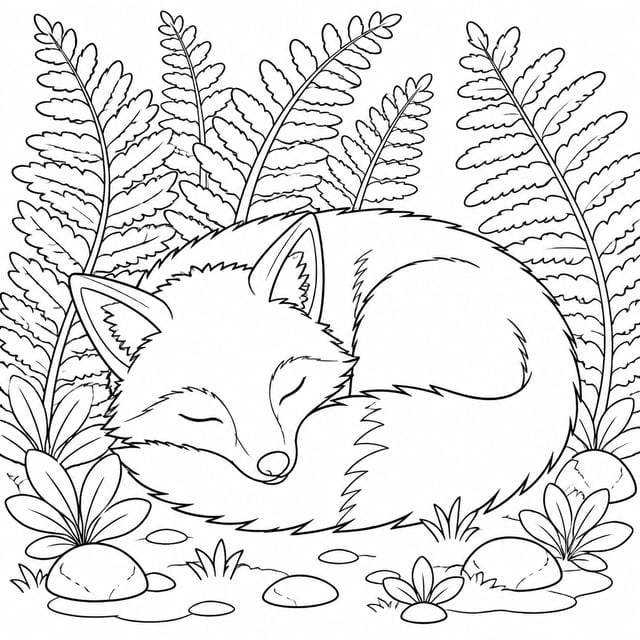 Animals
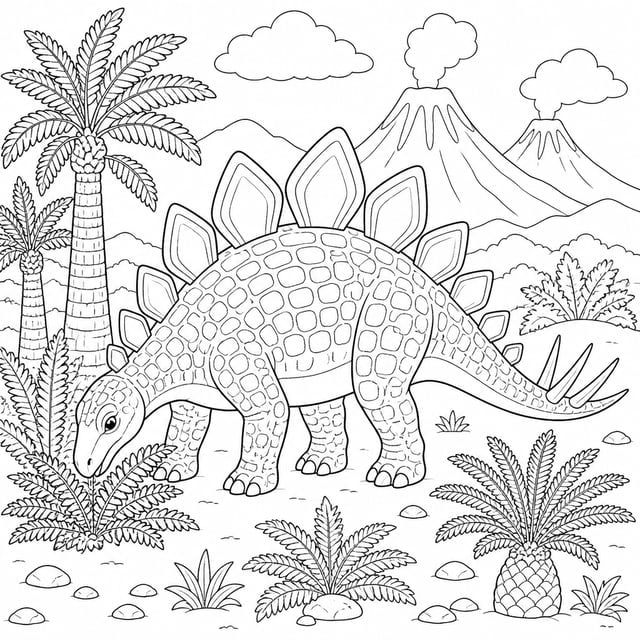 Dinosaurs
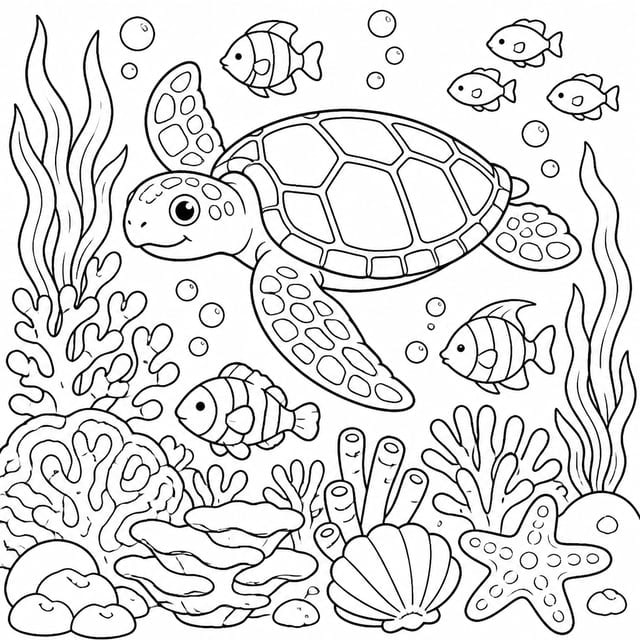 Under the sea
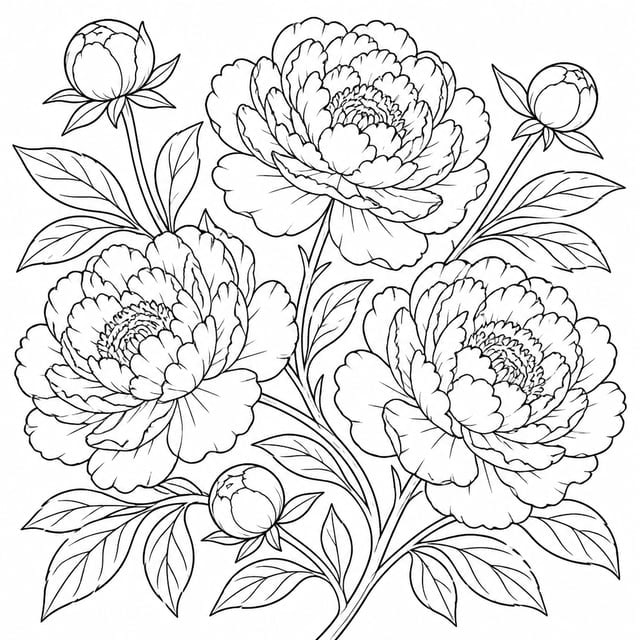 Botanical
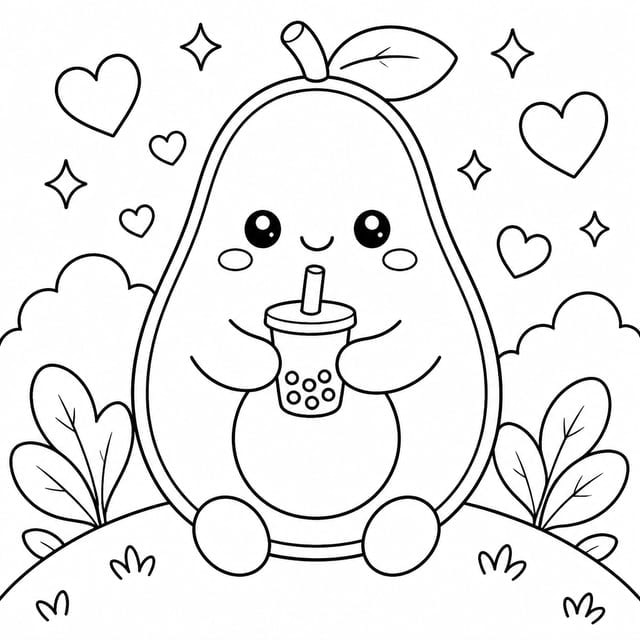 Kawaii
What you can create
One tool, many formats — these are the things creators actually ship with the ai coloring book generator.
Books to sell
Themed sets at KDP trim sizes with a colour cover wrap and a print-ready interior PDF.
Adult relaxation books
Dense mandala, zentangle, and repeat-pattern pages with fine lines and no empty space.
Toddler-safe pages
One huge shape per page, bold outlines, nothing small enough to frustrate a three-year-old.
Classroom packs
Alphabet, counting, and topic sets printed straight from a PDF for a whole class.
Party and holiday favours
Seasonal or themed mini-books for birthdays, Christmas, and event goodie bags.
Brand and character sheets
Line versions of your own characters or products, drawn from a reference you upload.
Why Genfire
Every page is a different drawing
The planner is built against the failure mode of this product: ask for forty cats and most models draw one cat forty times. Genfire forces spread across pose, scale, setting, and framing, then drops any page whose subject repeats one already in the list — and shows you the list before you pay for it.
Sixteen worlds, four detail levels
Mandalas, zentangle, kawaii, botanical, animals, dinosaurs, under the sea, fantasy, things that go, cities, folk art, stained glass, geometric, seasonal, alphabet, and repeat patterns. Set detail for toddlers, kids, tweens, or adults, and choose line weight and whether pages get a plain or decorative border.
Ink that actually prints black
Line art is only useful if it is pure black on pure white. Genfire welds an ink lock into every page prompt to rule out shading, hatching, grey washes, and tinted paper, then clamps the pixels on export with a level stretch that deepens the line without jagging the curves. The cover is the one page left in colour.
Files a printer will accept
Export a print interior PDF at KDP trim plus bleed, a wrap-around cover PDF, an ebook PDF, or a zip of page images — exports are free and repeatable. Blank backs, full bleed, and typeset page captions are switches. For an illustrated story with colour and characters instead, the sibling Picture Book studio lives at /dashboard/books.
Theme ideas
Steal these to get started — every one is a single click from a result.
How it works
- 1
Pick a world and a theme
Choose one of the sixteen style worlds, then say what the book is about — "dinosaurs for a five-year-old", "mandalas to unwind with". Add a line reference image if you want the hand matched to something you already have.
- 2
Set the look, then read the page list
Choose detail level, line weight, border, page count, trim size, and Draft or Final quality. Genfire plans the pages; you rewrite, delete, or add subjects until the list is the book you wanted.
- 3
Render and export
Every page is drawn against a style anchor so the line treatment stays identical across the book. When it finishes, export the interior, the cover, an ebook, or the raw images.
What makes a coloring book good, and why AI usually gets it wrong
A coloring book has exactly one medium — black ink on white paper — and it is not negotiable. That sounds like it should make generation easy, and it is precisely why it is hard. Ask an image model for "line art" and a meaningful share of pages come back with soft shading, cross-hatching, a grey wash in the background, or lines that are charcoal rather than black. On a screen those look fine. Printed on a black-and-white interior they come out muddy, and a muddy page is a refund. Genfire handles it twice: an ink lock written mostly in negatives is welded to every page prompt, and an export-time clamp pins near-white to paper and near-black to ink in the pixels themselves, using a level stretch rather than a hard threshold so a curve still reads as a curve.
The second failure is variety. A forty-page book of "cats" is worthless if it is one cat drawn forty times, and that is the default behaviour of every model given a single subject and a page count. Genfire's planner is briefed on how to spread a set — change the scale, change the framing, change the setting every few pages — and then the output is checked mechanically: pages whose subject repeats one already in the list are dropped and reported rather than quietly shipped. Because the plan is free and shown before you commit, you read the list of forty subjects, fix the three you do not like, and only then pay to draw them.
Consistency across pages is the third one. Every page is edited from a style anchor rather than generated independently, which is what keeps stroke weight, line density, and the level of detail identical from page one to page eighty — the thing that separates a book from a folder of pictures. Around that sit the practical decisions a printed book needs: detail level tied to an age band, line weight, plain or decorative borders, blank backs so nothing shows through, full bleed, optional typeset captions, and a Draft pass for proofing before a Final render. Exports are free and repeatable, so re-exporting after a tweak costs nothing.
Frequently asked questions
What is an AI coloring book generator?
An AI coloring book generator turns one theme into a complete set of black-and-white line drawings ready to colour. Genfire plans a varied page list, renders every page in a single consistent line style with a colour cover, and exports the result as print-ready PDFs or a zip of images.
How many pages can a coloring book have, and what sizes?
Books run from 8 to 120 drawings, with the composer suggesting the usual counts for each detail level — around 20 to 40 for toddlers and 40 to 80 for adult books. Trim sizes include the Amazon KDP paperback range from 6″ × 9″ up to 8.5″ × 11″, A4 and other-printer landscapes, plus digital aspect ratios for screen-only books.
Are the pages print-ready for Amazon KDP?
Yes. Print formats render at the KDP trim size with bleed at print resolution, and the interior PDF is one page per drawing with the media box set to the trim. Blank backs can be switched on so nothing shows through when the book is printed single-sided, and the cover exports as a single back-spine-front wrap.
What is the difference between the coloring book and picture book generators?
They share the same document model and export pipeline but solve different problems. The coloring book generator at /dashboard/coloring-books draws uncoloured line art with no story arc, optimised for variety across pages. The Picture Book studio at /dashboard/books writes and illustrates a story in colour with a consistent cast, typeset text, and age-banded reading levels.
Can I generate coloring books through an API or an AI agent?
Yes. The REST API exposes POST /v1/coloring-books/generations with a style catalog at GET /v1/coloring-books/styles, a quote at POST /v1/coloring-books/estimate-cost, and a free export at POST /v1/coloring-books/:id/export. The Genfire MCP server provides genfire_generate_coloring_book, genfire_list_coloring_book_styles, genfire_estimate_coloring_book_cost, and genfire_export_coloring_book for Claude, ChatGPT, and other agents.
Can I sell the coloring books I generate?
Yes. Every Genfire purchase includes a commercial license, and the print exports are built for it — KDP trim plus bleed, a wrap-around cover PDF, and an interior PDF with one drawing per page. The free 20-credit tier is for personal use only.
Can I use my own drawing or photo as a reference?
Yes. Attach a line reference on the theme step — uploaded, or picked from images you already have in Genfire — and the book's hand is matched to it, which is how you get line versions of your own characters, products, or artwork.
Which detail level should I choose?
Toddler (ages 1–3) puts one large shape on the page with nothing small. Kids (4–8) adds a little scenery around a clear subject. Tween (9–12) draws full scenes with some pattern work. Adult (13+) fills the negative space with fine repeating detail — the relaxing kind. Each level also sets a sensible default line weight and page count.
From the blog
All posts →
Explore Genfire
AI Tools
AI Models
Start creating with AI Coloring Book Generator
65+ AI models, a visual workflow editor, persistent influencers, and an API — all in one app. Free plan included, no credit card required.
Get Started Free