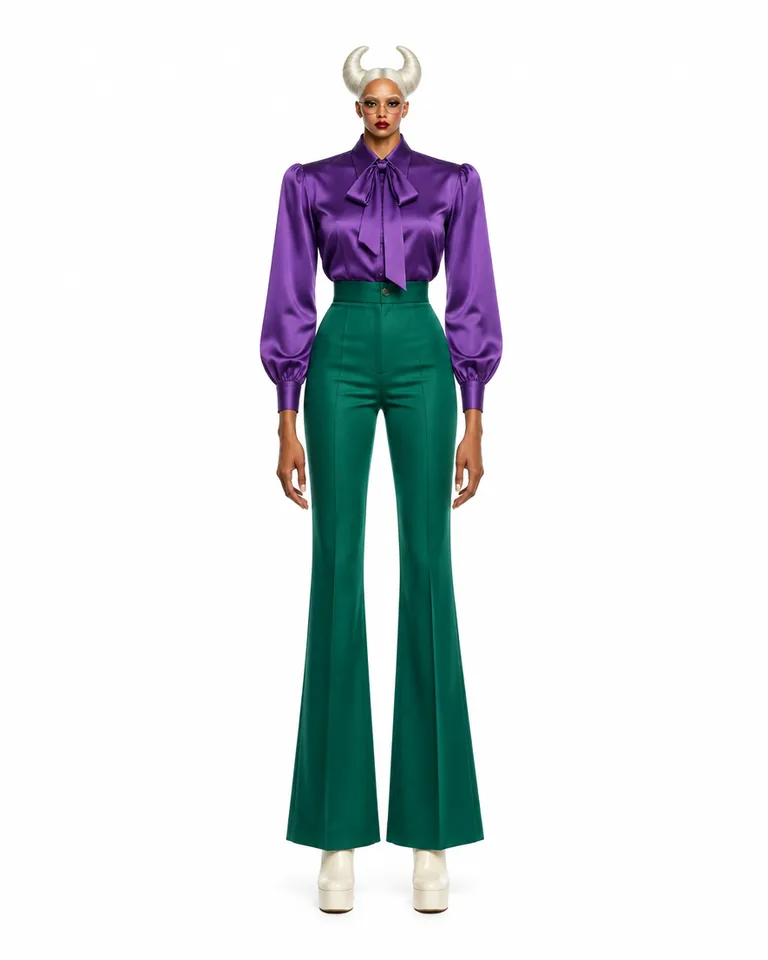
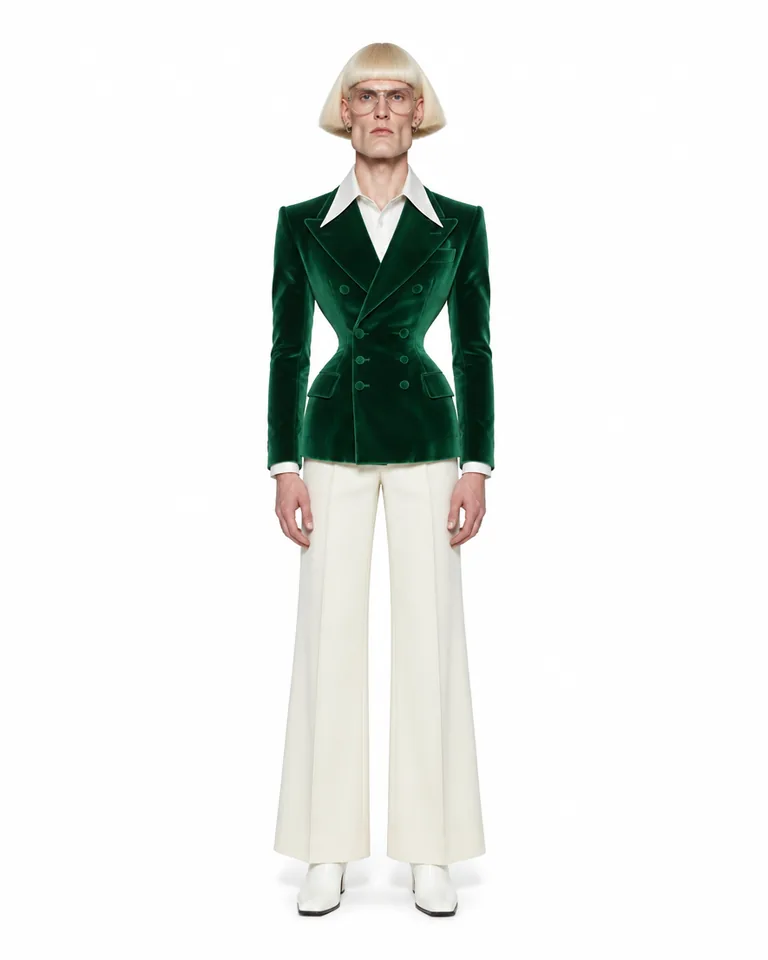
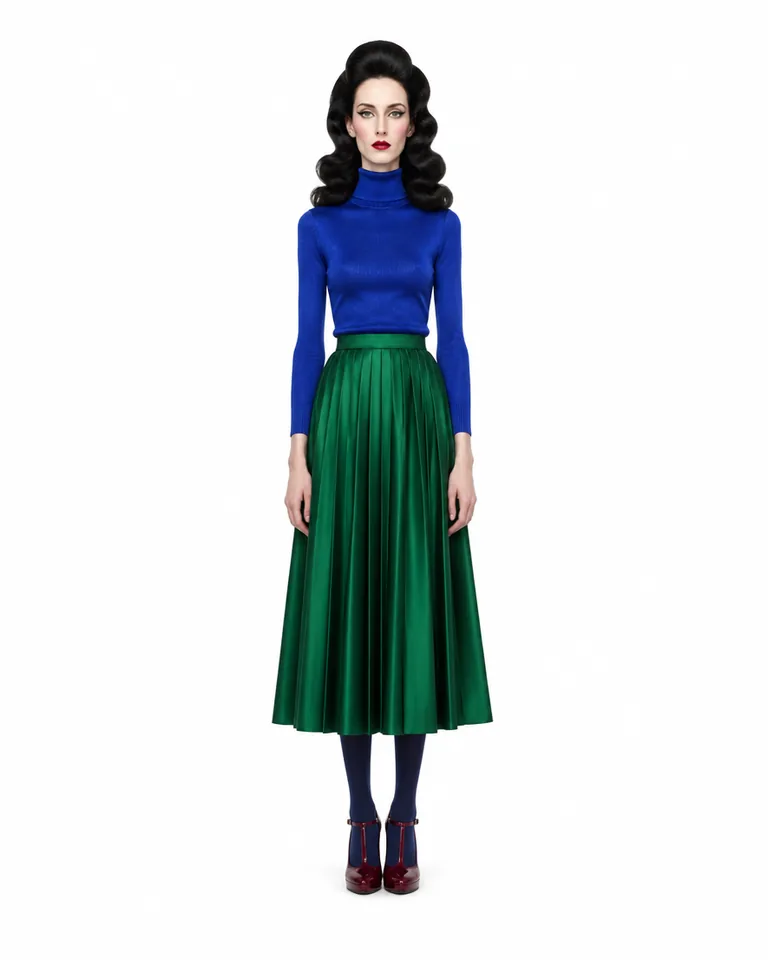
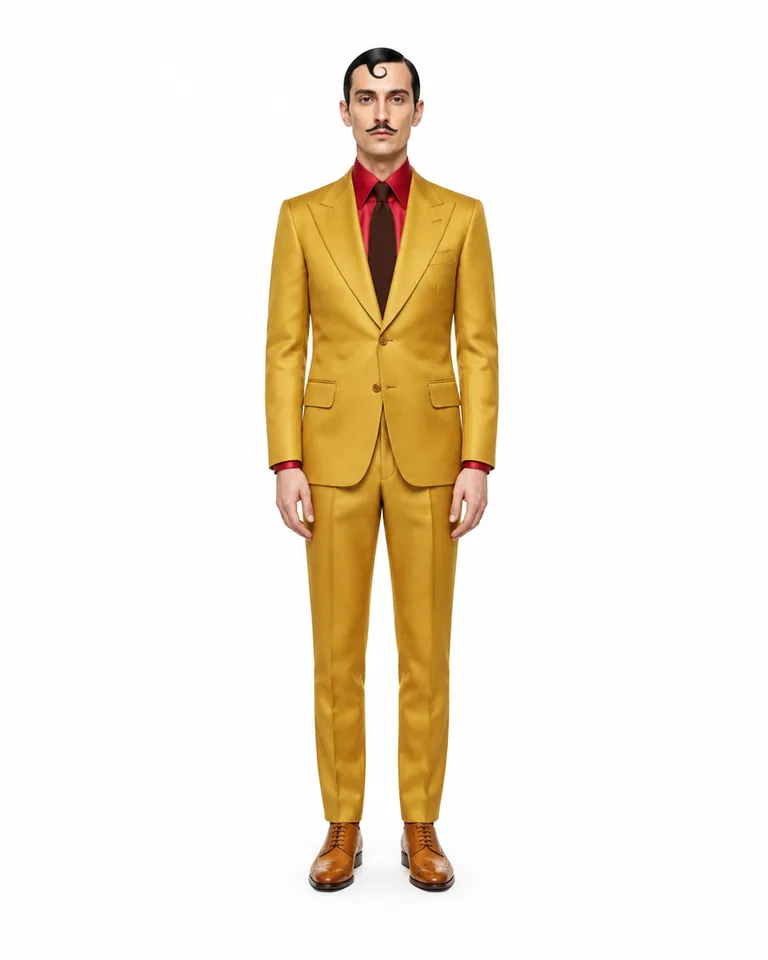
Made with Genfire
Real outputs from the ai fashion model generator.
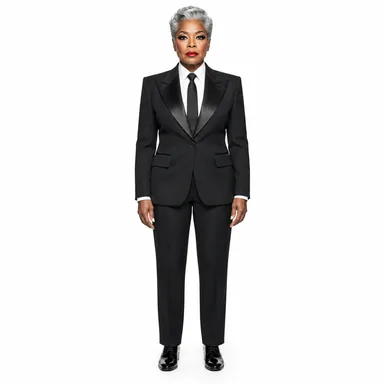 Suits
Suits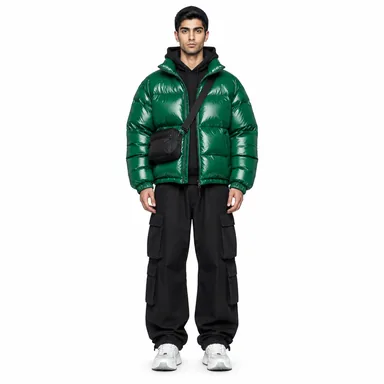 Streetstyle
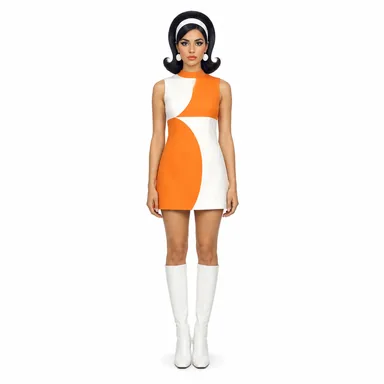 Retro
Retro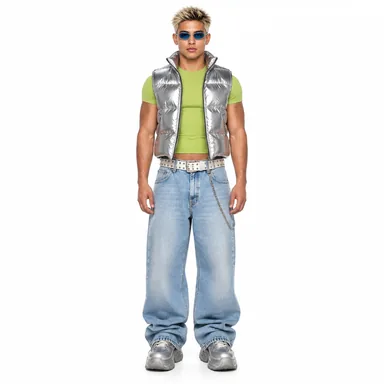 Y2K
Y2K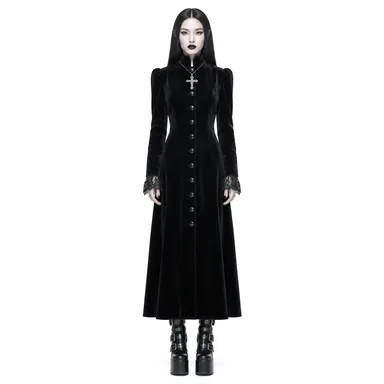 Goth
Goth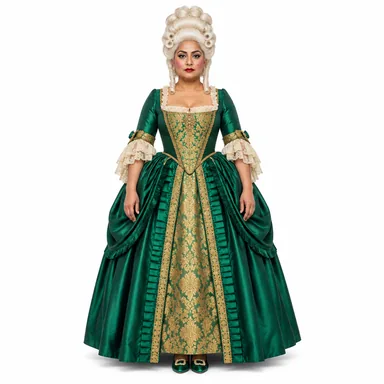 Theatre
The cast
Characters built in Genfire’s AI Influencer Studio — open one to see its traits and recreate it.
What you can create
One tool, many formats — these are the things creators actually ship with the ai fashion model generator.
Lookbook posts
One model across a season’s looks, shot in matching settings.
Carousels of one look
Four slides of the same outfit from four framings.
Garment-on-model clips
Your garment on your model, performing a reference clip’s moves.
Outfit swaps
A take you already like, re-dressed in a new garment.
Style-led casting
Goth, Y2K, Retro or Suits as the starting wardrobe of the model.
Campaign faces
A recurring model who fronts every drop.
Why Genfire
Cast to the brief
Gender, age, build, height, proportions, skin tone, hair and face, picked section by section at Average, Bold or Extreme, so the model fits the label instead of the other way round.
Eight styles plus accessories
Casual, Goth, Retro, Sporty, Streetstyle, Suits, Theatre and Y2K set the wardrobe; glasses, a hat, jewellery, headphones or a bag finish it. Anything more specific goes in your own words.
Photoshoots and carousels
Editorial shots in a dozen preset settings — Streetwear and Designer glam among them — or your own, at 4:5, 1:1, 9:16 or 16:9, plus four-slide carousels of one look.
Garment on model, in motion
Genjudo’s “Garment on model” dresses your model in your garment and has them perform a reference clip’s moves; “Swap the outfit” re-dresses an existing take and keeps the rest.
Model briefs
Steal these to get started — every one is a single click from a result.
How it works
- 1Pick a style
Suits Streetstyle Y2K Cast your model
Pick build, height, hair and face, then a Style and accessories for the wardrobe — or describe the look in your own words.
- 2
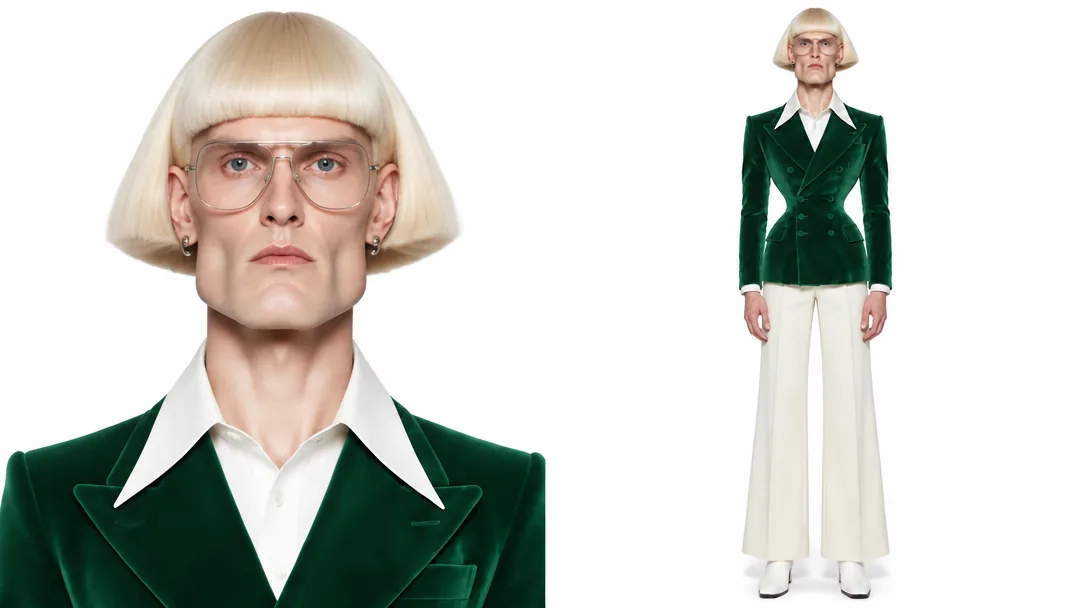 Character sheet
Get the character sheet
A close-up portrait plus full-body rear and front views, so the model and the outfit are locked from both sides.
- In motion3
Shoot looks and video
Photoshoots and carousels for the feed, then Genjudo video: “Garment on model” from a reference clip, or “Swap the outfit” on a take you already have.
Casting comes before the shoot
A real fashion shoot starts with casting, and an AI one should too. Start from a prompt and you recast the model on every generation. In Genfire you cast once — gender, age, build, height from Average to Very tall, proportions like long limbs or broad shoulders, skin tone, hair, face and a Style — then lock the result on a three-view character sheet. The rear view matters more than it looks: it is the record of how the outfit falls at the back, so a turn on the next shot doesn’t reinvent it. Sheets come out in the studio’s editorial casting look — saturated, glossy, high contrast — so describe a plainer finish in your own words if the brand needs one.
Stills are identity-locked: the face comes from the sheet, and the photoshoot prompt sets the wardrobe, setting and light. Twelve preset settings cover lifestyle, travel, glam, fitness and work, with Streetwear and Designer glam for fashion, and you can write your own. Recreate a photo borrows the pose, outfit, setting and light of a reference image while keeping your model’s face. Shoot one, two or four frames at 4:5, 1:1, 9:16 or 16:9, or a four-slide carousel of one look.
Video runs in Genjudo on Seedance 2.5. “Garment on model” takes three inputs — a reference clip for the movement, your model and your garment — and keeps the model’s identity and the garment’s cut, colour and fabric while matching the clip’s timing and camera move. “Swap the outfit” works on a take you already have: the garment changes, folds follow the existing body motion, and the face, hair, performance, light, framing and timing stay as filmed.
Frequently asked questions
Can I create an AI model for my clothing brand?
Yes. Cast a model in the AI Influencer Studio to match your customer — age, build, height, hair and skin tone — and lock them on a character sheet. From then on the same model fronts your photoshoots, carousels and videos, so your posts keep one recognisable face.
How do I put my garment on an AI model in a video?
Use Genjudo. “Garment on model” takes a reference clip, an image of your model and an image of your garment, and renders your model wearing it while performing the clip’s moves, keeping the garment’s cut, colour and fabric. “Swap the outfit” takes an existing video and changes the outfit to your garment, with folds that follow the movement.
Can I change what the model wears in photos?
Yes. Write the wardrobe into the photoshoot prompt, or attach a reference photo to recreate — the model takes its pose, outfit, setting and light while the face stays theirs.
What does an AI model photoshoot include?
Pick a setting — golden hour, café, beach, city nights, streetwear, designer glam, gym, clean studio and more — or write your own, then choose one, two or four shots at 4:5, 1:1, 9:16 or 16:9. A carousel renders four slides of the same scene, and headshots come in Corporate, Creative, Outdoor and Low-key.
Do I need a real model or a photo of one?
No. Most models are built from traits and a description alone, so the person is original. If you do start from a photo of a real person, it must be someone who has agreed to it.
How much does an AI model photoshoot cost?
Each shoot is paid in Genfire credits, and the exact price shows in the Generate button before it runs — it scales with the number of shots. Credit packs start at $19, with no subscription needed.
Can the AI model wear accessories like glasses or a bag?
Yes. The Accessories section adds glasses, headphones, jewellery, a hat or a bag — up to three at once — on top of the Style you pick, and they are part of the character sheet.
Can I make my AI model walk or turn on video?
Yes. Give Genjudo a reference clip of the movement, such as a walk toward camera or a turn, and “Garment on model” or “Exact transfer” has your model perform it with the same timing and camera move.
From the blog
All posts →Explore Genfire
AI Tools
AI Models
Start creating with AI Fashion Model Generator
65+ AI models, a visual workflow editor, persistent influencers, and an API — all in one app. Free plan included, no credit card required.
Get Started Free