Made with Genfire
Real outputs from the consistent character generator.
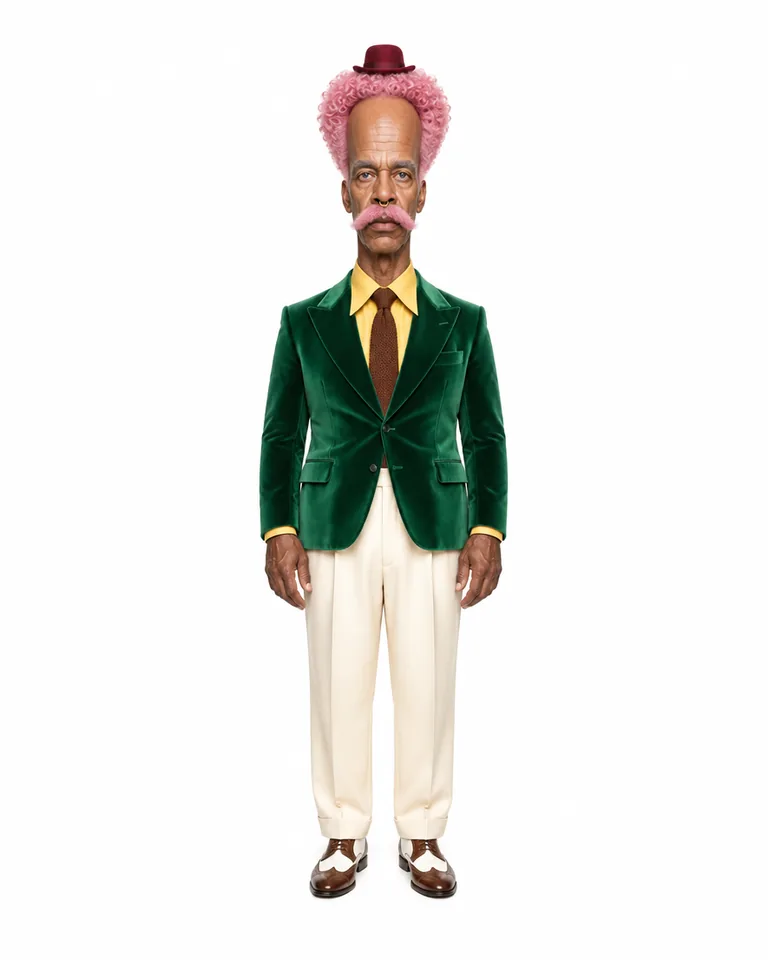 Extreme tier
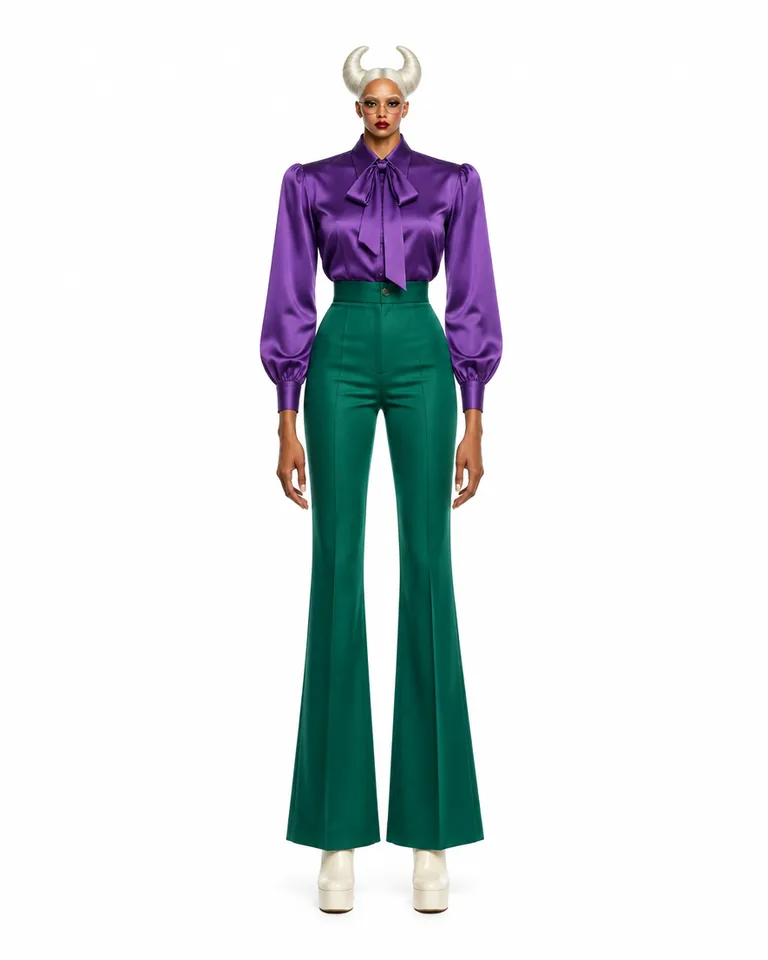 Extreme tier
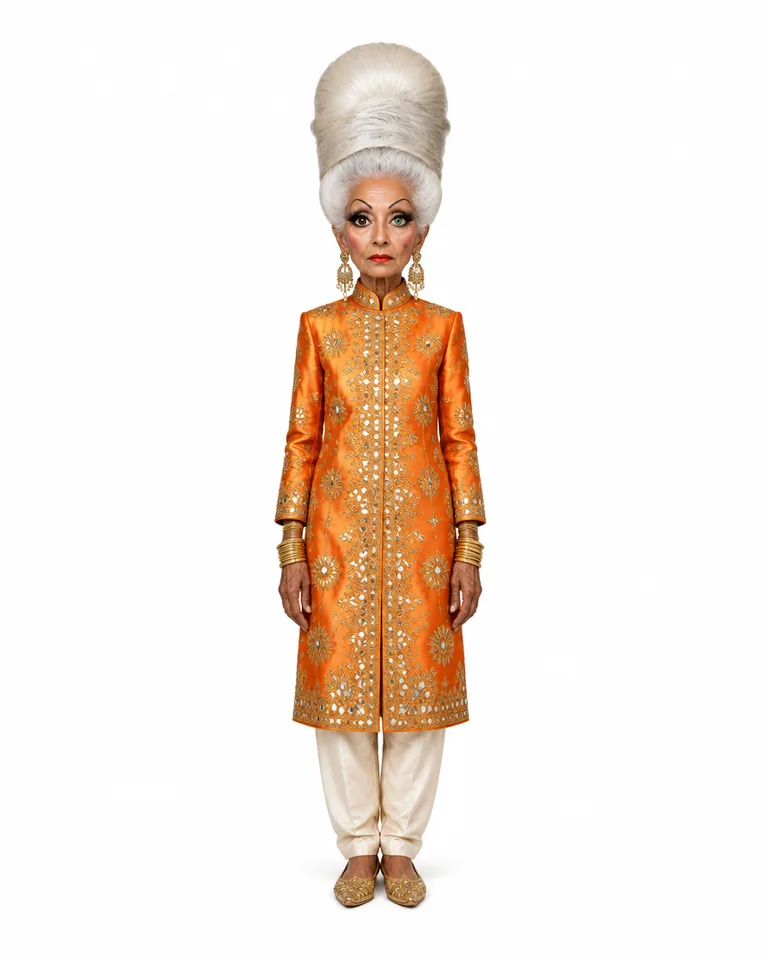 Extreme tier
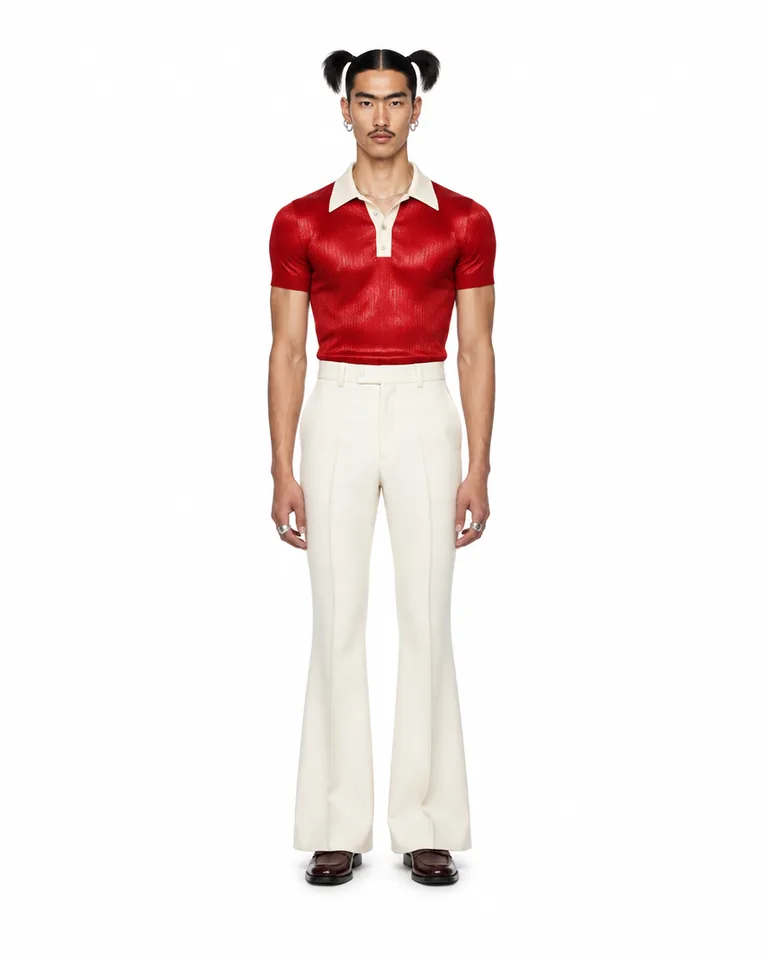 Bold tier
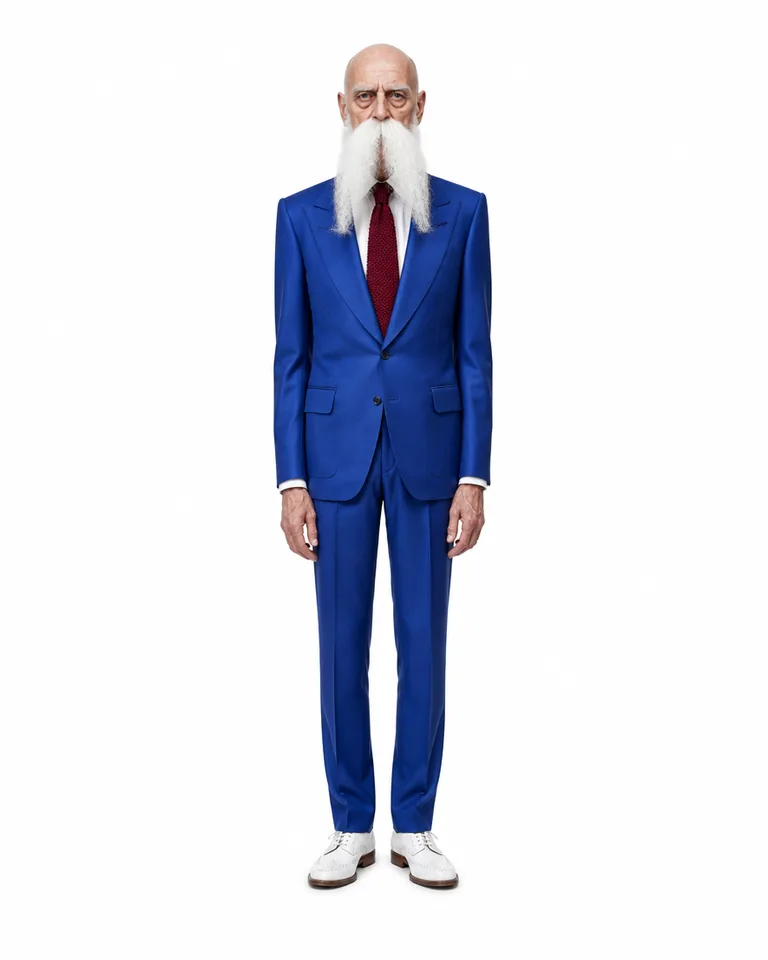 Extreme tier
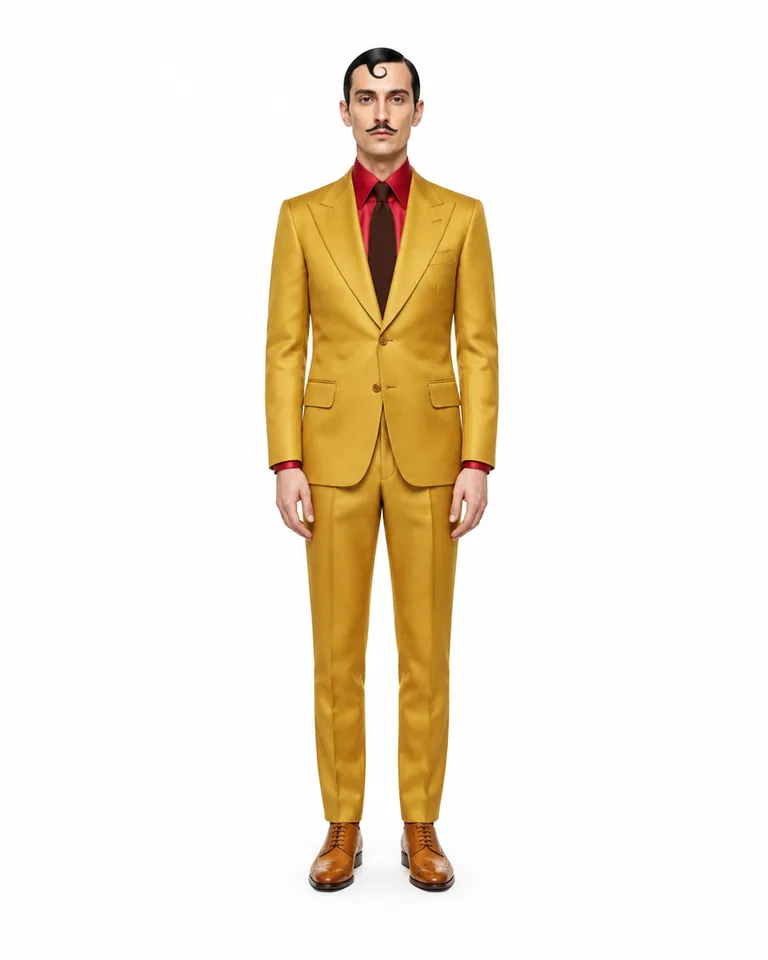 Bold tier
One character. Every clip.
One sheet, 6 real runs — the same face in every scene, outfit and move.
- Two dancers re-cast as two original characters, beat for beat
- A new bartender in the same take — every pour still on the beat
- The same routine, a different duo
- A hallway strut, re-cast and set in a new corridor
- A living-room dance moved to a high-rise with a new dancer
- A new lead, with the performance kept as filmed
The cast
Characters built in Genfire’s AI Influencer Studio — open one to see its traits and recreate it.
What you can create
One tool, many formats — these are the things creators actually ship with the consistent character generator.
Story series
One lead across a run of scenes, recognisable in every shot.
Brand characters
A mascot or host who looks the same on every post.
Influencer feeds
Daily posts from one face, never a lookalike.
Recurring video roles
The same character across Seedance 2.5 clips and Genjudo runs.
New outfits, same face
Wardrobe changes from a prompt or a reference photo, identity kept.
Your own art, sheeted
Drawings or renders turned into a three-view reference.
Why Genfire
Identity in an image, not a sentence
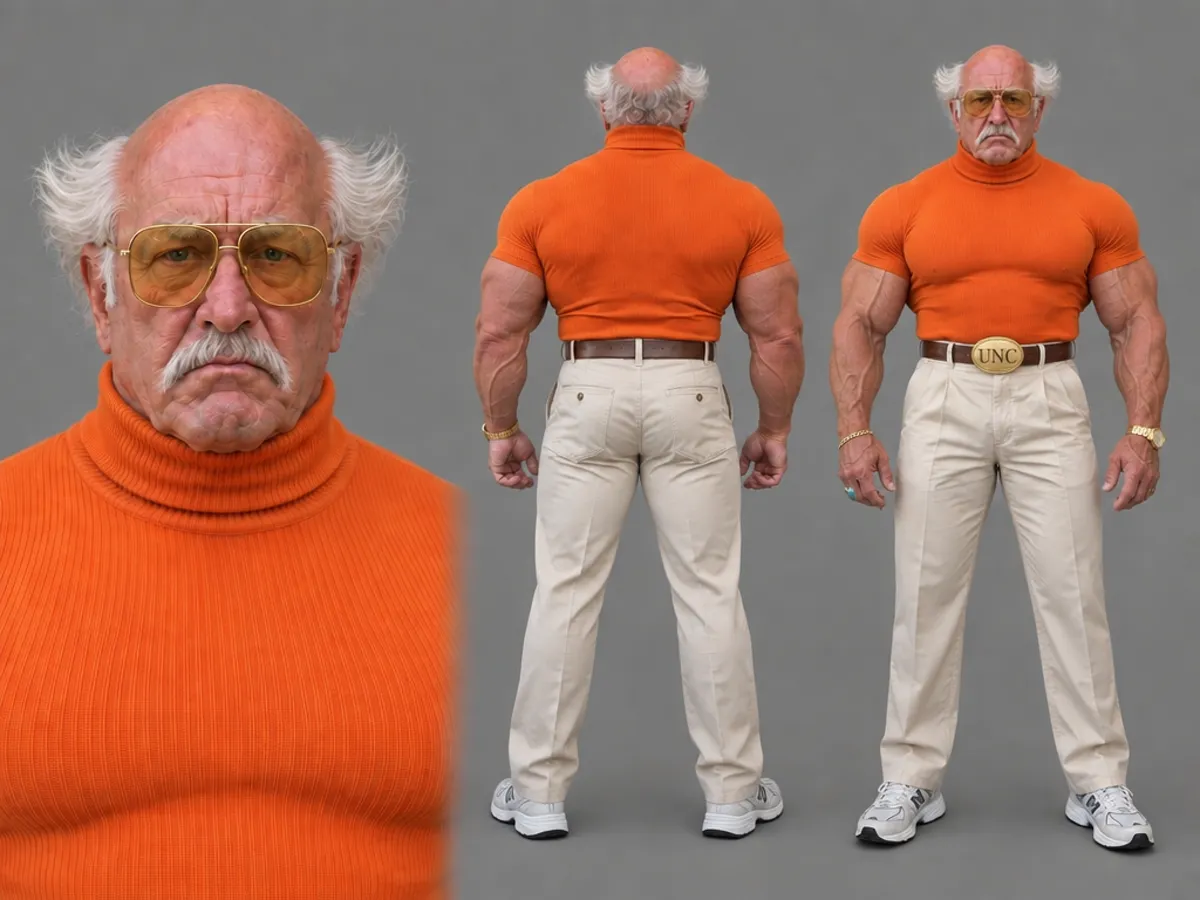
The sheet shows the model who the character is — face, build, hair and outfit from three angles — so nothing is left to guess from adjectives.
One @handle, every prompt
Mention the character in any image or video prompt and the sheet rides along as the identity reference. No re-uploading, no copy-pasted descriptions.
Close-up, front and back
The portrait carries every quirk of the face; the rear view holds the back of the hair and outfit, so a turn has nothing to invent.
The same character on video
Motion transfer with Genjudo, talk to camera, lip-sync, animate and cinematic scenes all start from the sheet, and all run on Seedance 2.5.
Character briefs
Steal these to get started — every one is a single click from a result.
How it works
- 1Pick traits

Muscular 
Moustache 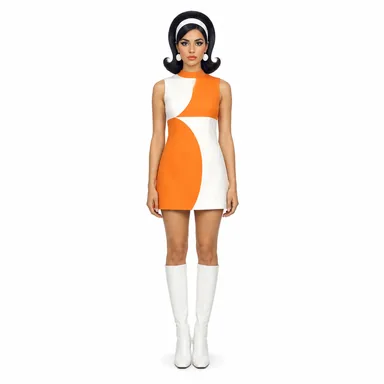
Retro Define the character
Pick traits and a tier in the AI Influencer Studio, describe them in words, or add a photo — yours, or one you have permission to use.
- 2Character sheet
Get the character sheet
Genfire renders portrait, rear and front views on one sheet under an @handle. Already have art? The Character Sheet app turns your references into one.
- Same face, new scene3
Mention them anywhere
Type the @handle into an image or video prompt — photoshoots, carousels, motion transfer, talking clips — and the same character shows up.
Consistency is a reference problem
Every image model is, at heart, a casting engine: give it a description and it picks someone who fits. Give it the same description twice and it picks two different people, because the words never pinned down one face. Longer prompts narrow the field but never close it. What closes it is a reference image — the model is shown who the character is instead of being told.
Genfire’s reference is the character sheet, and its layout is deliberate. The close-up portrait carries the face and every quirk in it. The full-body rear view records the back of the hair and the outfit, the details a model otherwise invents the moment a character turns around. The full-body front view holds build, proportions and wardrobe from head to shoes. The AI Influencer Studio renders it from traits, a description or one photo; the Character Sheet app renders it from images of a character you already have.
Then the sheet travels. Saved under an @handle, it rides along whenever you mention the character — in photoshoots, carousels and headshots, and in video, where motion transfer, talking clips, lip-sync and scenes run on Seedance 2.5. Keep the character clearly in frame, change one thing per prompt, and run more than one take when it matters: the sheet makes the same face the default, and good direction keeps it there.
Frequently asked questions
Why do AI characters change from one image to the next?
Because a text description fits thousands of faces. “A woman with red hair and freckles” is a category, not a person, so every generation casts someone new. Consistency comes from showing the model the same reference image each time, which is exactly what a character sheet is for.
How do I keep the same character in every image?
Create the character once as a three-view sheet, save it under an @handle, and mention that handle in every prompt. On Genfire the sheet goes along as the identity reference, so the face, build and outfit carry from shot to shot while your prompt changes the scene.
Does the character stay consistent in video?
Yes — the same sheet is the identity for video. Influencer videos on Genfire run on Seedance 2.5, including motion transfer from any clip with Genjudo, talking to camera, lip-sync, animating a still and cinematic scenes.
Can I make a consistent character from my own artwork?
Yes. The Character Sheet app takes up to eight reference images of one character — photos, drawings or 3D renders — and returns a portrait, rear view and front view in the same rendering style, so an illustration stays an illustration.
Can two consistent characters appear in the same video?
Yes. Genjudo’s “Two characters” direction casts a foreground role and a background role from two images of your characters, keeps both identities, wardrobes and proportions, and matches the timing, blocking and camera move of the reference clip.
Do I need many reference images for a consistent character?
No. A character built in the AI Influencer Studio needs none: its sheet is generated from traits or a description, and that single image is the reference. To bring in a character you already have, the Character Sheet app takes one to eight images, and different angles help most.
Can I use my consistent character in Genjudo?
Yes. The studio’s Motion panel is a front door onto Genjudo, so your character can perform any clip’s moves or be swapped into an existing take, and those runs appear in your Genjudo history like any other.
Will the character look identical in every generation?
The sheet makes the face, build and wardrobe the default every time, but busy scenes, extreme angles and heavy restyles can still drift. Keep the character clearly in frame, change one thing at a time, and generate more than one take when a shot matters.
From the blog
All posts →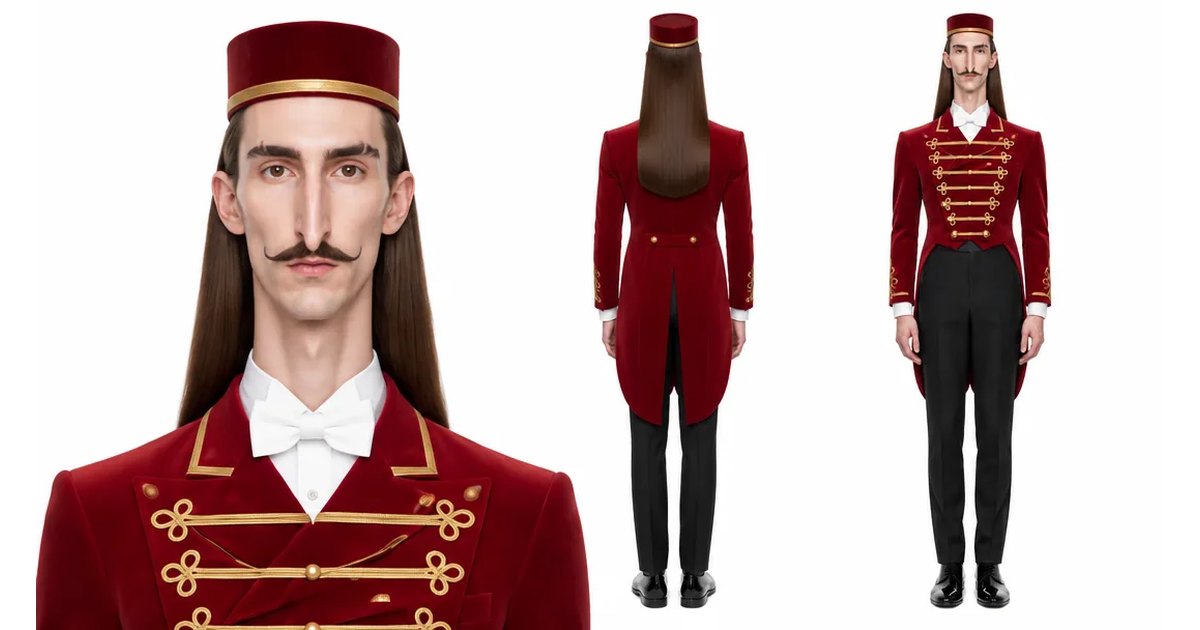
Explore Genfire
AI Tools
AI Models
Start creating with Consistent Character Generator
65+ AI models, a visual workflow editor, persistent influencers, and an API — all in one app. Free plan included, no credit card required.
Get Started Free