GENGA原画 — AI manga, comic and webtoon generator by Genfire
Any idea in. A cast, chapters and lettered pages out.
4 styles · up to 30 chapters · 20 languages · PDF · CBZ · PNG · Webtoon
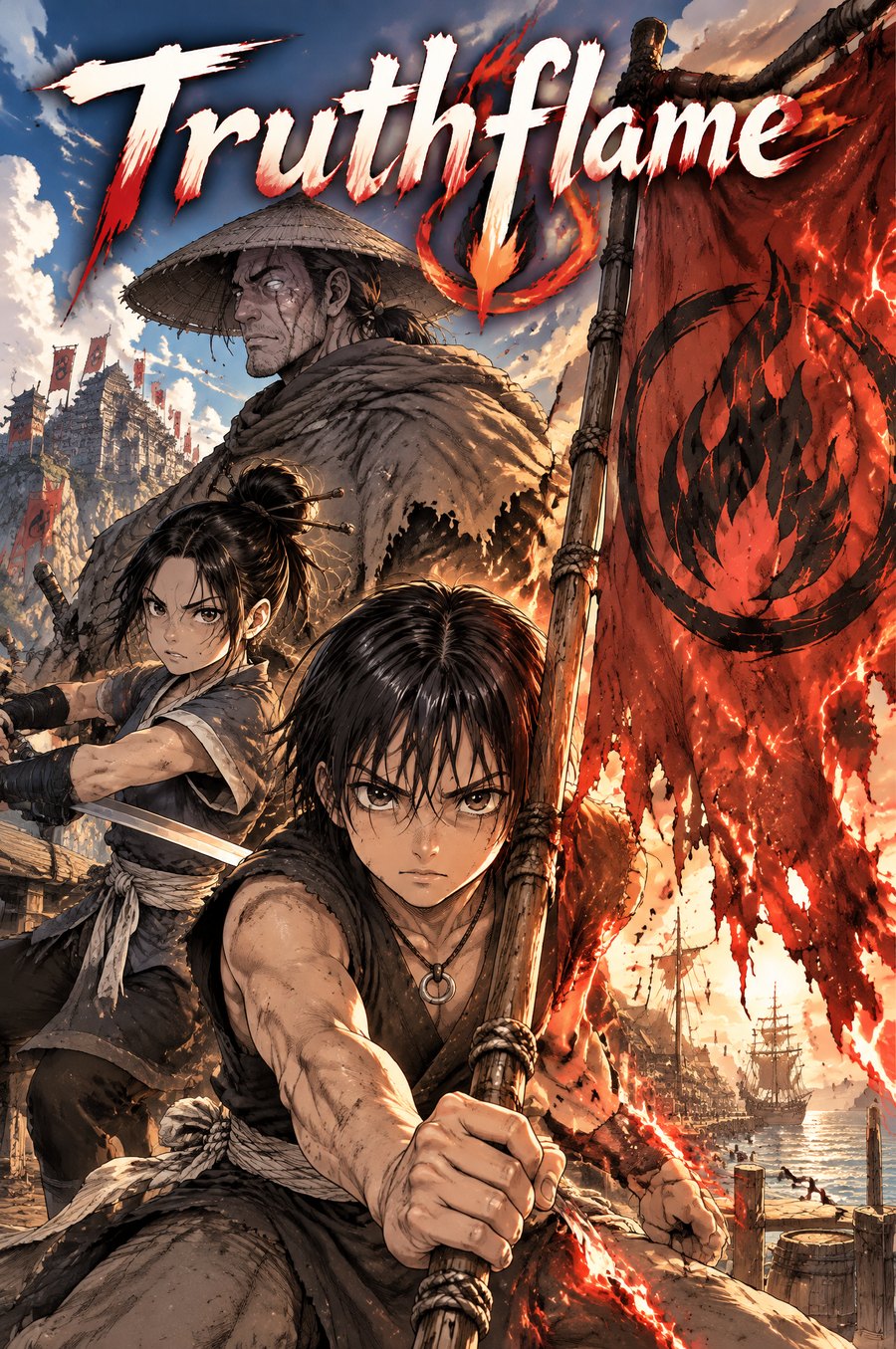
Truthflame
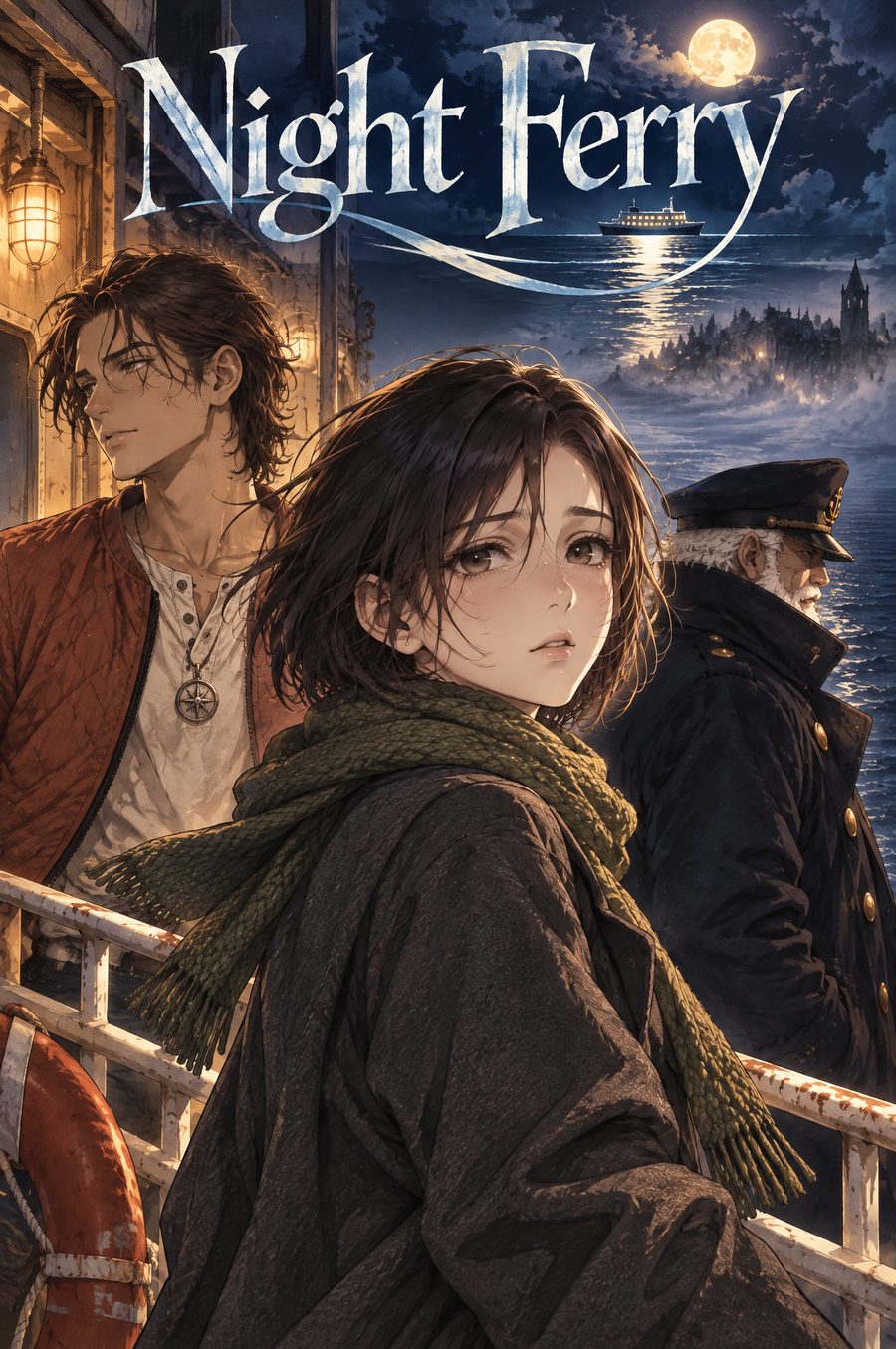
Night Ferry
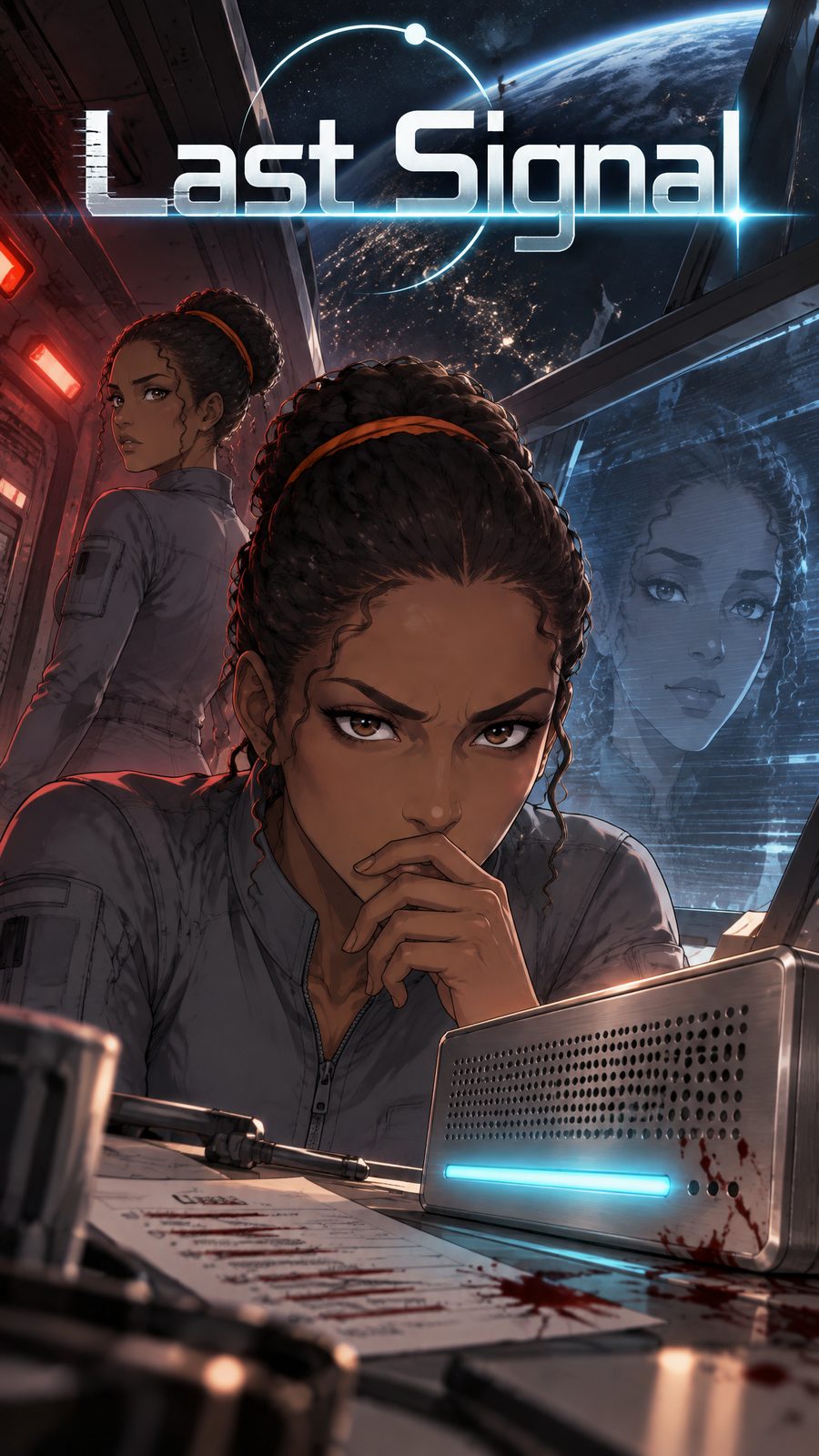
Last Signal
Styles
Four looks, four stories. Pick yours before anything is drawn.
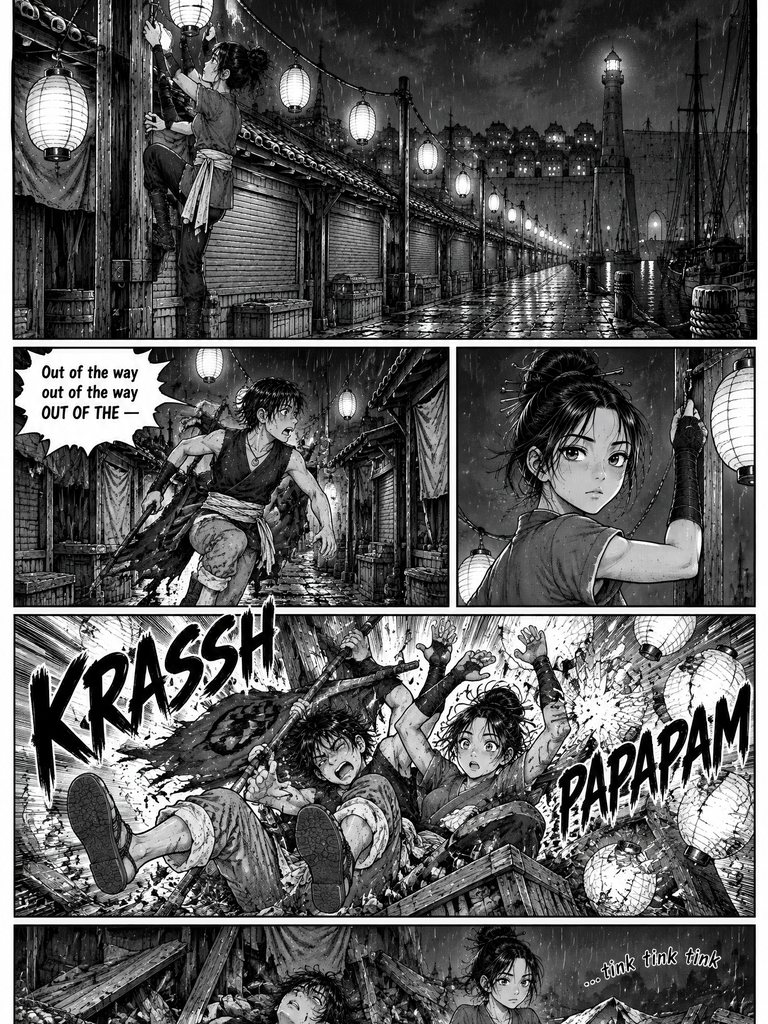 2:3
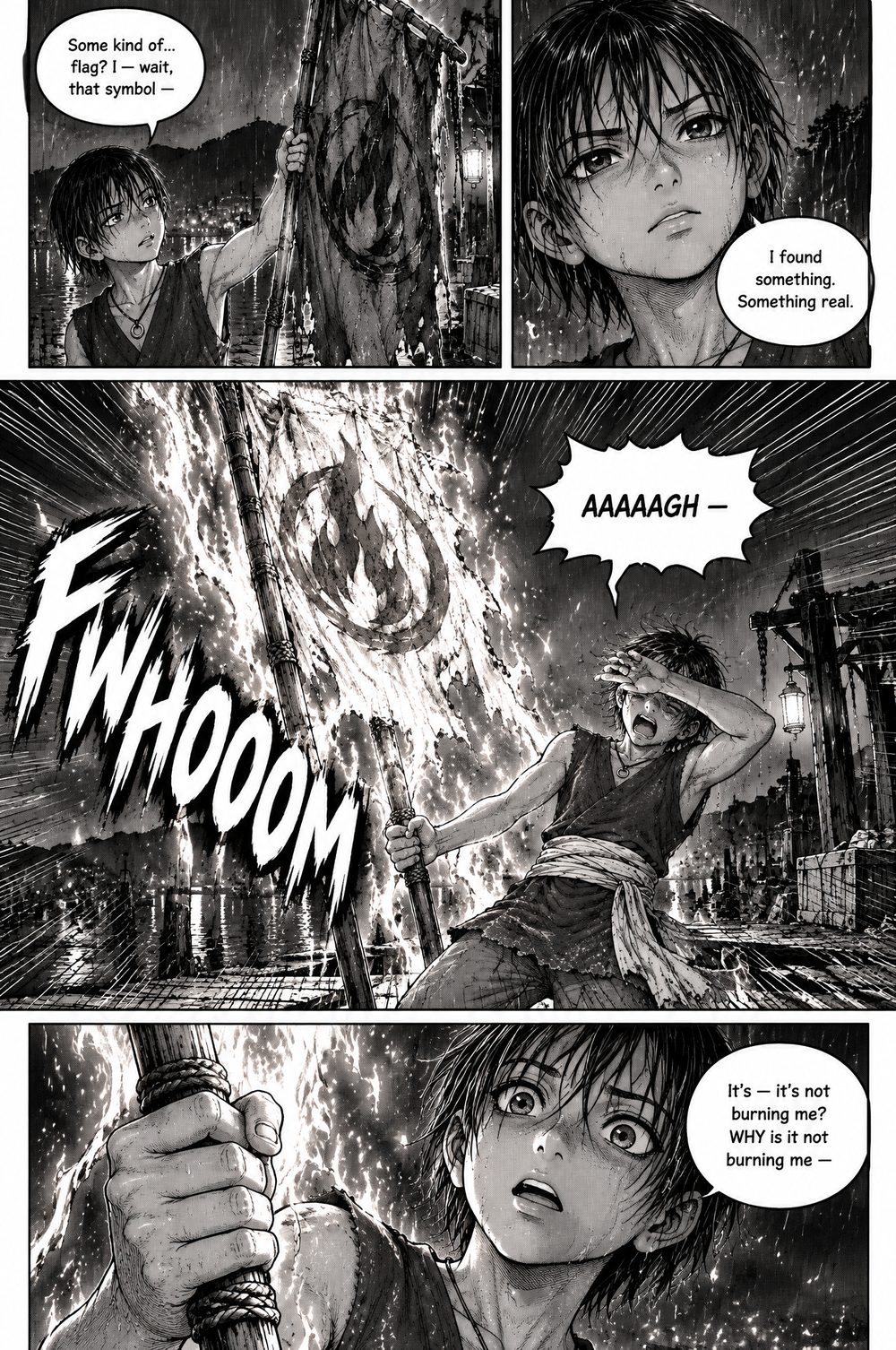
B&W manga
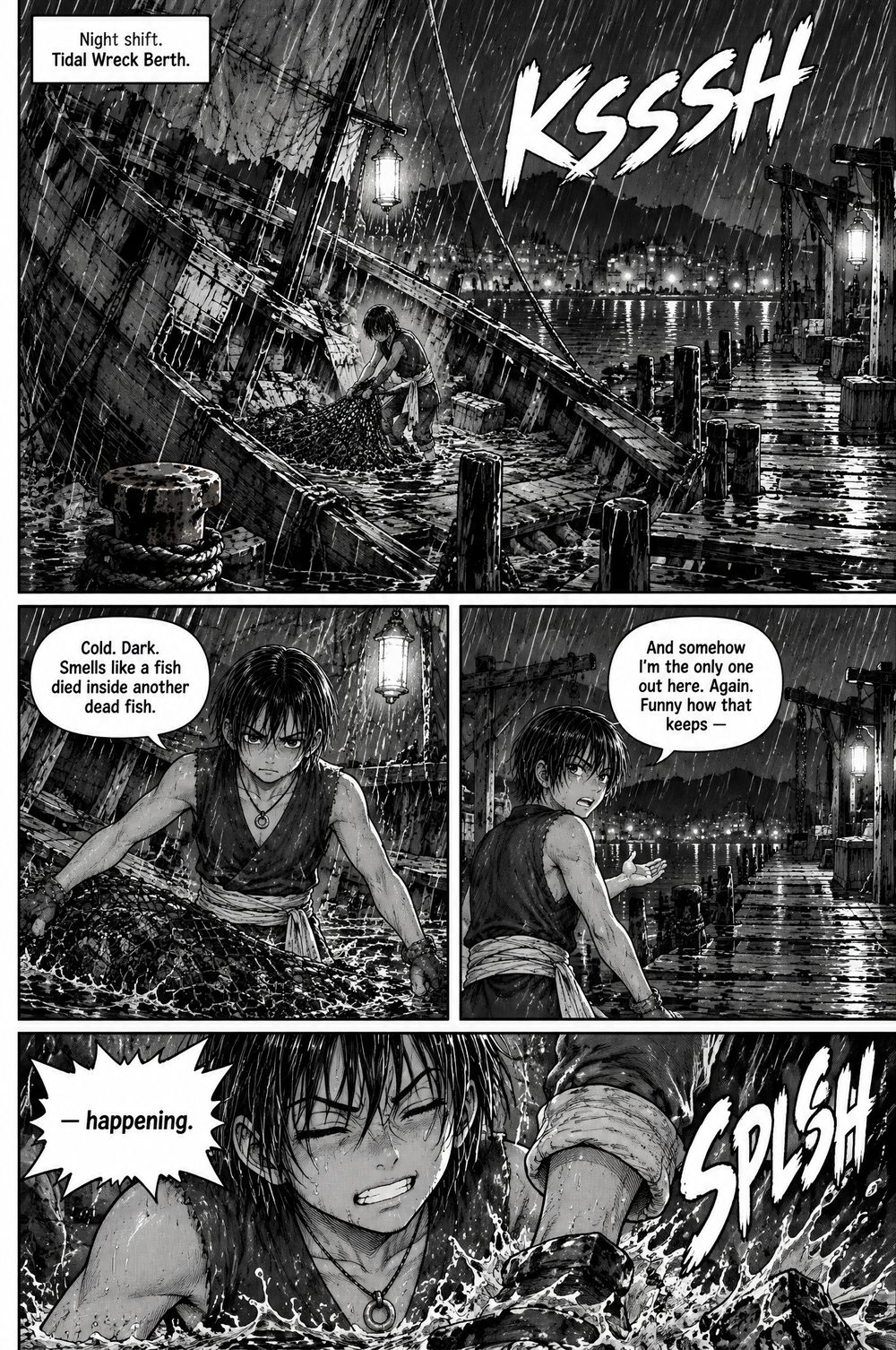
Ink, screentone and speed lines
 2:3
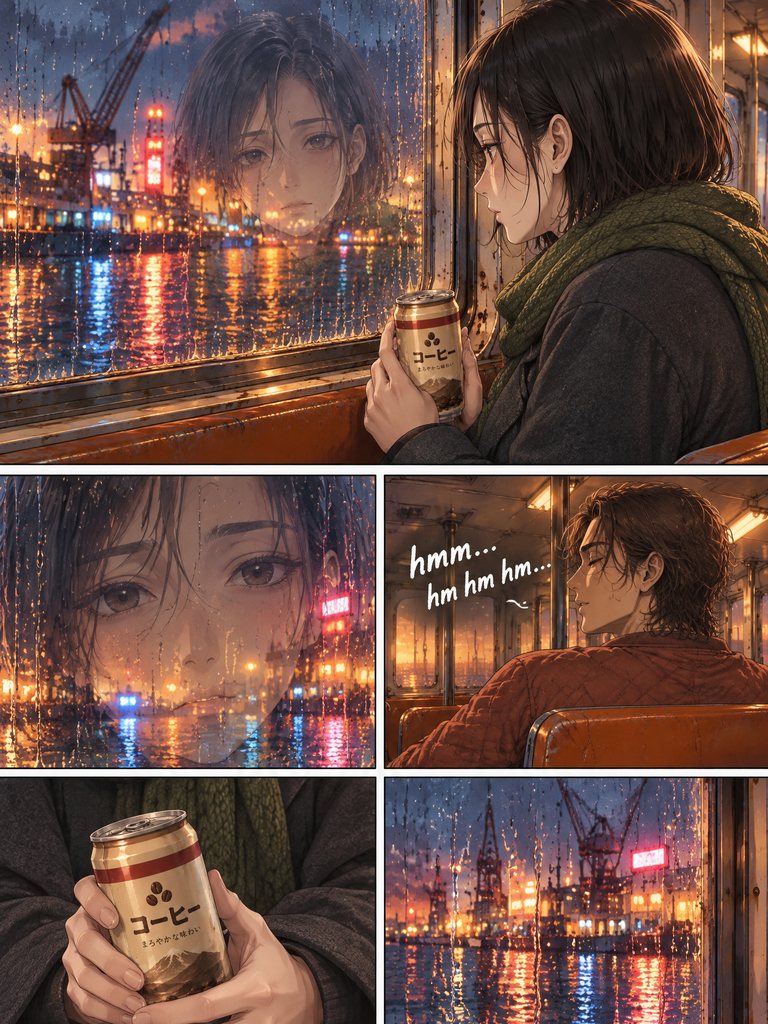
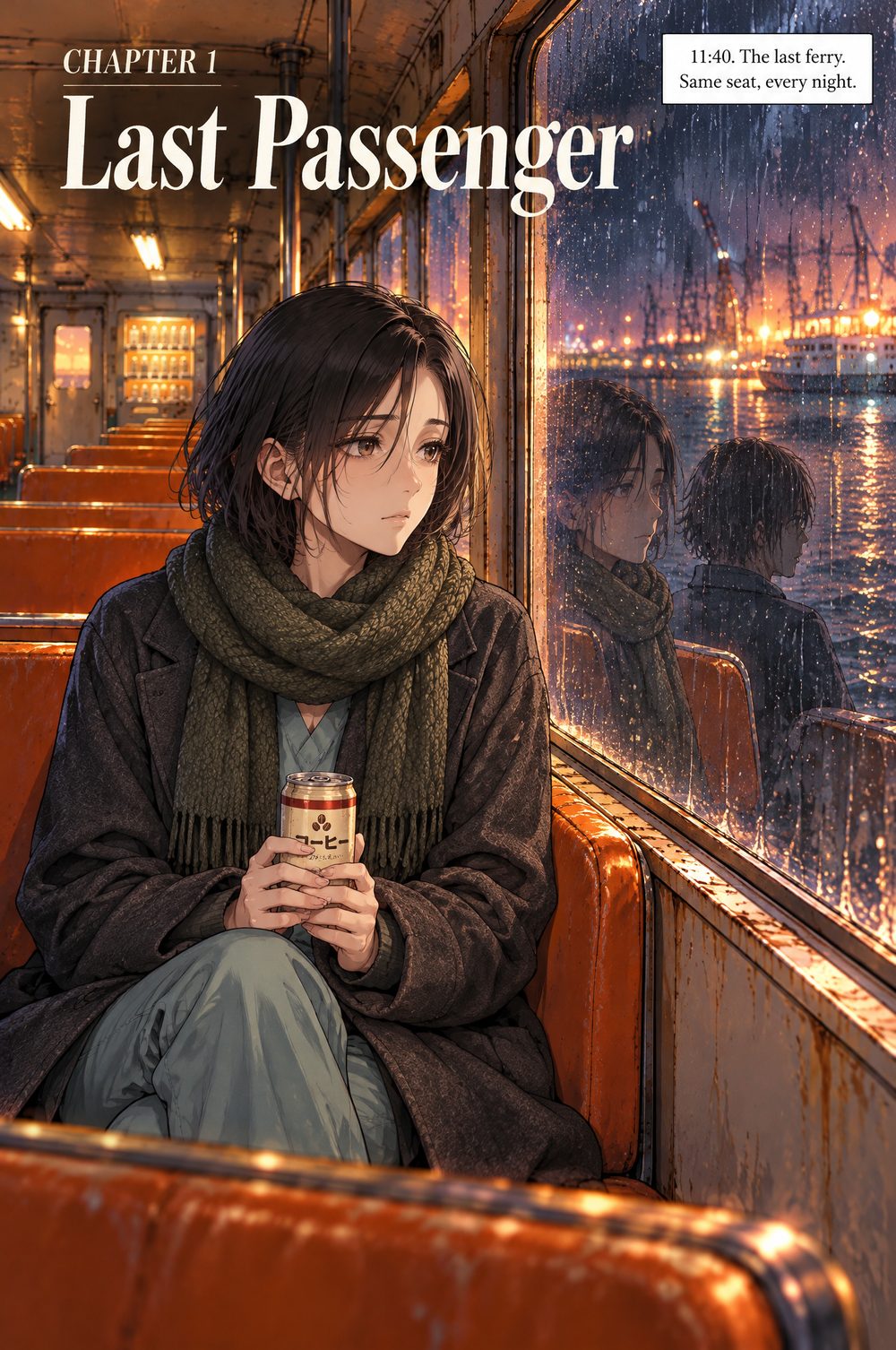
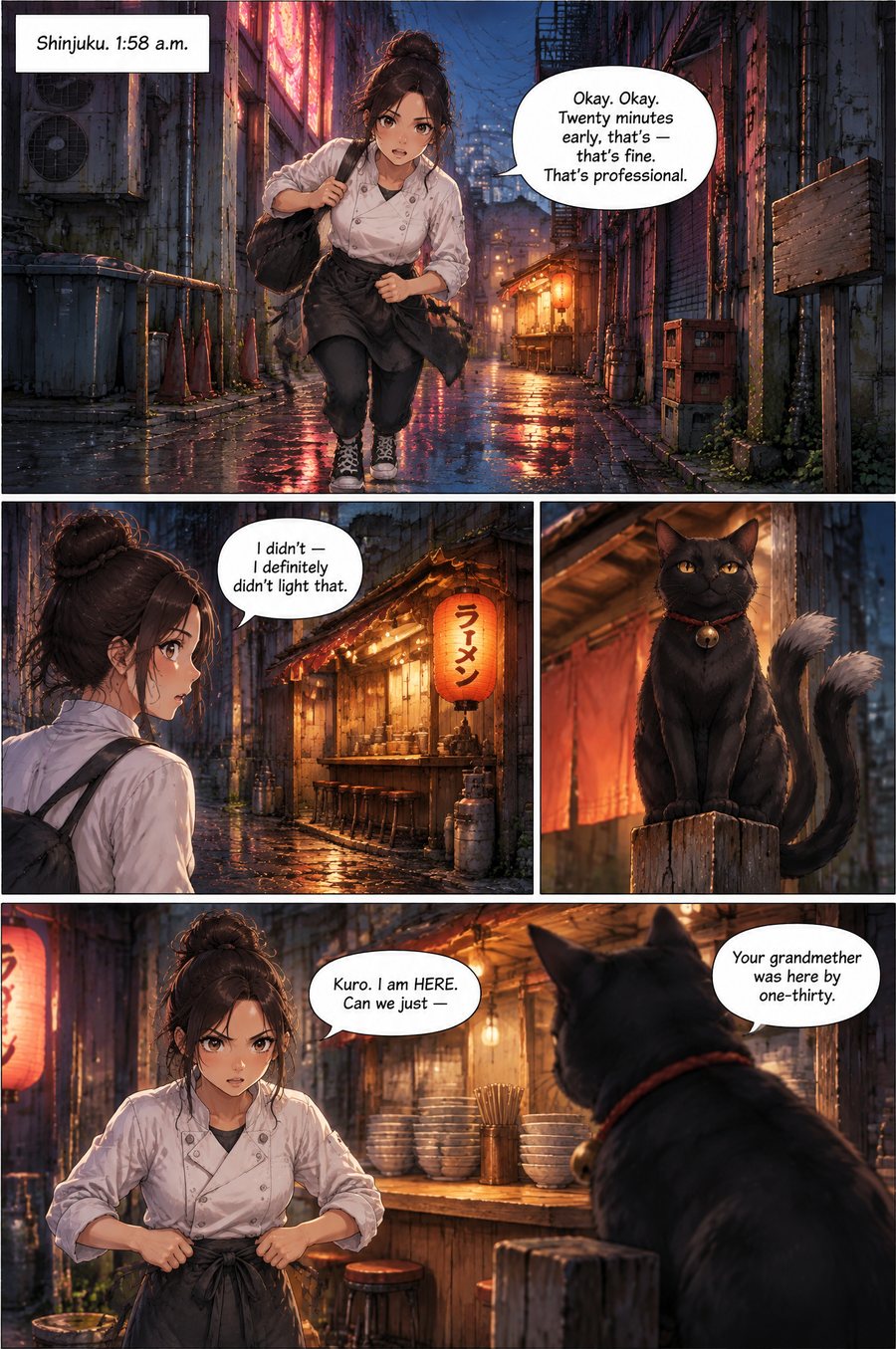
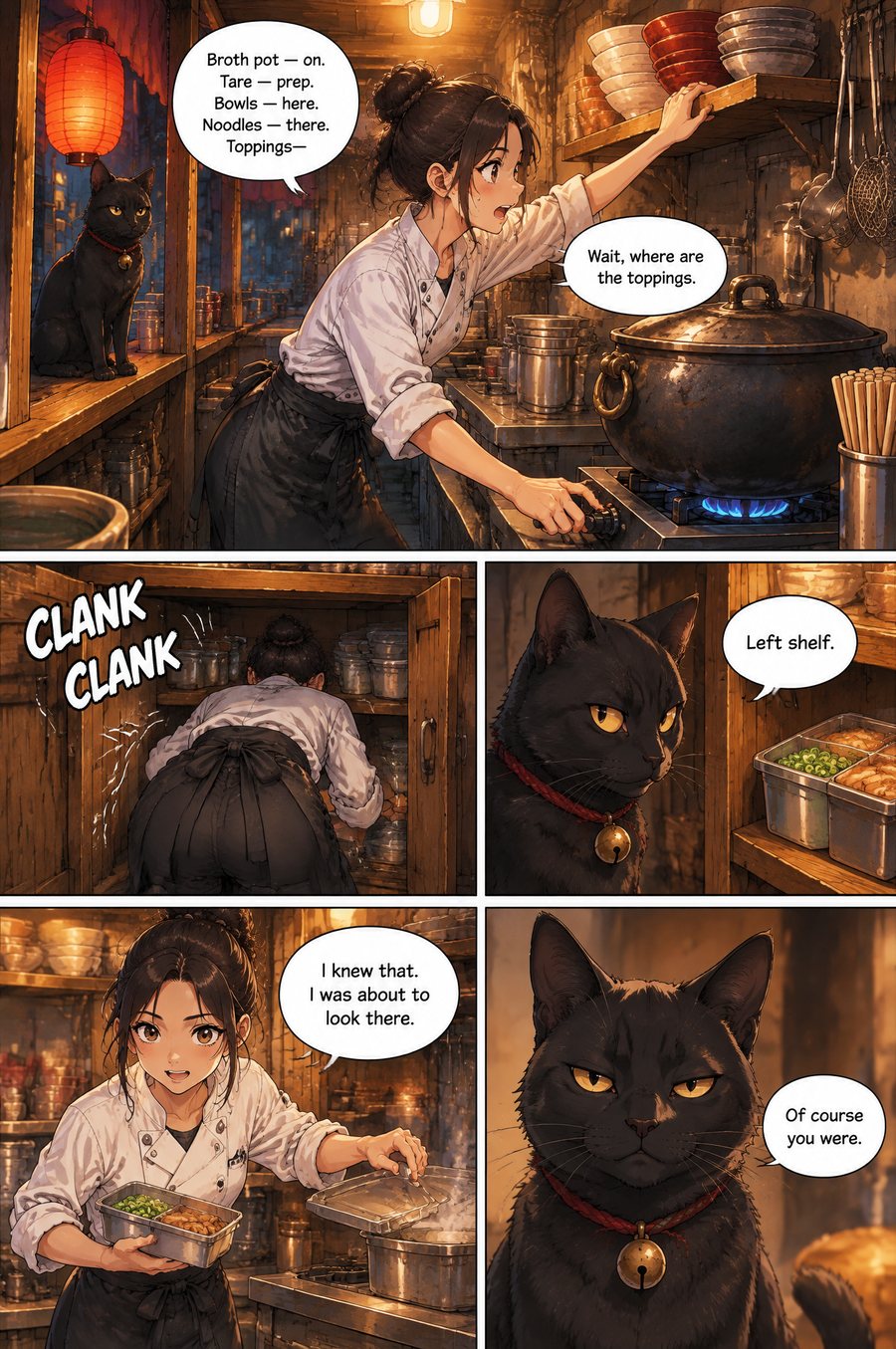
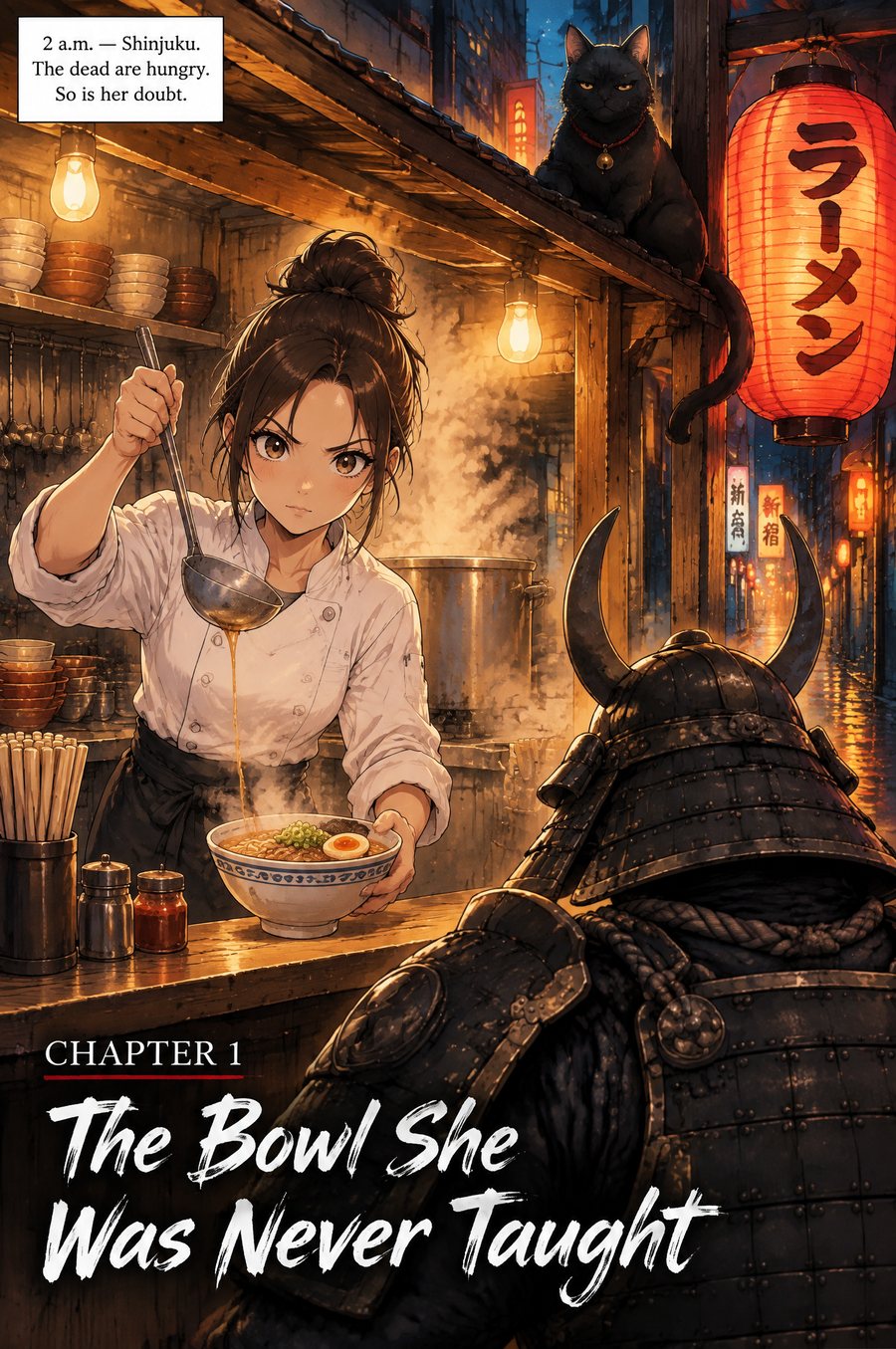
Color manga
Full-colour anime look, cel-shaded
 3:4
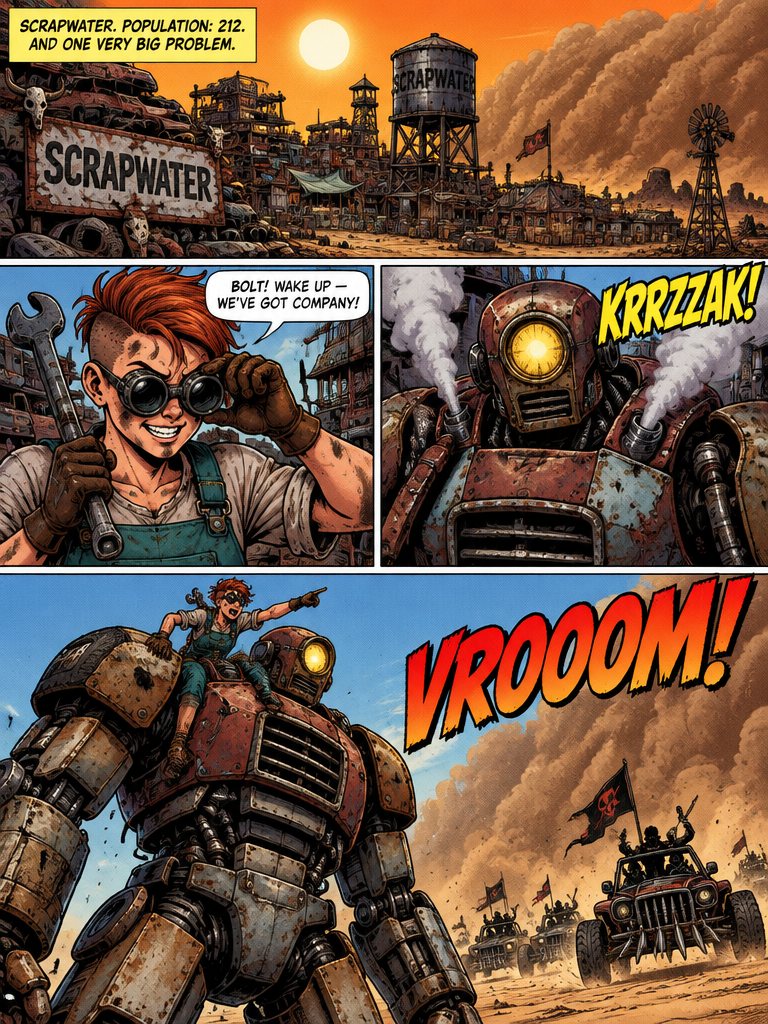
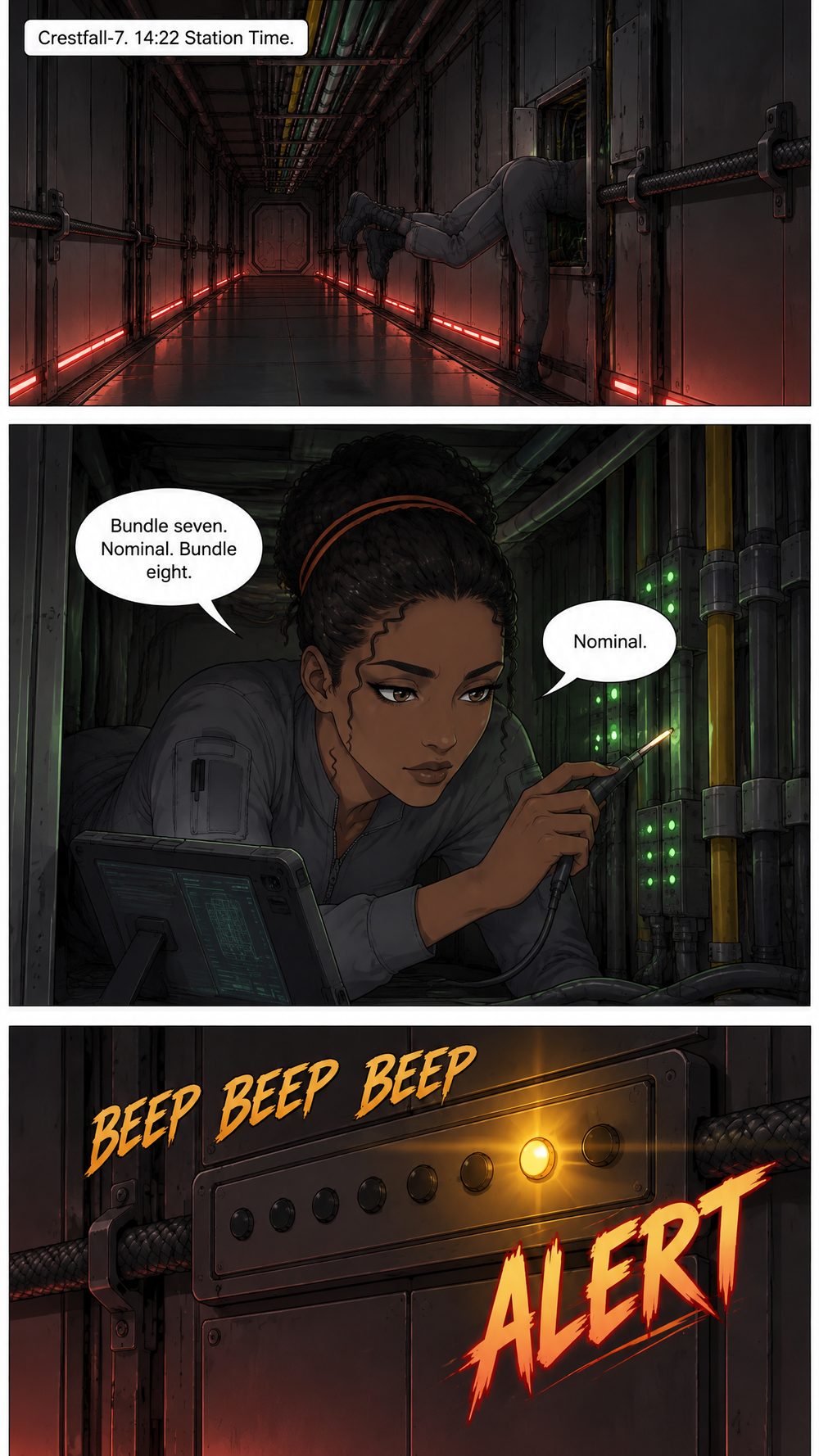
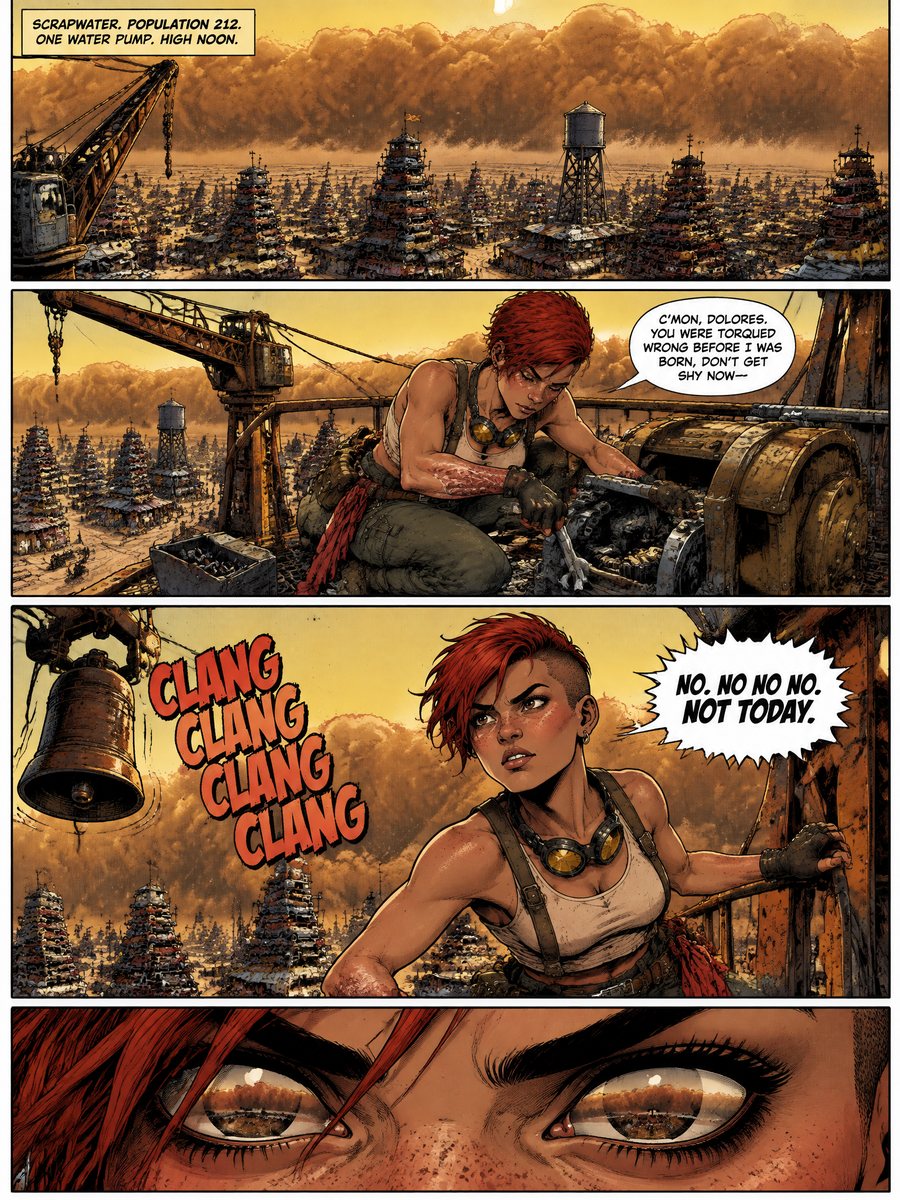
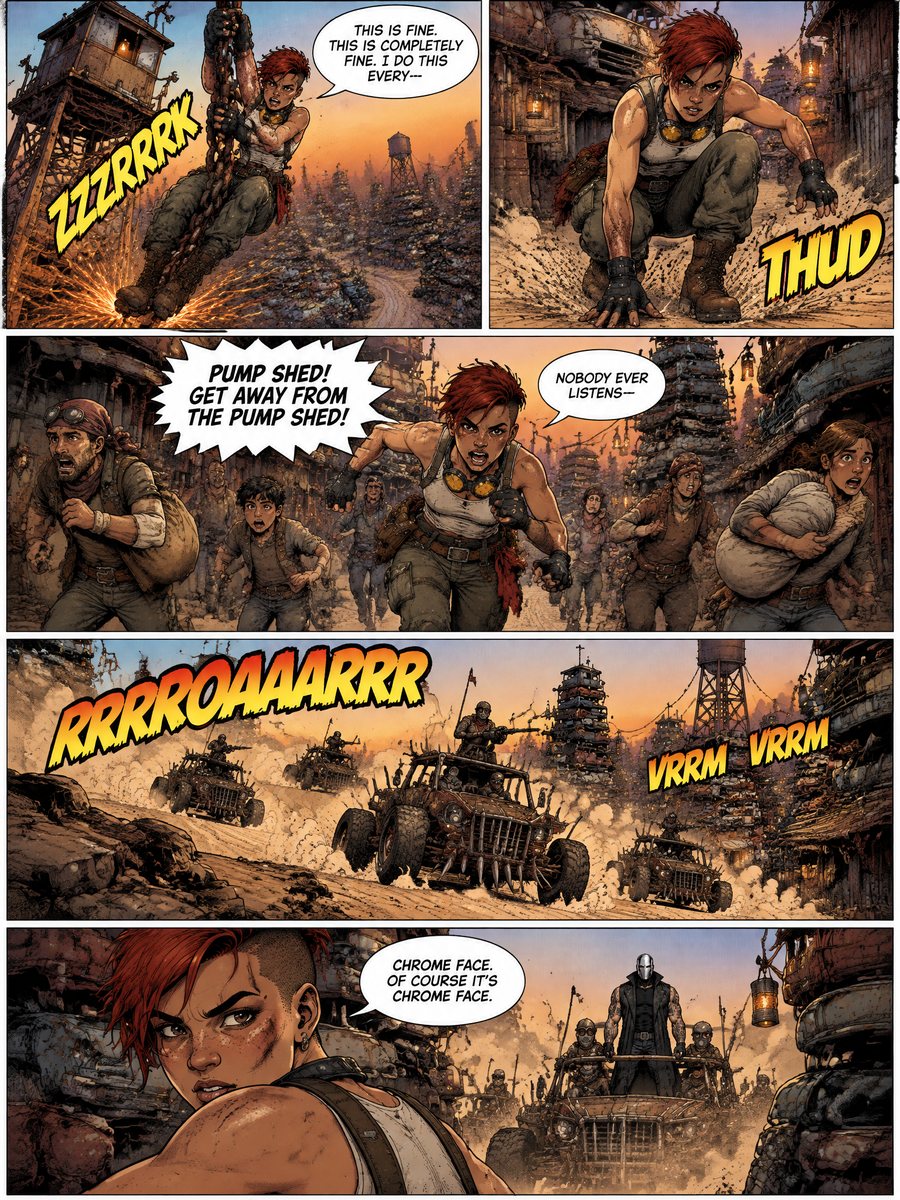
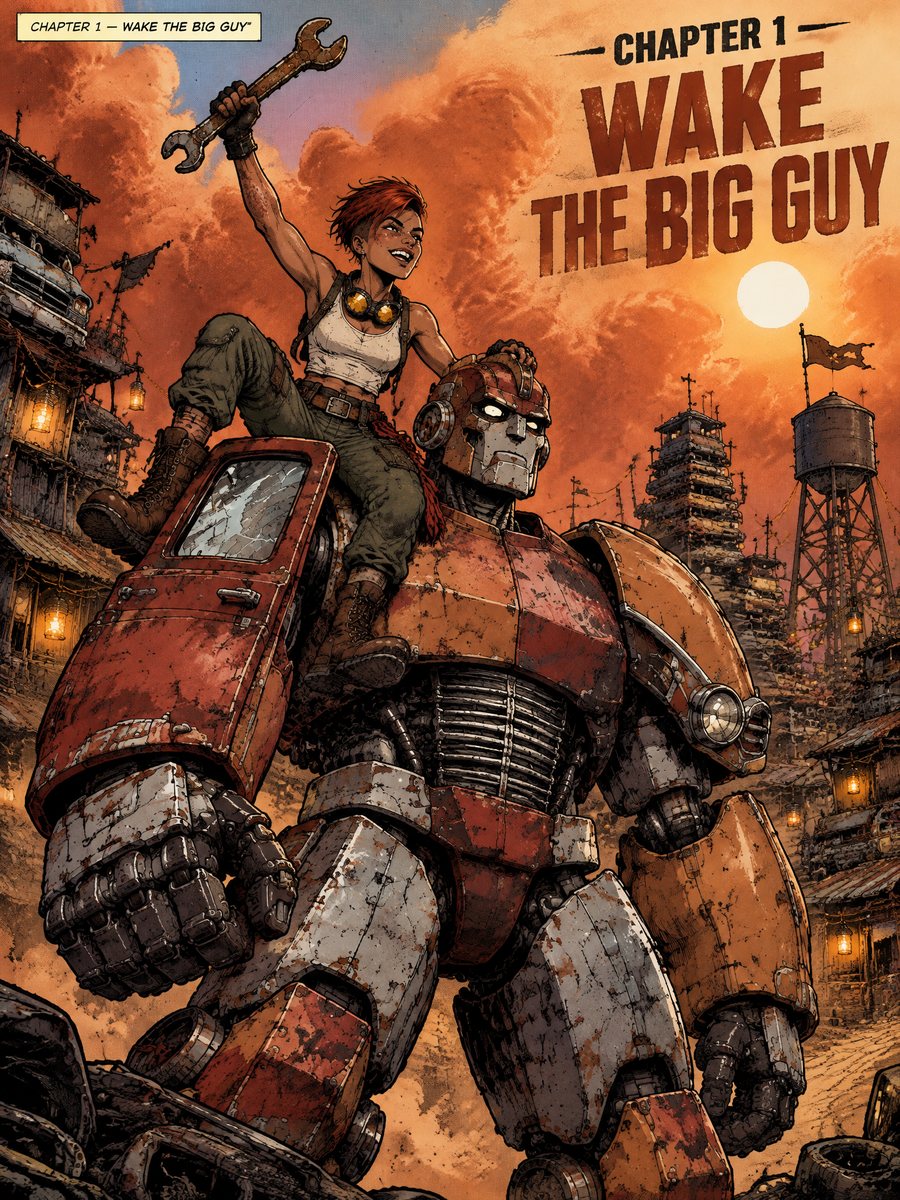
Comics
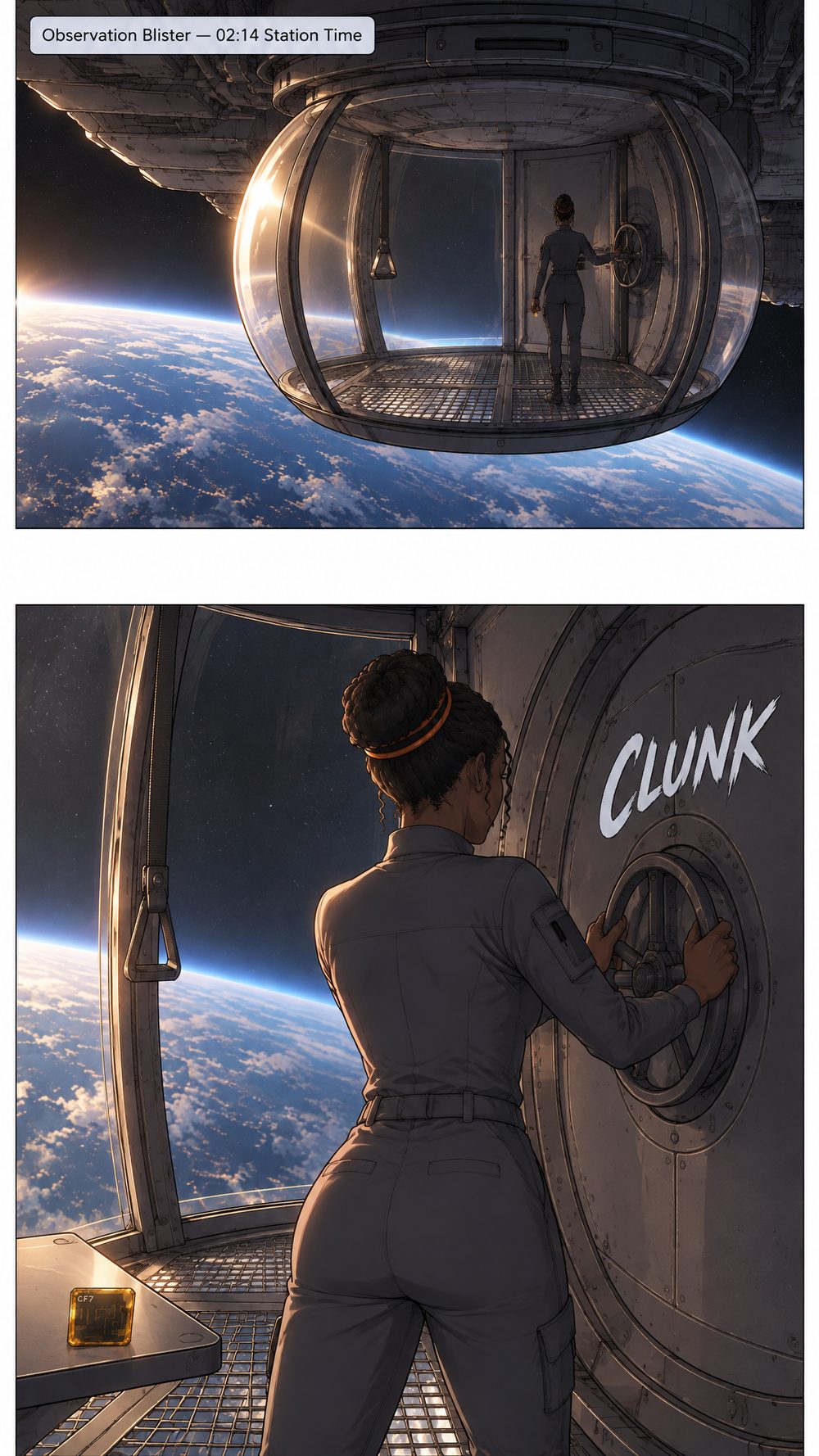
Bold inks, flat colour, Western panels
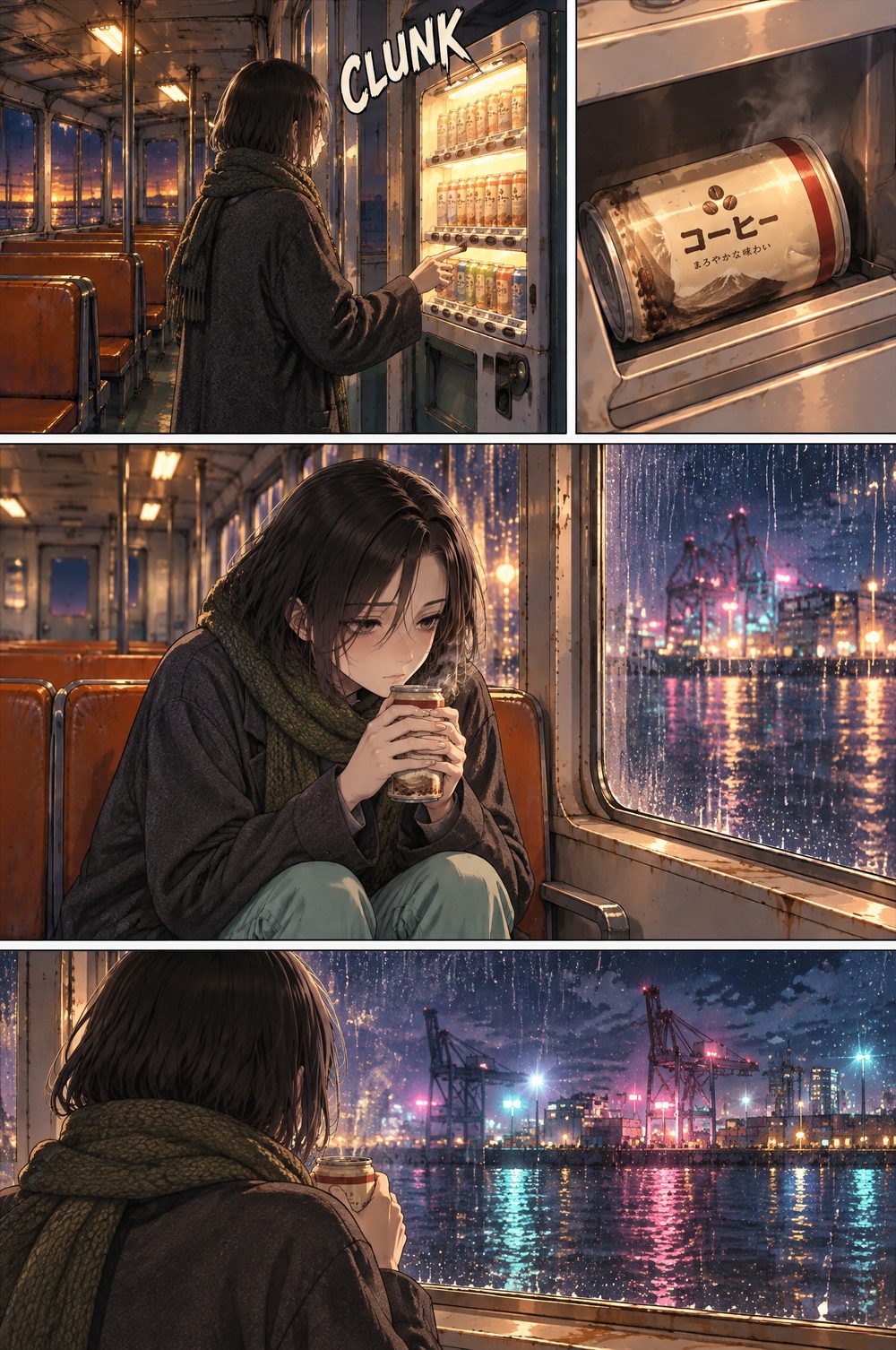
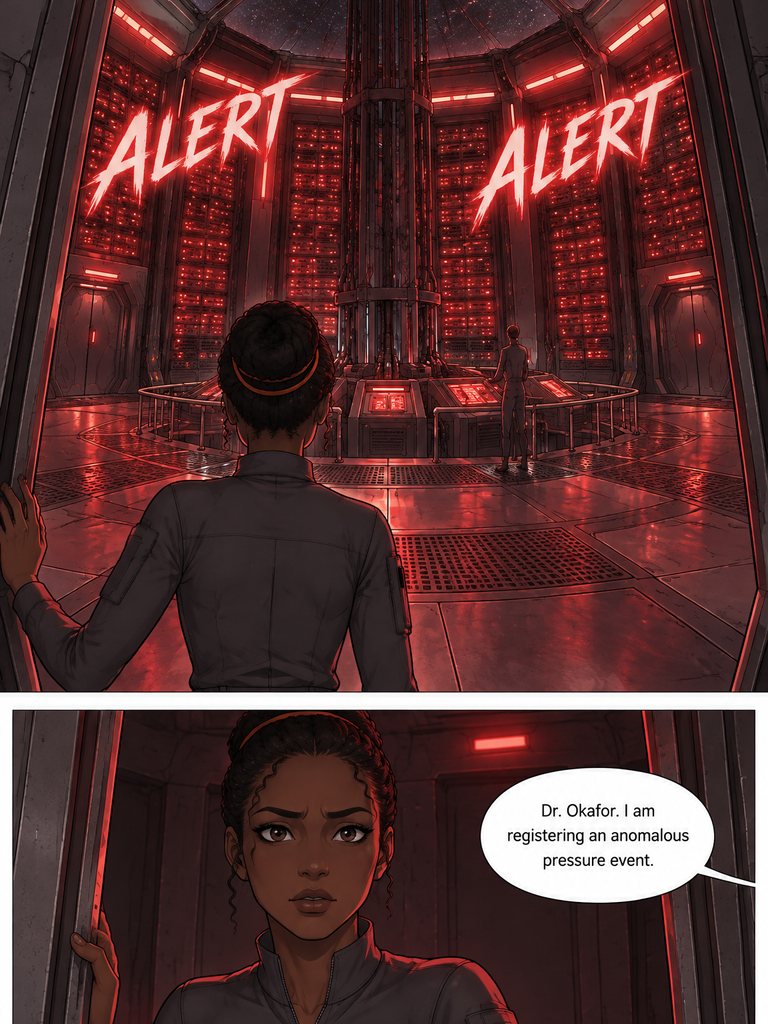 9:16
Webtoon
Vertical scroll, soft digital colour
Genga Studio
Write it, cast it, draw it — then change anything.
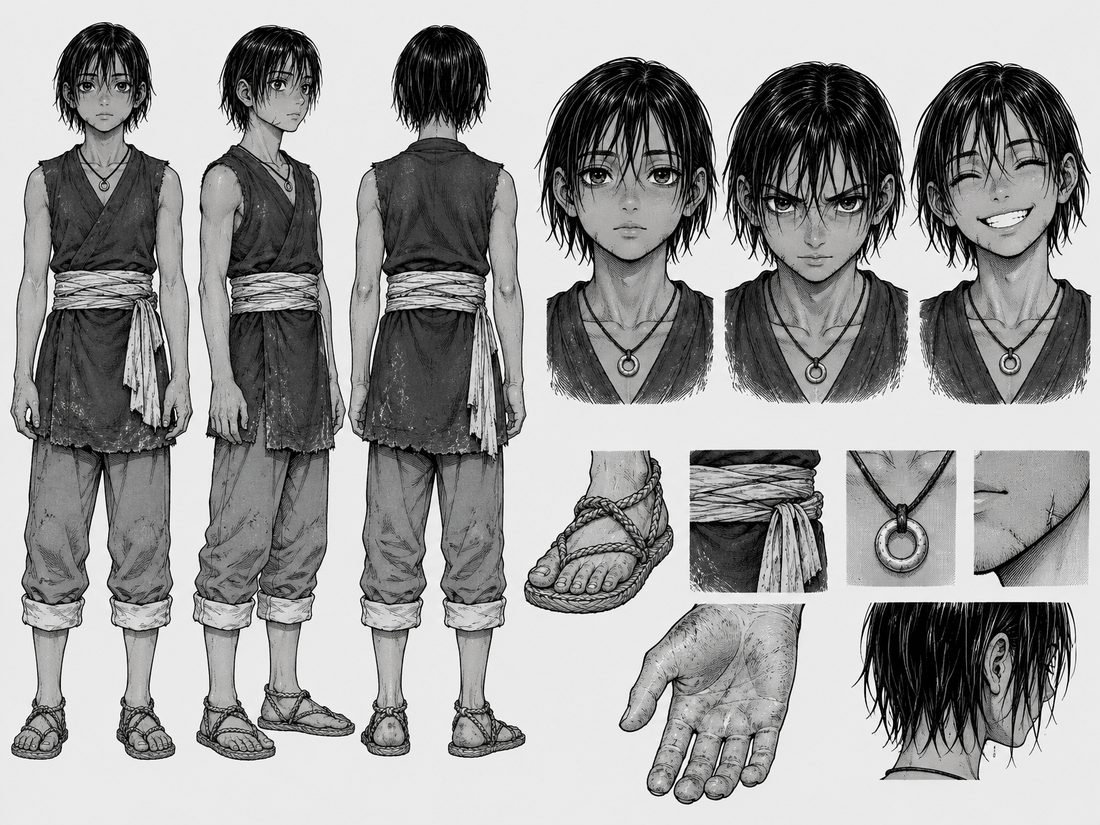
Cast & world
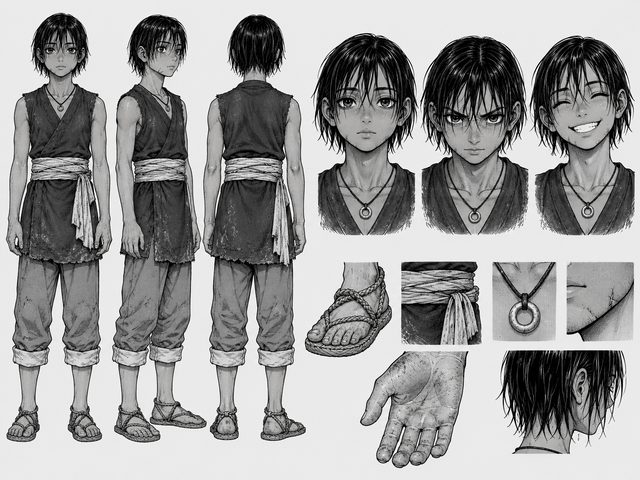
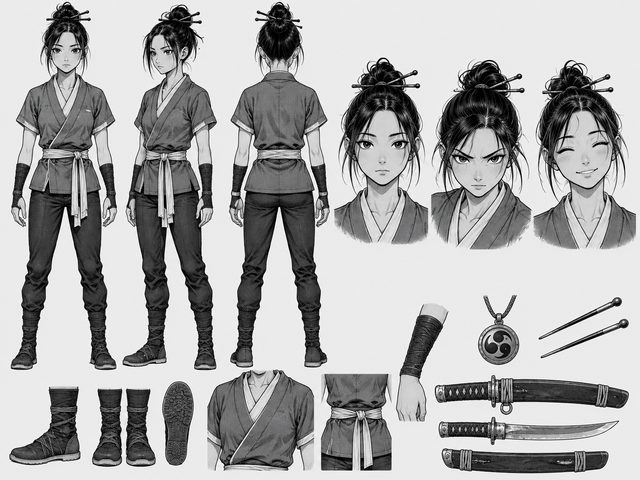
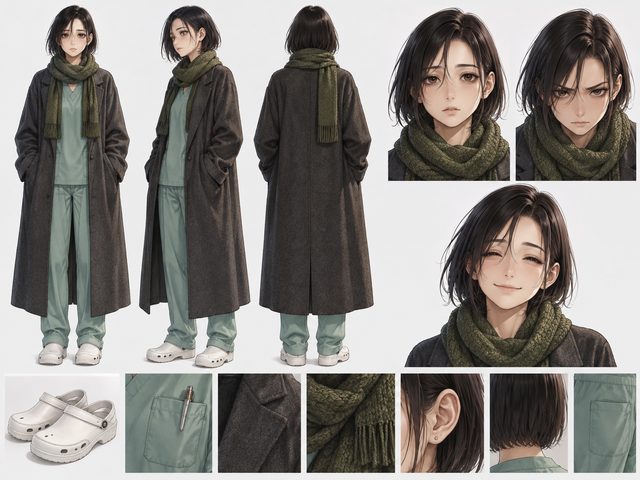
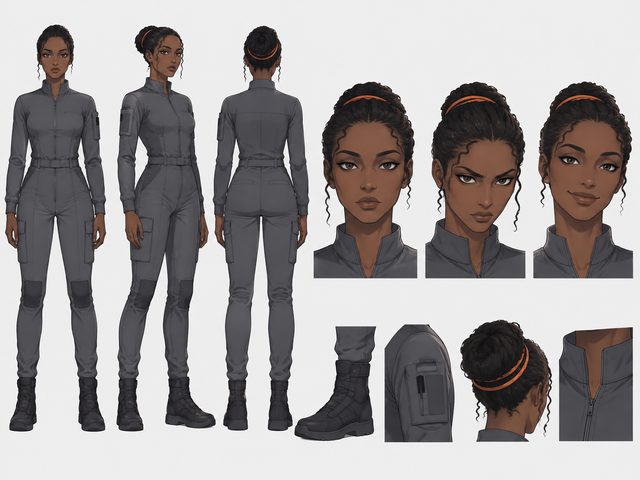
Characters, places and props, each drawn on its own sheet.
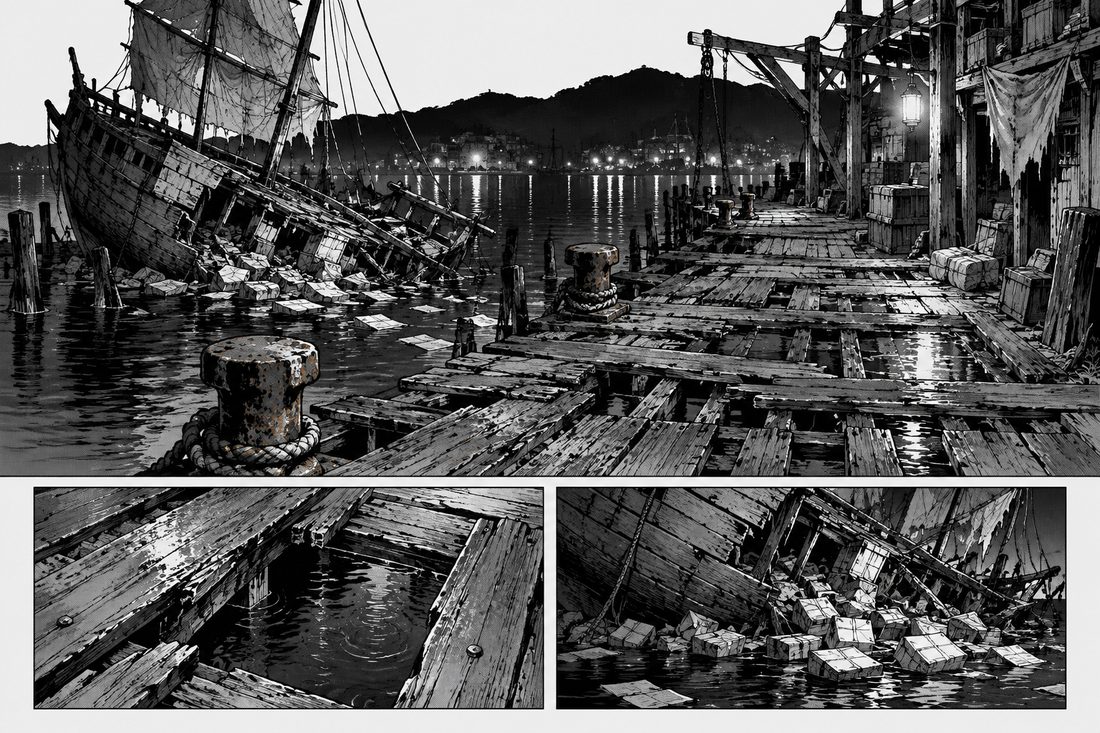
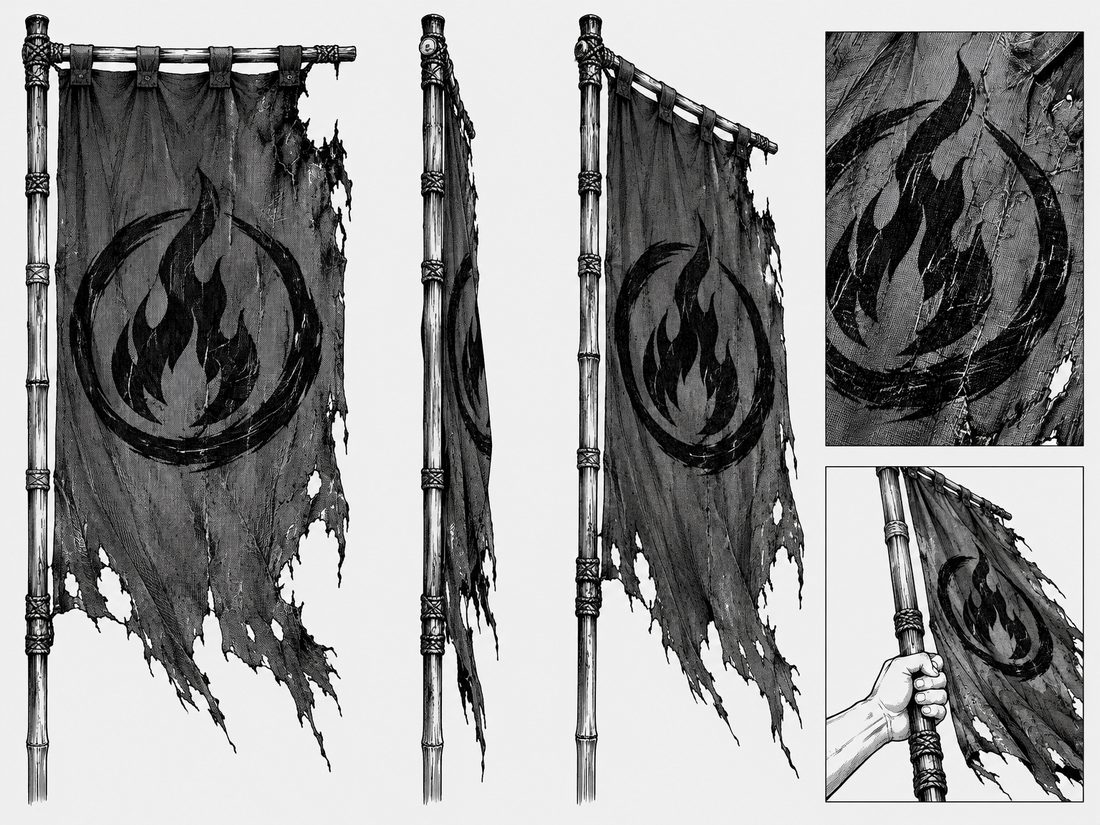
Characters · Locations · Props · Upload your own sheet
Recreate
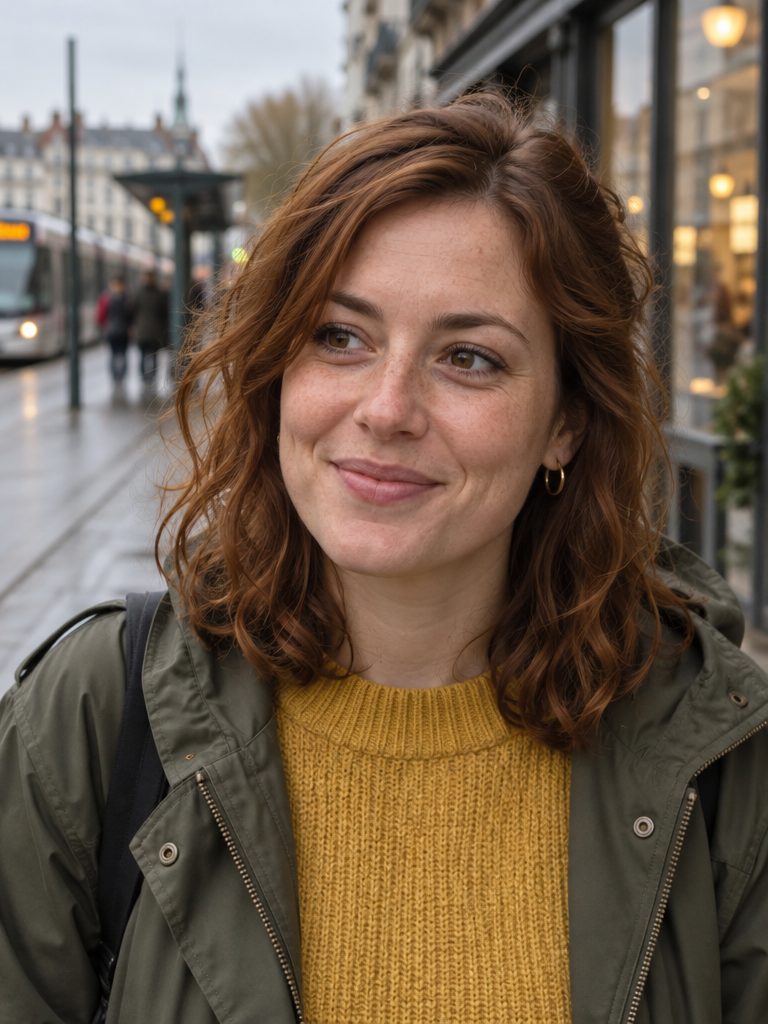
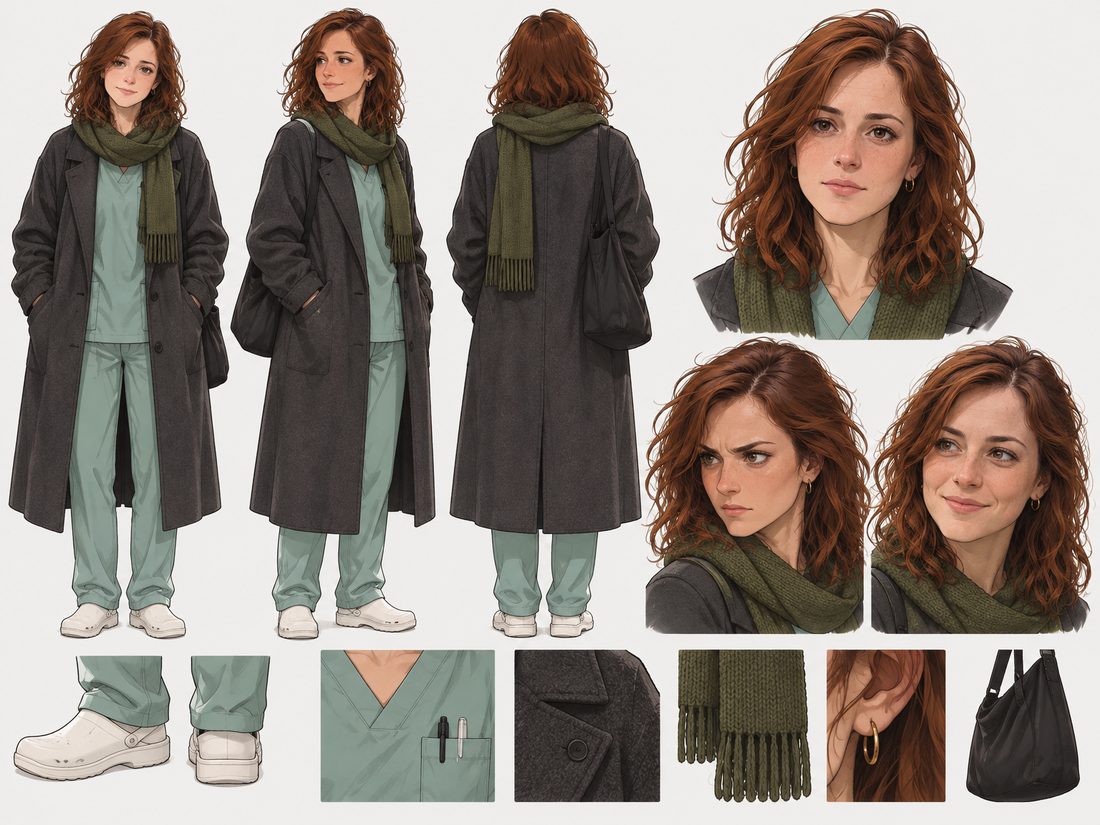
Swap in your photos. The series redraws with your cast.
Replace any character · Keep the story · A new series you own
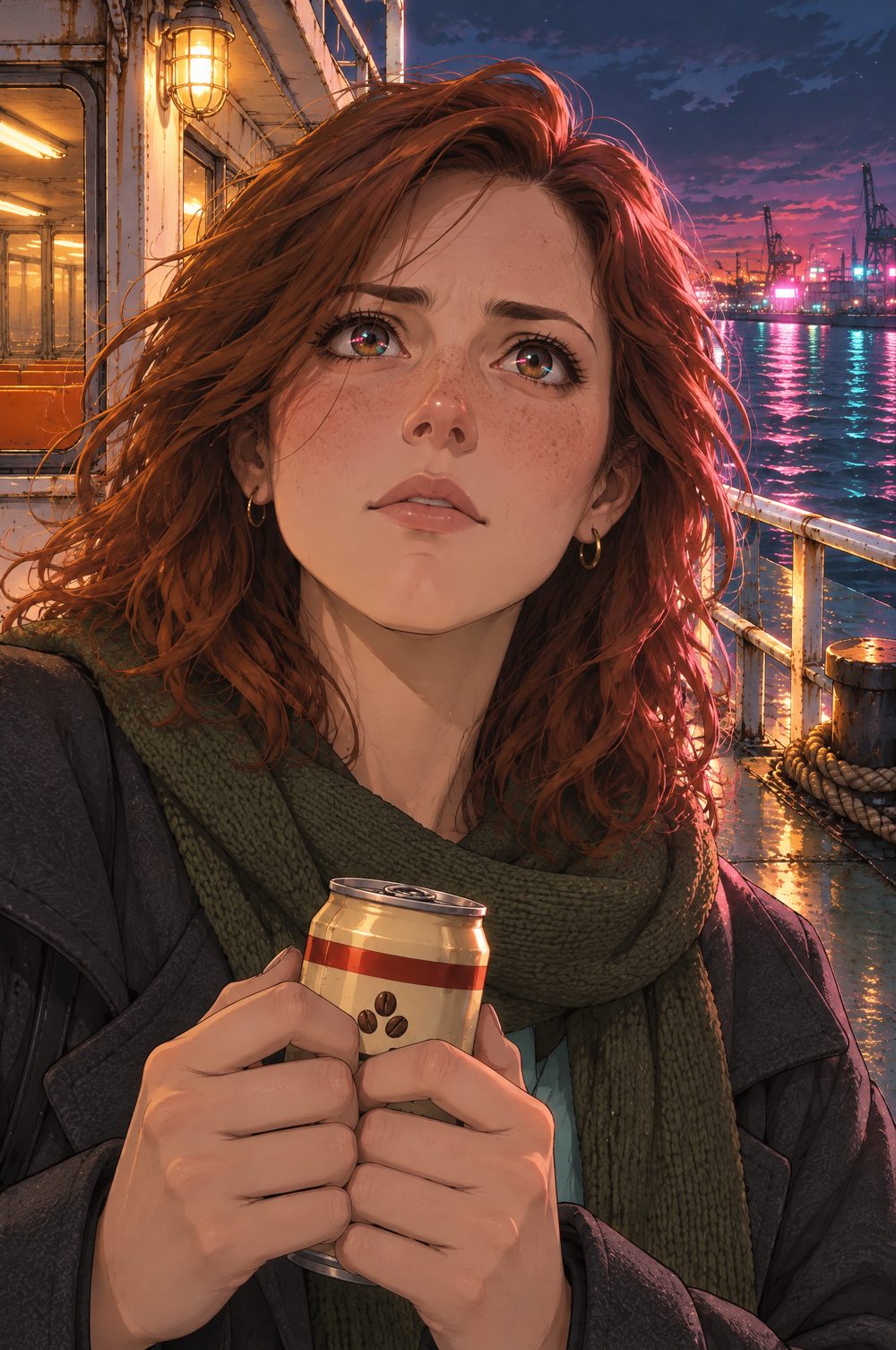
Page edit
Say what to change. Genga redraws just that page.
Edit by prompt · Rewrite the dialogue · Earlier versions kept
Make it snow instead of rain — frost on the glass, the neon turned cool blue
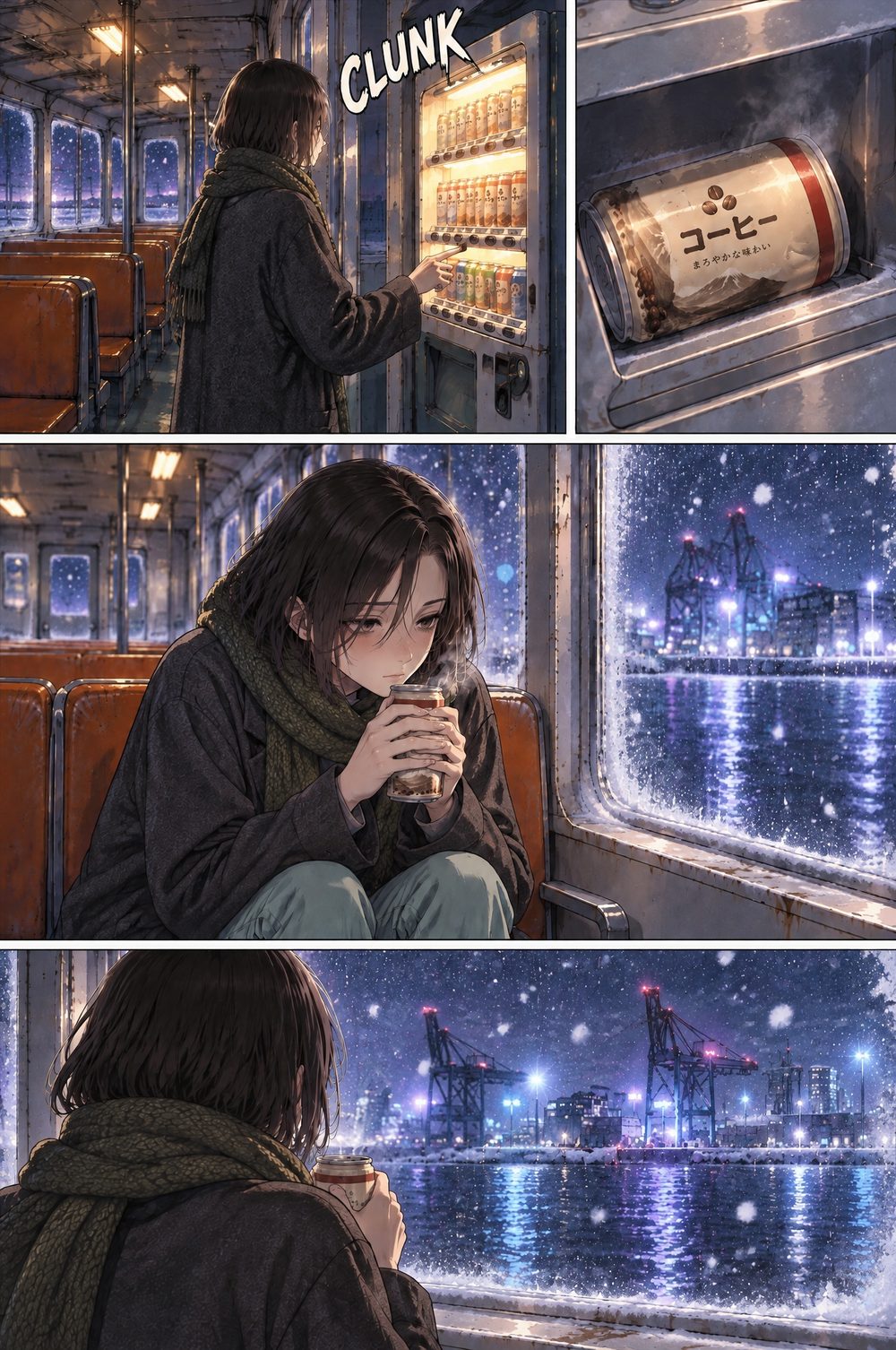
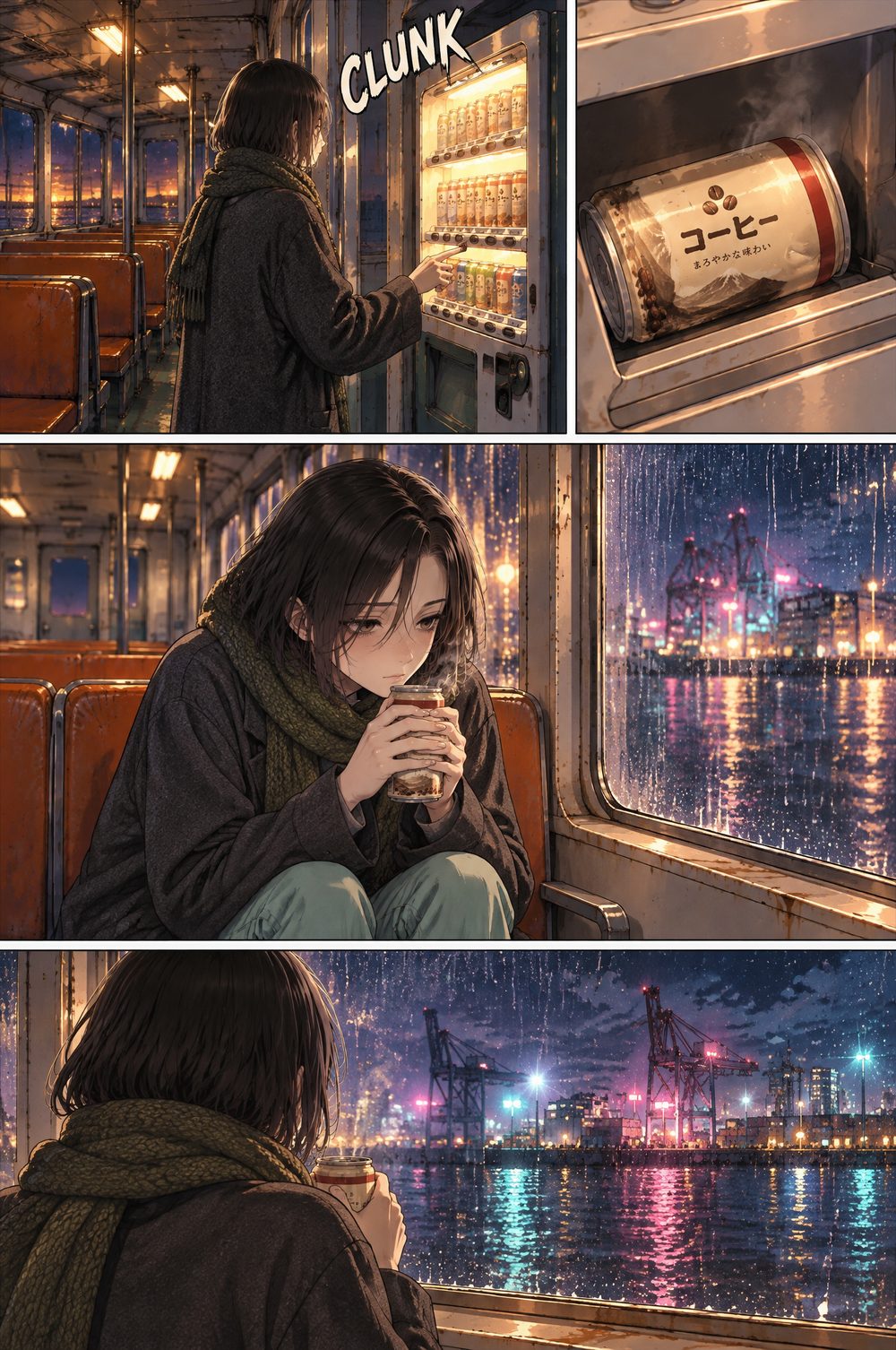
Previous version kept
Inside Genga
Every tool the series needs, from first sheet to export.
Cast cards
Draw a reference sheet, or upload your own.
Story outline
Genres, tone and every chapter, planned for free.
Export
PDF, CBZ, PNG pages or a sliced Webtoon strip.
Languages
20 languages, or auto from the story.
How it works
Idea, cast, pages. Writing is free; drawing uses credits.
First
Pitch it
Type a premise, upload a script, or add photos and images. Pick a style, the chapters and the language.
Then
Cast it
Genga writes the series for free and lists everyone in it. Draw each reference sheet, or upload your own.
Finally
Read it
Chapters draw page by page with the dialogue lettered in. Edit any page, then export or publish.
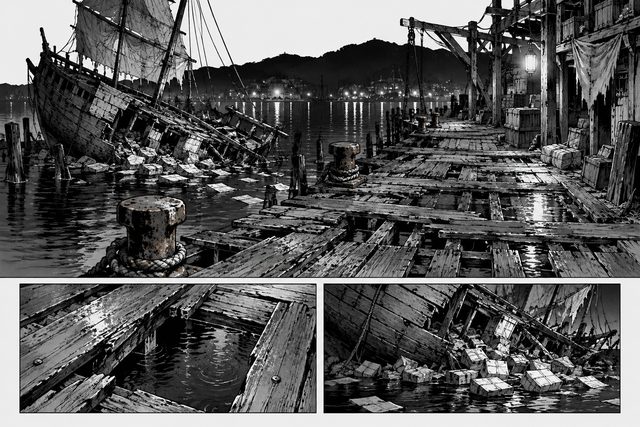
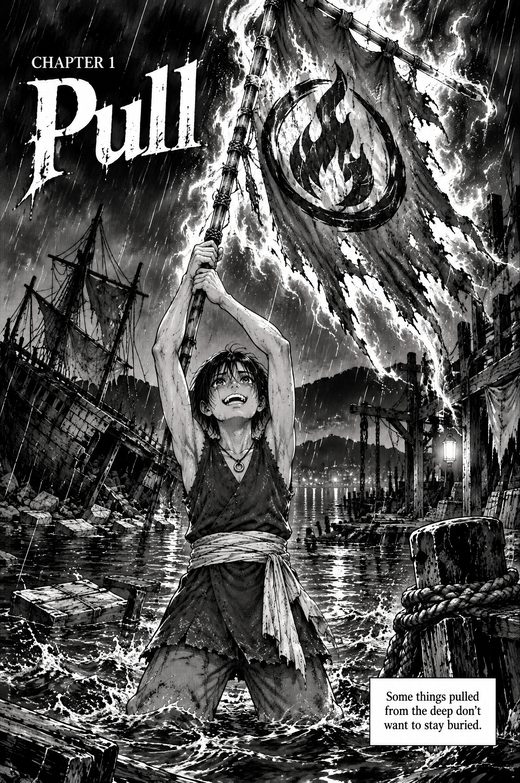
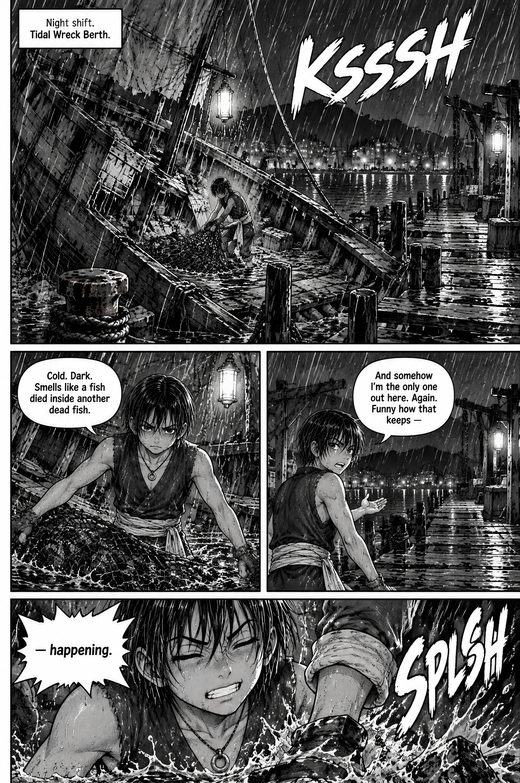
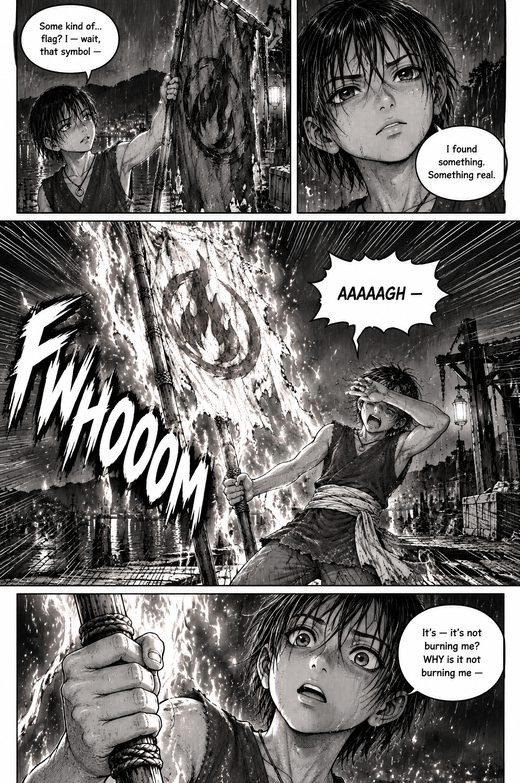
Templates
House series to read, or recreate with your own cast.
Questions
Ownership follows the Terms of Service; credit packs are on Pricing.
What is Genga?
Genga is Genfire’s manga, comic and webtoon studio. Describe an idea, upload a script or add images, and Genga writes the series — title, logline, chapters and page scripts — lists its characters, locations and props, draws a reference sheet for each, then draws every chapter as finished pages with the dialogue lettered into the art.
Which styles can Genga draw?
4 styles: B&W manga (ink, screentone and speed lines), Color manga (full-colour anime look, cel-shaded), Comics (bold inks, flat colour, Western panels) and Webtoon (vertical scroll, soft digital colour). Pages come in 2:3, 3:4 and 9:16, and you choose the style before anything is drawn.
How long can a series be?
Plan anywhere from 1 to 30 chapters up front, and add more later up to 30. Each chapter is Short (about 16 pages), Medium (about 24) and Long (about 32), plus its own title page. Chapters are outlined first and drawn one at a time, so you can read the first before you draw the rest.
Can I turn photos of real people into manga characters?
Yes. Add up to 6 photos to your idea and each person becomes a character whose reference sheet is drawn from their photo. You can also recreate any template with your own cast: swap in photos and Genga makes a new series you own, redrawn around them. Only use photos of people who have agreed to it.
Can I upload a script or a story I’ve already written?
Yes. Upload a PDF, DOCX, TXT or FDX script up to 25 MB and Genga adapts it into chapters, a cast and page scripts. You can also add up to 12 images — to turn into manga, or as visual direction for the series.
Which languages can the dialogue be in?
20 languages: English, Spanish, Portuguese, French, German, Italian, Dutch, Polish, Turkish, Russian, Ukrainian, Kazakh, Arabic, Hindi, Indonesian, Vietnamese, Thai, Japanese, Korean and Chinese — or Auto, which uses the language your story is written in. The dialogue is lettered straight into the art, and B&W and Color manga in Japanese read right to left, like a printed volume.
Can I change a page after it’s drawn?
Yes. Type what should change — “make it night”, “she’s laughing, not crying” — and Genga redraws that page from the current art. You can also edit the page script (the beat, the panels, the dialogue) for free and redraw it, and earlier versions stay with the page so you can switch back.
How do I export or publish my manga?
Export the whole series or chosen chapters as a PDF, a CBZ for comic-reader apps, a zip of PNG pages, or a Webtoon strip (800 px wide, sliced for WEBTOON Canvas & Tapas). Or publish it to the Genfire community, where other people can read it and recreate it with their own cast — you can unpublish at any time.
How much does Genga cost?
Writing the series is free — the outline, the cast list and every page script. Credits are spent only when something is drawn: reference sheets, the poster and pages, with a Draft quality for blocking out a chapter cheaply. The studio shows the cost before every run, a page that fails to draw is refunded, and credit packs start at $19 with no subscription.
Who owns the manga I make with Genga?
Under Genfire’s Terms of Service you own the output you generate, as long as you’ve paid the applicable fees and follow the Terms. Because it is AI-generated, similar images can be made for other people, so uniqueness isn’t guaranteed. You need the rights to anything you upload, and Genfire keeps a non-exclusive license to use your content to provide and improve the service — the Terms have the details.
Start your manga
The writing is free. Credits pay for the drawing.
Credit packs from $19 · credits last 12 months · no subscription · Pricing