What Kling V3 is best at
V3 Standard and Pro
The core tiers. Text or image to video at 16:9, 9:16, or 1:1, with generated audio, an end frame on image-to-video so the clip lands on the exact still you choose, multi-shot prompts, a shot-type control, and @-mentioned elements that keep a named character or object consistent. Pro is the same surface at higher quality.
V3 Turbo: 3-15s at the standard price
Kling 3.0 Turbo is the fast, cheaper tier. Any whole length from 3 to 15 seconds, text or image to video, multi-shot prompts, and two resolutions: Standard at 720p and Pro at 1080p — the Pro tier costs the same as Standard. It gives up the end frame, elements, and audio to get there.
Motion Control
Give it a character image and a reference video, and the character performs the video's movement — choreography, gestures, a walk cycle. Standard and Pro tiers, 5-second clips, aspect ratio taken from the inputs. It needs both files: the image is who, the video is how.
V3 4K
Text or image to video at 4K, with the same 3-15 second range, audio, and end-frame support as Standard and Pro. Pick it from the quality selector on Kling V3; on Turbo the 4K choice steps down to Pro, because Turbo only sells 720p and 1080p.
Kling V3 at a glance
Prompt ideas for Kling V3
Built to Kling V3’s strengths — steal these to get started.
How to use Kling V3 on Genfire
- 1
Describe it
Write a prompt — or upload an image or reference media, and pick Kling V3 in the model selector.
- 2
Generate & compare
Render the video, iterate on the prompt, or run the same brief on a sibling model to compare — all from one credit balance.
- 3
Finish & publish
Send the result into Genfire's editor, upscaler, and audio tools, then export platform-ready output.
Which Kling V3 tier to reach for
Kling's reputation was built on image-to-video, and V3 Standard and Pro are where that shows. Give them a still — a generated character, a product shot, a storyboard frame — and the motion comes out as if the image had always been a paused video: the subject keeps its identity and the camera moves like someone is operating it. They also carry the controls the rest of the family trims away: an end frame on image-to-video, so a five or ten second clip travels from one exact still to another; generated audio; a shot-type control; multi-shot prompts that describe several beats in one request; and elements — named characters or objects you @-mention to hold them consistent. Output is 16:9, 9:16, or 1:1 from text, and follows the source frame when you start from an image.
Kling V3 Turbo is a different bargain. It is the fast, cheaper tier of the same model, and it stretches the length range to any whole second from 3 to 15 while keeping multi-shot prompts, so a three-beat sequence renders as one clip. It sells two resolutions — Standard at 720p and Pro at 1080p — and the Pro tier is priced at the Standard rate, so there is little reason not to take 1080p. What Turbo does not do matters just as much: no end frame, no elements, and no audio. If a shot must land on a specific frame or ship with sound, that is a V3 Standard or Pro job; if it needs to be long, cheap, and quick, it is a Turbo job. The studio hides the controls Turbo lacks rather than accepting settings it would ignore.
Two more tiers round the family out. Kling V3 Motion Control takes a character image and a reference video and produces a five-second clip in which the character performs the reference's movement — it needs both inputs, and it turns dance, gesture, and action work from prompt roulette into direction. Kling V3 4K is the delivery tier: text or image to video at 4K with the same 3-15 second range, audio, and end frame as Standard and Pro. All of it sits behind one quality selector — Standard, Pro, or 4K — in the browser studio, and as individual video.kling_v3* models on the API, the MCP server, and the CLI. Prompts on every Kling tier are capped at about 2,450 characters, which is plenty for a multi-shot brief. For the newer O3 generation, including its video-to-video reference mode, see the Kling O3 page.
Kling V3 — frequently asked questions
What is Kling V3?
Kling V3 is Kuaishou's third-generation Kling video model. On Genfire it comes as V3 Standard and Pro, V3 Turbo in Standard (720p) and Pro (1080p) tiers, V3 Motion Control in Standard and Pro, and V3 4K, all generating from text or an image at 16:9, 9:16, or 1:1.
What is the difference between Kling V3 and Kling V3 Turbo?
V3 Standard and Pro generate with audio, an end frame on image-to-video, elements, and multi-shot prompts. V3 Turbo is the fast, cheaper tier: same 3 to 15 second range and multi-shot prompts, text or image to video, at 720p on Standard or 1080p on Pro, but with no end frame, no elements, and no audio.
Does Kling V3 generate audio?
Kling V3 Standard, Pro, and 4K generate audio with the picture, and the browser studio shows an audio toggle for them. Kling V3 Turbo does not generate audio in either tier, and Motion Control clips take their timing from the reference video rather than a soundtrack.
How long can a Kling V3 video be?
Kling V3 Standard, Pro, 4K, and Turbo all take any whole number of seconds from 3 to 15. Kling V3 Motion Control produces 5-second clips.
What is Kling V3 Motion Control?
Kling V3 Motion Control transfers the movement in a reference video onto a character image, so your character performs the reference's choreography, gesture, or action. It requires both a character image and a motion reference video, comes in Standard and Pro tiers, and produces 5-second clips.
Is Kling V3 Turbo Pro really the same price as Standard?
Yes. On Genfire Kling V3 Turbo Pro renders at 1080p for the same per-clip price as Turbo Standard at 720p, so Pro is the sensible default whenever you use Turbo. Both are cheaper than the full V3 Standard and Pro tiers, which is what Turbo is for.
How do I use Kling V3 on Genfire?
Choose Kling V3, Kling V3 Turbo, or Kling V3 Motion Control in the browser video studio and set the quality to Standard, Pro, or 4K. The same tiers are available through the Genfire API as the video.kling_v3 family of models, and through the MCP server and CLI. Genfire is pay-as-you-go — credit packs start at $19 and every purchase includes a commercial license — and no Kling account is needed.
Is Kling 4.0 out, and should I switch to it?
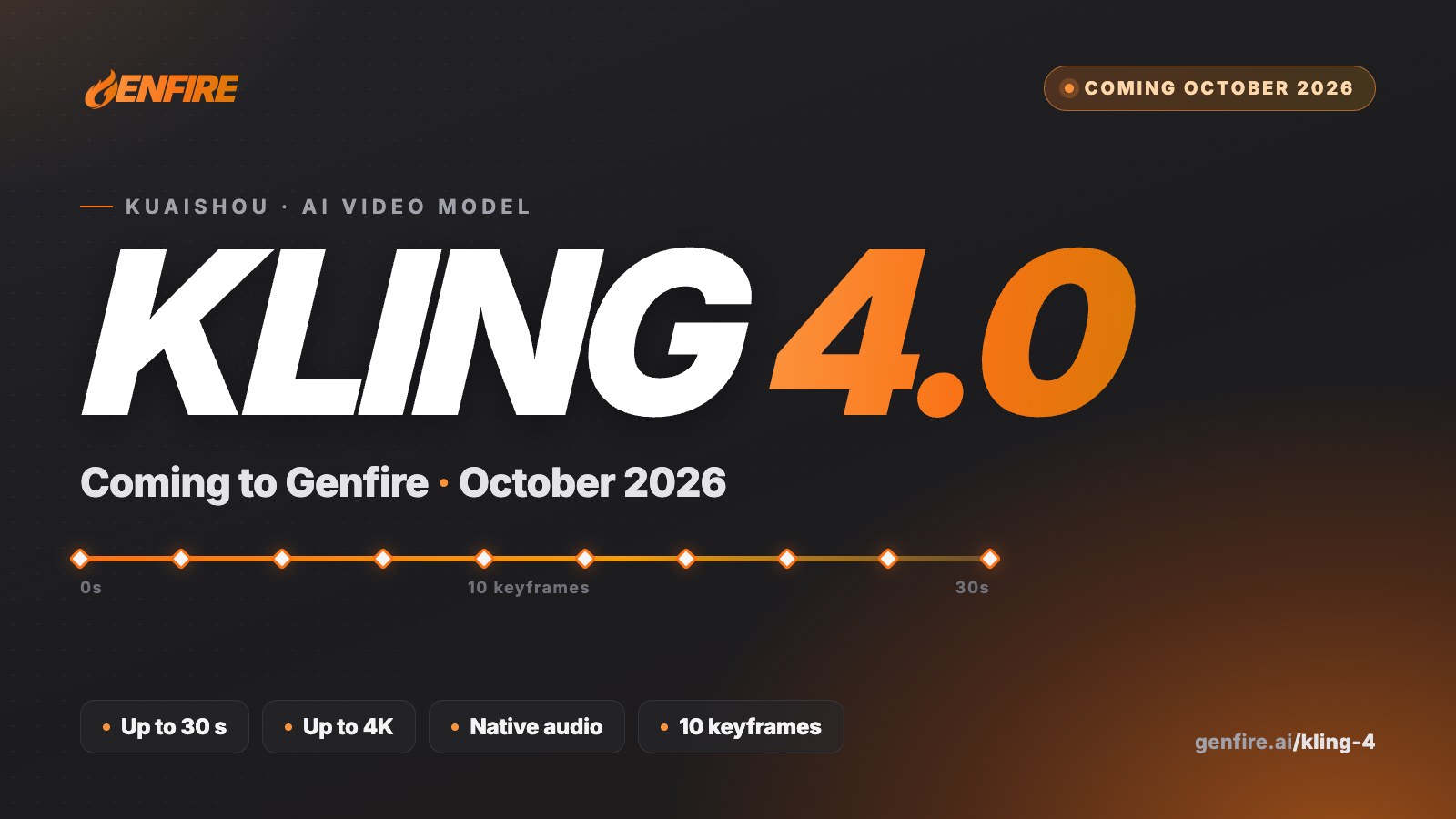
Kling 4.0 is out: Kuaishou launched it globally on October 15, 2026, and it is live on Genfire. It runs 3 to 30 seconds per generation at 720p or 1080p with sound, and adds a reference mode with up to 10 images, 5 video clips and 7 elements, so it is the pick for long, multi-shot or reference-heavy shots. Kling 3.0 (V3) stays the choice for Motion Control, the 4K tier and Turbo's fast 3-15 second clips.
Compare with other models
From the blog
All posts →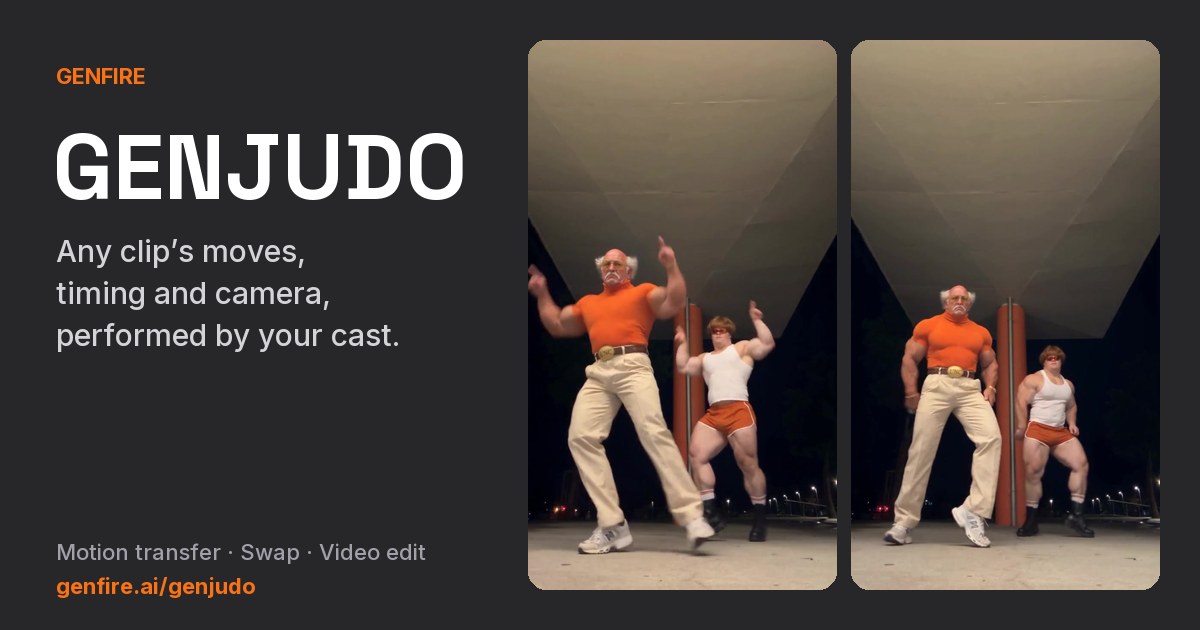
Explore Genfire
AI Tools
AI Models
Generate with Kling V3 today
Kling V3 plus 65+ other AI models, one credit balance, and a full editing pipeline — free plan included, no credit card required.
Start Free