Made with Genfire
Real outputs from the ai influencer generator.
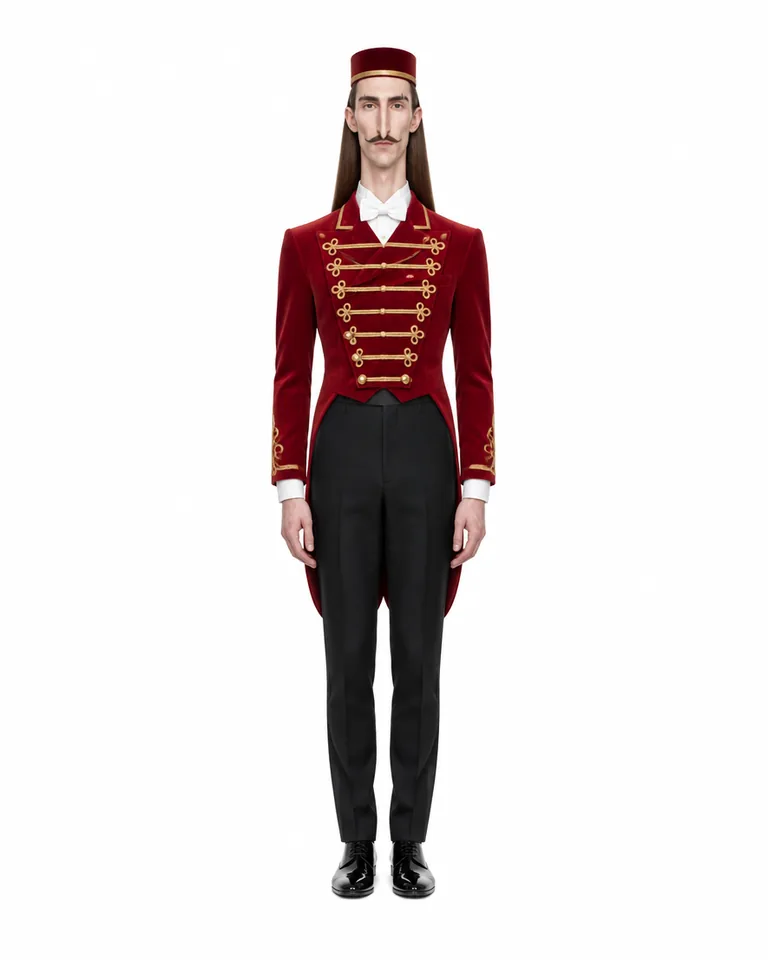 Extreme tier
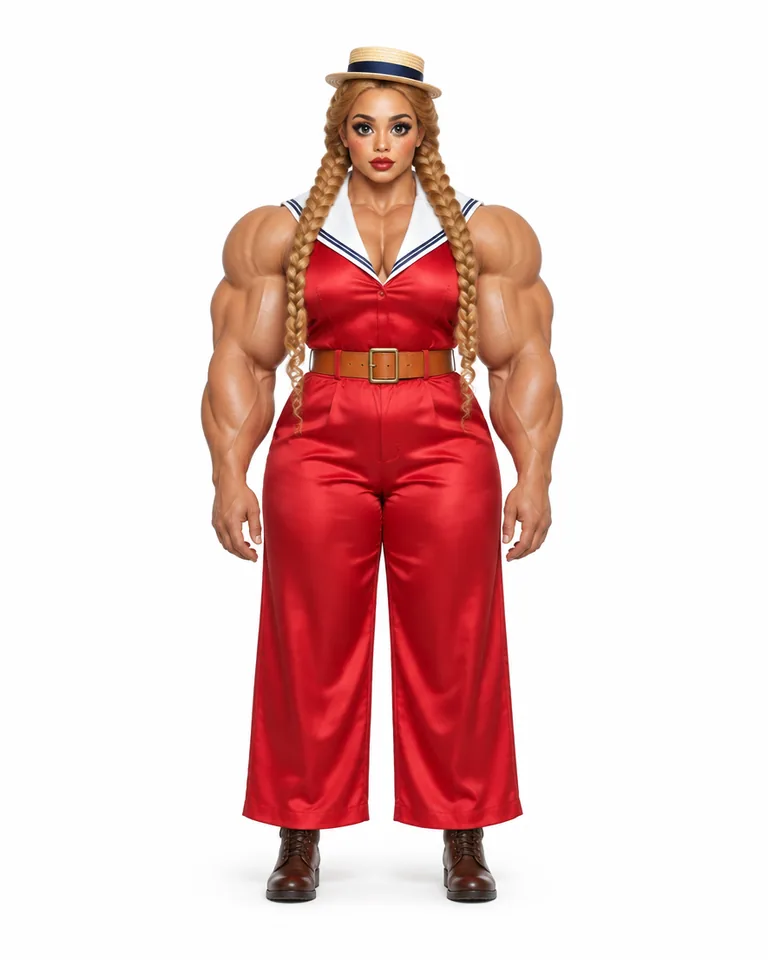 Extreme tier
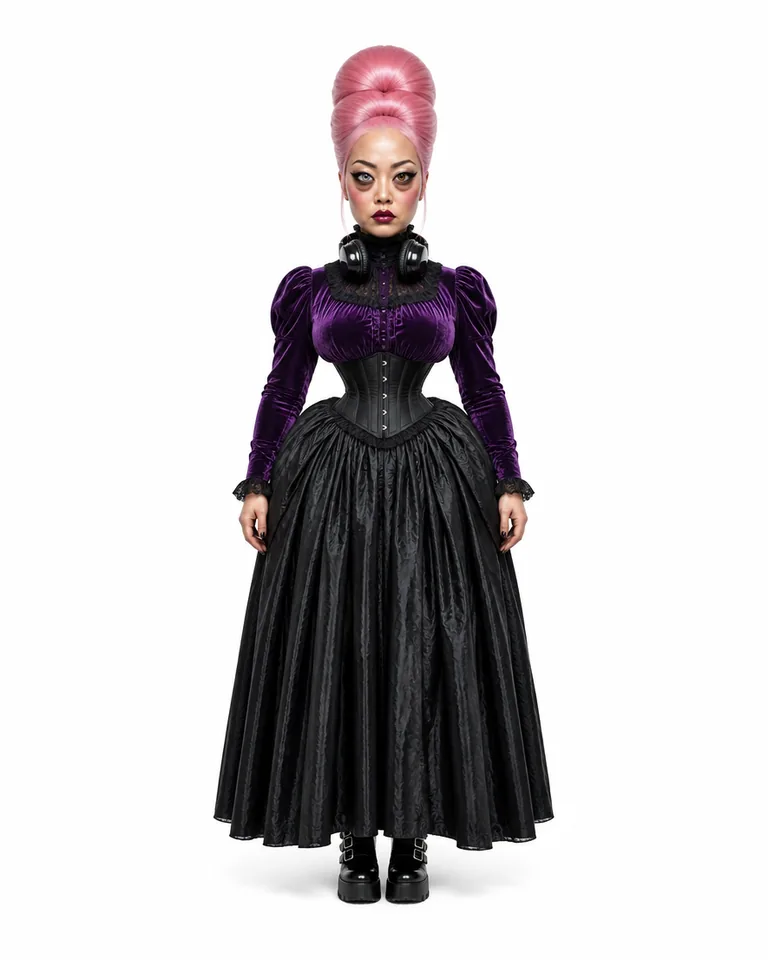 Extreme tier
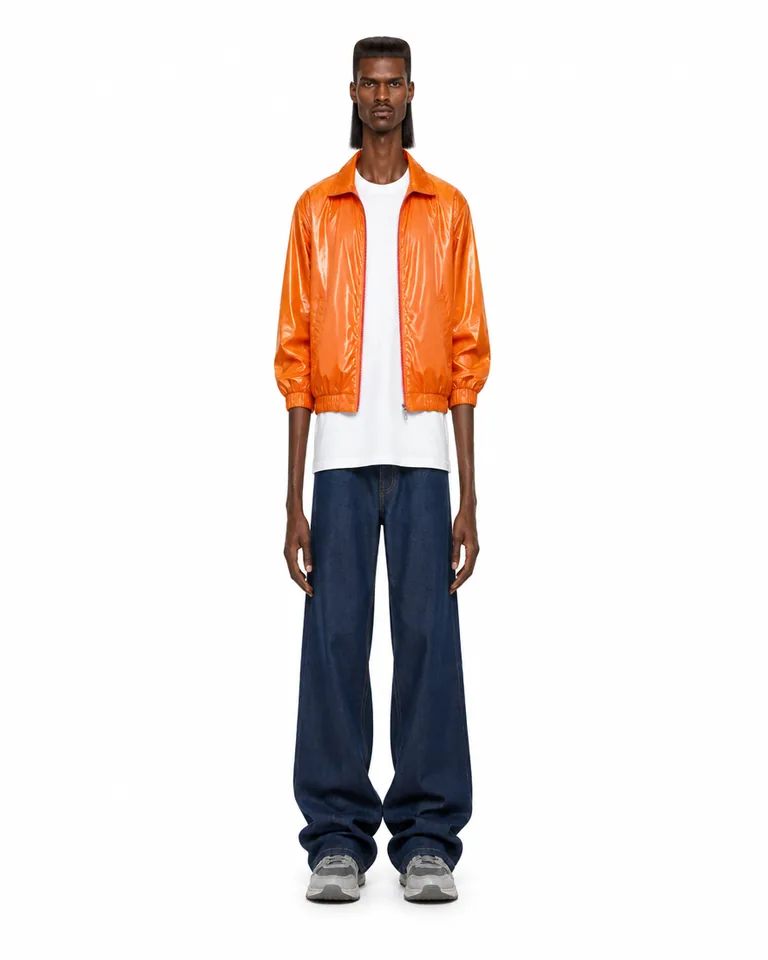 Extreme tier
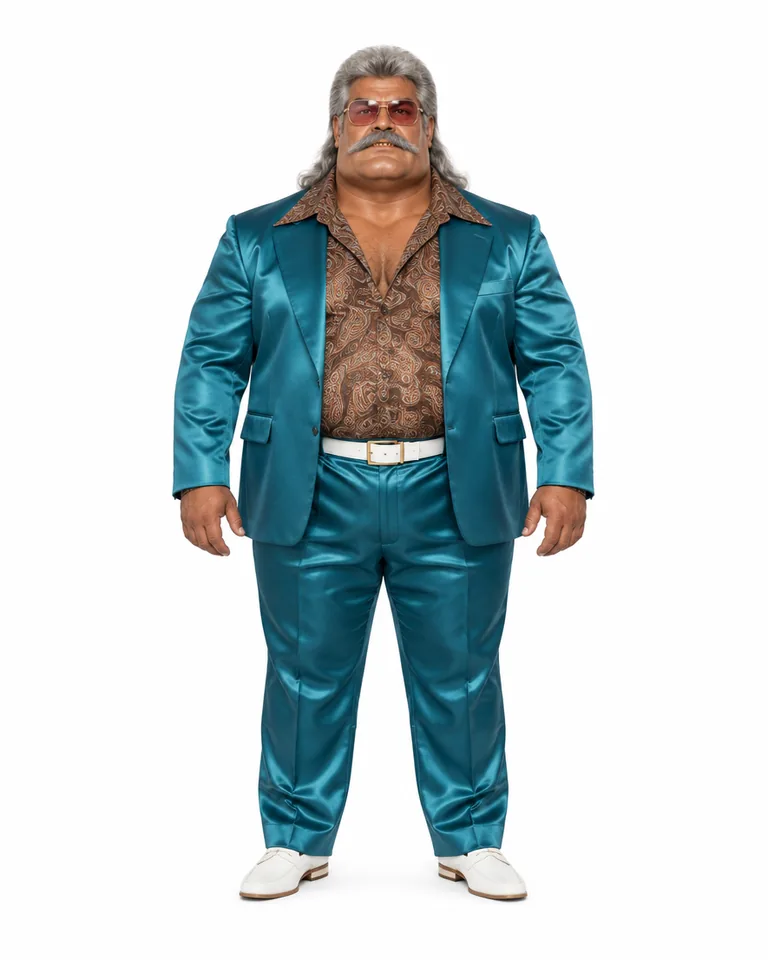 Extreme tier
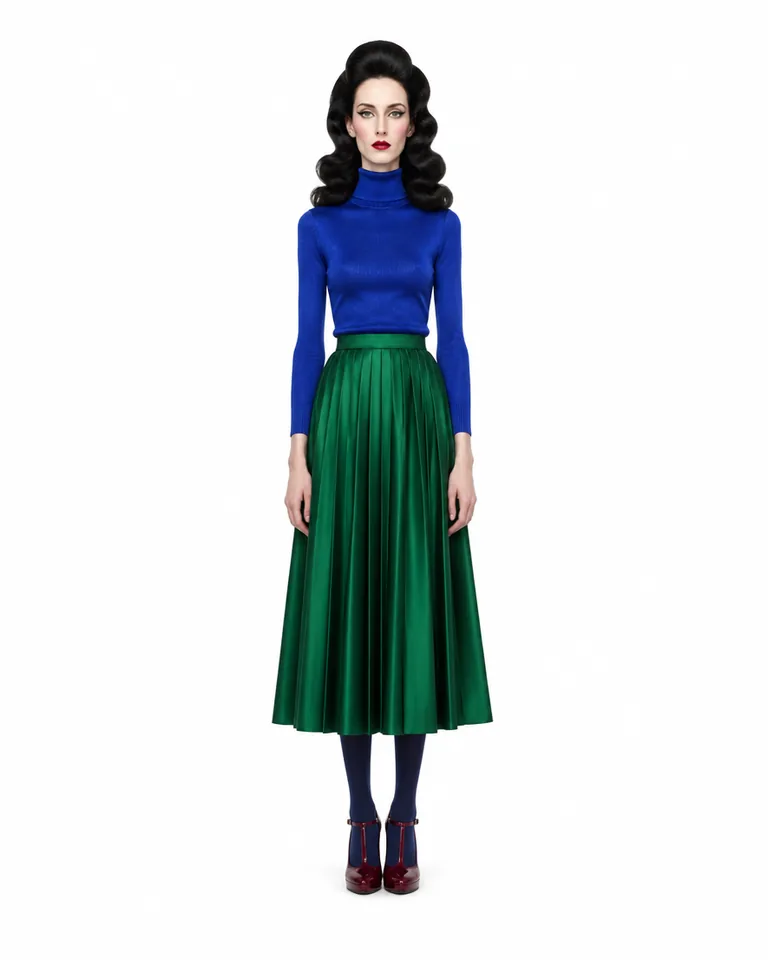 Bold tier
The cast
Characters built in Genfire’s AI Influencer Studio — open one to see its traits and recreate it.
What you can create
One tool, many formats — these are the things creators actually ship with the ai influencer generator.
A recurring face
One character who anchors a series, a channel or a brand account, post after post.
Photoshoots & carousels
Editorial shots in any setting and four-slide posts, face-locked to the sheet.
Dance & trend videos
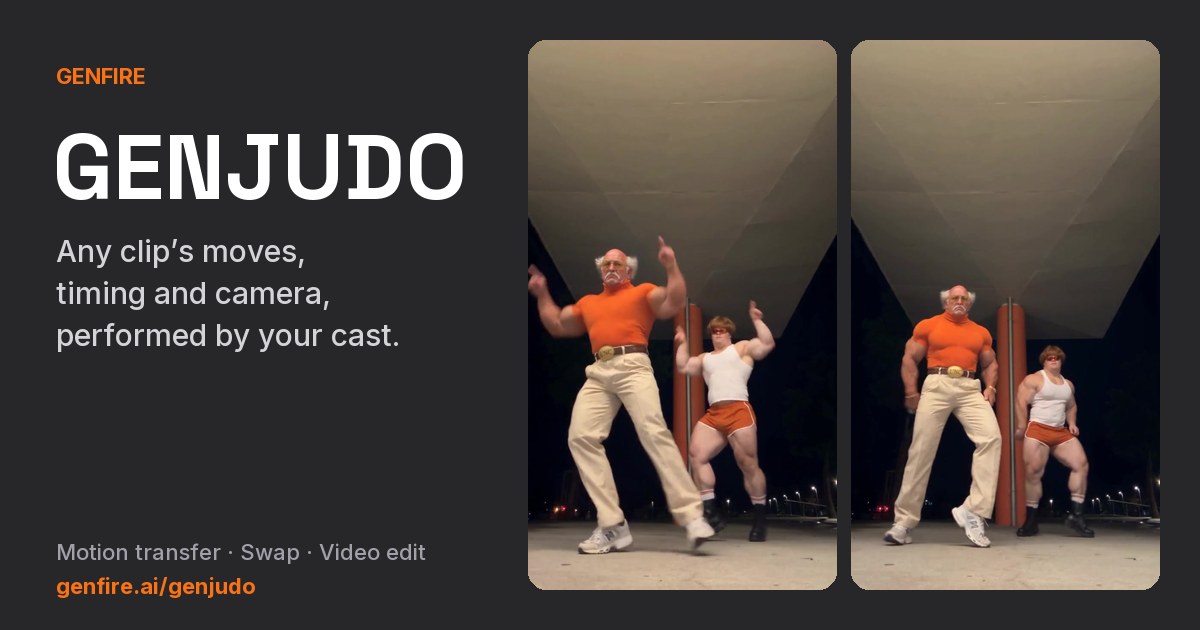
Any clip’s moves performed by your influencer through Genjudo.
Talking to camera
A script spoken in their saved voice, or lip-synced to a track or song.
A restyled you
Your own face from one photo, pushed through the traits you pick.
Surreal characters
Extreme-tier faces, or a mantis, ant or dog in human clothes.
Why Genfire
170 traits in 18 sections
Gender, build, height, proportions, hair, face shape, eyes, features, facial hair, style and accessories — or press Shuffle and let the studio fill the sections you left empty.
Average, Bold or Extreme
One switch sets how far every trait goes: a believable everyday person, a quirky caricature, or prosthetic-grade surreal that still renders photoreal. Mantis, Ant and Dog characters are in there too.
One locked character sheet
A close-up portrait, a full-body rear view and a full-body front view of the same character, in one image. That sheet is the identity every later image and video is built from.
Make them move and talk
Motion transfer from any clip with Genjudo, talk to camera, lip-sync to a song, animate a still or act in a cinematic scene — every influencer video runs on Seedance 2.5.
Character briefs
Steal these to get started — every one is a single click from a result.
How it works
- 1Pick traits

Muscular 
Moustache 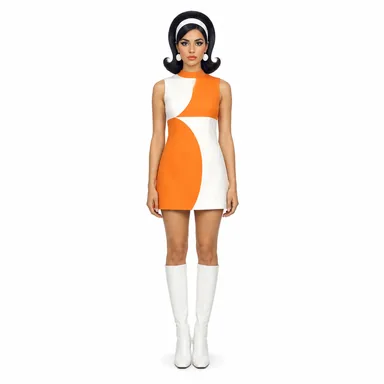
Retro Define your influencer
Pick traits and a tier, describe them in your own words, or add a photo of yourself and keep your face while the traits restyle you.
- 2
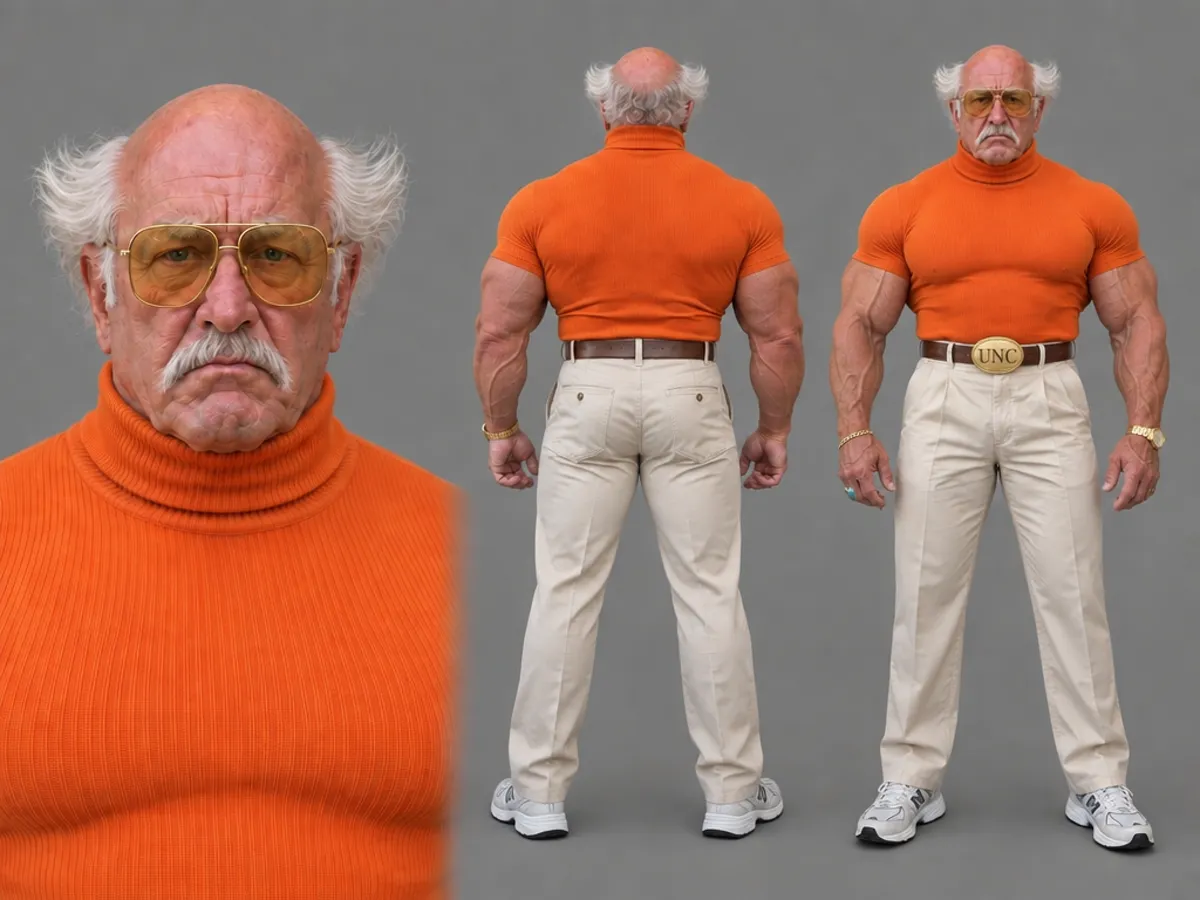 Character sheet
Get the character sheet
The studio renders the three-view sheet — portrait, rear, front — and saves the character under its @handle.
- In motion3
Make content with them
Photoshoots, four-slide carousels and headshots, plus motion, talking and lip-sync video on Seedance 2.5 — from their page, or by @mentioning them in any prompt.
Why the sheet comes first
Most AI influencers fall apart by the third post, when the face drifts. A prompt like “a 25-year-old woman with brown hair” fits millions of people, so the model casts a new one every run. Genfire’s AI Influencer Studio works the other way round: it casts the character first, as one three-view sheet, and every later shot is built from that sheet rather than from a description. The portrait holds the face, the rear view holds the back of the hair and the outfit so a turn never has to invent one, and the front view holds build, proportions and wardrobe from head to shoes.
Casting is trait by trait: 170 options in 18 sections, from build, height and proportions to hairstyle, head shape, eyes, features, distinctive marks, style and accessories. One tier switch sets how hard they are pushed — Average stays believable, Bold lets the quirks show, Extreme goes surreal yet photoreal — and Mantis, Ant or Dog swaps the human head for a creature’s while keeping wardrobe, style and accessories. Anything the catalog doesn’t cover goes in your own words, and one photo of yourself keeps your face through all of it.
Once the sheet exists, the character is an @handle. Mention it in a prompt and the sheet goes with it as the identity reference — in photoshoots, carousels and headshots, and in video: motion transfer from any clip with Genjudo, talk to camera, lip-sync, animate and cinematic scenes, all on Seedance 2.5. That is the difference between one good portrait and a character you can post every day.
Frequently asked questions
How does the AI influencer generator work?
You build the character in Genfire’s AI Influencer Studio: pick from 170 traits across 18 sections, from build and hairstyle to eye shape, features and style, and choose a tier. Genfire turns your picks into one casting brief and renders a three-view character sheet — a close-up portrait, a rear view and a front view of the same character. Saved under an @handle, that sheet is your influencer from then on.
Can I make an AI influencer from my own photo?
Yes. Add one photo of yourself and the builder keeps your face while it applies the traits you picked, so you get a restyled version of you on the same three-view sheet. Only use a photo of someone who has agreed to it — your own face, or a person who has given you permission.
Which tier should I pick: Average, Bold or Extreme?
Average gives a believable everyday person with nothing pushed. Bold makes the traits you pick clearly show, slightly caricatured but plausible. Extreme pushes every trait to surreal, prosthetic-grade exaggeration while staying photoreal. Some hairstyles, head shapes and facial features only appear at Bold and Extreme.
What can my AI influencer do on video?
Five things, all on Seedance 2.5: perform any clip move for move with motion transfer through Genjudo, talk to camera from a script, lip-sync to a voice track or song, bring a still to life, or act in a cinematic scene you describe. Give them a saved voice in their profile and Talk to camera uses it automatically.
How much does it cost to make an AI influencer?
Characters and everything you make with them are paid in Genfire credits — pay as you go, with no subscription needed. The exact price shows in the Generate button before anything runs, and credit packs start at $19.
Can I start from an existing character instead of a blank builder?
Yes. Every character on the studio’s cast wall can be recreated: open one, press Recreate, and its traits and brief load into the builder for you to change before you render your own. Shuffle fills any sections you leave empty.
Can my AI influencer keep the same voice in every video?
Yes. Give the character a voice in their profile — pick one, design one, or clone one you have the rights to — and Talk to camera attaches it automatically with their identity. Without a saved voice, the video model voices them fresh each time.
Can I build more than one AI influencer?
Yes. Each character is saved under its own @handle with its own sheet, voice and history, so you can run a whole cast from one account and mention whichever one a post needs.
From the blog
All posts →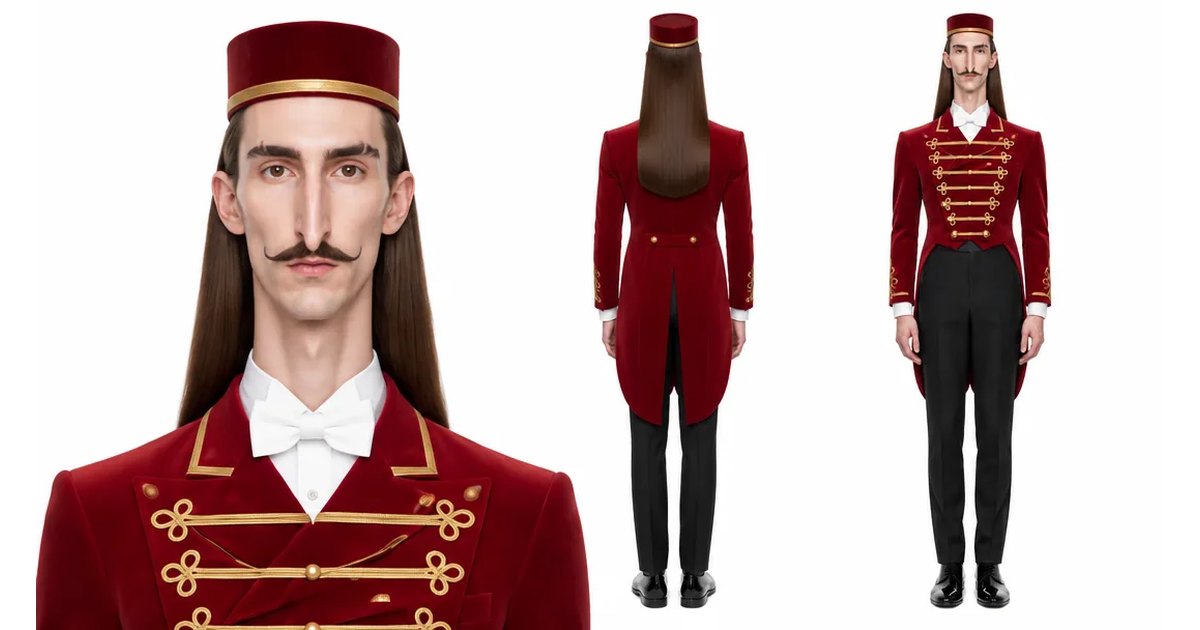
Explore Genfire
AI Tools
AI Models
Start creating with AI Influencer Generator
65+ AI models, a visual workflow editor, persistent influencers, and an API — all in one app. Free plan included, no credit card required.
Get Started Free